
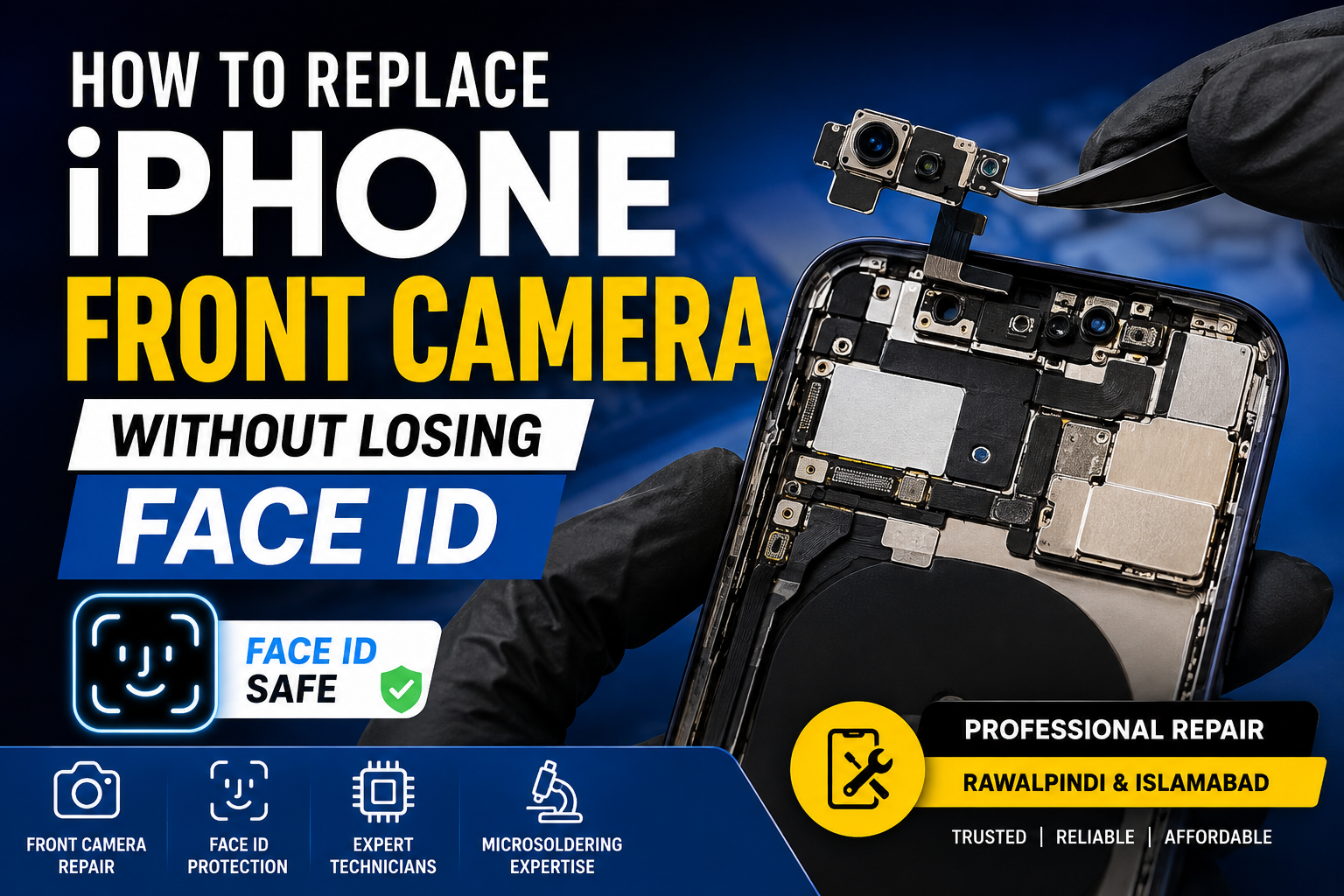
Replacing an iPhone front camera is not always as simple as removing the old camera and installing a new one. On many iPhone models, the front camera assembly is closely connected with the TrueDepth system and FACE ID functionality. An incorrect repair can result in FACE ID stopping working permanently or displaying an error message.
If your iPhone front camera is blurry, damaged, not focusing, showing a black screen, or not working after a drop or water damage, it is important to understand which parts can be replaced safely.
This guide explains how to replace an iPhone front camera without losing FACE ID, what causes FACE ID to stop working, and why professional microsoldering may be necessary for a successful repair in Rawalpindi and Islamabad.
Can You Replace an iPhone Front Camera Without Losing FACE ID?
Yes, in some situations, but it depends on the damaged component and the iPhone model.
The most important rule is:
Do not unnecessarily replace or damage the original paired components of the TrueDepth camera system.
FACE ID uses multiple components that work together, including the front-facing camera system, infrared camera, dot projector, flood illuminator, sensors, and related flex cables.
On many iPhone models, certain components are paired or calibrated to the phone’s original logic board. Simply installing a complete aftermarket or donor front camera assembly may restore the selfie camera but can cause FACE ID to stop working.
A professional repair technician should first identify the exact faulty component before replacing anything.
What Is Included in the iPhone Front Camera System?
The front area of an iPhone contains more than just a selfie camera. Depending on the model, the assembly may include:
- Front-facing camera
- Infrared camera
- Dot projector
- Flood illuminator
- Proximity sensor
- Ambient light sensor
- Earpiece speaker
- Flex cables
- TrueDepth camera components
These parts work together to support features such as:
- FACE ID
- Portrait Mode
- Animoji and Memoji
- Attention-aware features
- Automatic brightness functions
- Proximity detection during calls
Because of this complex design, replacing the entire assembly without proper testing can create additional problems.
Why Does FACE ID Stop Working After Front Camera Replacement?
FACE ID may stop working after a repair for several reasons.
1. The Original Paired Component Was Replaced
Some components are linked to the original logic board. Replacing the wrong component with a donor part can prevent FACE ID from functioning.
2. Flex Cable Damage
Front sensor flex cables are extremely delicate. A small tear, damaged connector, or broken circuit can affect FACE ID and other sensors.
3. Water or Liquid Damage
Liquid damage can cause corrosion around the front camera connectors, sensor circuits, or logic board. In these cases, simply replacing the camera may not solve the problem.
4. Previous Poor-Quality Repair
Incorrect disassembly, excessive heat, damaged solder points, or an improperly transferred component can cause FACE ID failure.
5. Logic Board Problems
Sometimes the front camera assembly is not the actual problem. The fault may be located on the iPhone logic board and require diagnostic work or microsoldering repair.
How To Replace an iPhone Front Camera Safely
Replacing an iPhone front camera while preserving FACE ID requires careful diagnostics and handling.
Step 1: Test the Front Camera Before Opening the iPhone
Before starting the repair, test:
- Selfie camera
- FACE ID
- Portrait Mode
- Proximity sensor
- Earpiece speaker
- Auto brightness
- TrueDepth-related features
This helps identify whether the problem is limited to the front camera or involves multiple components.
Step 2: Power Off the iPhone
The device should be powered off before disconnecting internal components. This helps reduce the risk of electrical damage during repair.
Step 3: Open the iPhone Carefully
The display assembly and front sensor components should be removed using appropriate tools and procedures. The flex cables should never be pulled or bent excessively.
Step 4: Preserve the Original FACE ID Components
This is one of the most important parts of the repair.
If the original components are functional, they should be preserved and handled carefully. Replacing an entire front sensor assembly without understanding which parts are paired can result in the loss of FACE ID.
Step 5: Identify the Actual Faulty Component
Professional diagnostics may reveal problems such as:
- Faulty front camera module
- Damaged sensor flex
- Broken connector
- Liquid damage
- Corroded circuit
- Logic board fault
- Dot projector issue
- Flood illuminator issue
The repair method should be based on the actual fault rather than replacing multiple parts unnecessarily.
Step 6: Perform Microsoldering When Required
If the original component needs to be preserved but its flex cable or circuit is damaged, microsoldering techniques may be required.
Microsoldering can involve precision-level work to repair damaged circuits or restore connections while preserving important original components.
This type of repair should be performed by an experienced technician using proper diagnostic equipment and microsoldering tools.
Step 7: Reassemble and Test FACE ID
After the repair, the iPhone should be tested for:
- FACE ID enrollment
- FACE ID unlocking
- Front camera quality
- Portrait Mode
- Proximity sensor
- Earpiece functionality
- Ambient light sensor
- Other related features
Testing before and after reassembly helps confirm that the repair was successful.
Can You Install a New Front Camera and Keep FACE ID?
The answer depends on which component is being replaced.
A damaged selfie camera module may sometimes be repairable or replaceable without affecting FACE ID if the critical original TrueDepth components remain functional and intact.
However, installing a complete replacement front camera assembly or transferring components incorrectly can deactivate FACE ID.
For this reason, it is not recommended to replace iPhone front camera components without first identifying the exact damaged part.
Common Symptoms of a Faulty iPhone Front Camera
You may need front camera repair if you experience:
- Front camera showing a black screen
- Blurry selfie camera
- Camera not focusing
- Camera app freezing when switching to the front camera
- Portrait Mode not working
- FACE ID unavailable after a drop
- FACE ID stopped working after screen replacement
- Front camera damaged by water
- Proximity sensor not working during calls
- Auto brightness not functioning
These symptoms do not always mean the entire front camera assembly needs to be replaced. Proper diagnostics can help avoid unnecessary part replacement.
iPhone Front Camera Repair After Water Damage
Water damage can affect the front camera, sensor flex, connectors, or logic board.
Common signs include:
- Camera not opening
- Blurry camera
- FACE ID unavailable
- Random sensor problems
- Earpiece issues
- Corrosion around connectors
A proper inspection should be performed before replacing parts. In some cases, cleaning corrosion or repairing damaged circuits may be more effective than replacing the complete assembly.
Professional iPhone Front Camera and FACE ID Repair in Rawalpindi & Islamabad
If your iPhone front camera is damaged and you want to protect your FACE ID functionality, professional diagnostics are important.
Microsoldering Repairs or Microsoldering Service Centers provide advanced diagnostics and repair services for iPhone front camera, TrueDepth camera, sensor flex, liquid damage, and board-level issues.
We serve customers looking for iPhone repair services in:
- Rawalpindi
- Saddar Rawalpindi
- Islamabad
- Nearby areas of Rawalpindi and Islamabad
Shop Address
1st Floor of Shabaz Plaza, Bank Road, Saddar, Rawalpindi
Office Contact Number
0310 8999929
If your iPhone front camera has stopped working, FACE ID is unavailable, or your device was damaged after a screen replacement, drop, or liquid exposure, a proper diagnosis can help determine the safest repair option.
Why Choose a Microsoldering Repair for FACE ID Problems?
Standard part replacement is not always the correct solution for iPhone FACE ID problems.
Microsoldering-level repair can be useful when the issue involves:
- Damaged flex circuits
- Broken pads or connectors
- Corrosion
- Sensor circuit faults
- Logic board issues
- Damage caused during previous repairs
- Front camera-related circuit problems
The goal should always be to diagnose the actual fault and preserve original components whenever possible.
FAQs
Can I replace my iPhone front camera without losing FACE ID?
In some cases, yes. It depends on the iPhone model and the specific component that is damaged. Critical original TrueDepth components may need to be preserved to keep FACE ID working.
Will replacing the complete front camera assembly deactivate Face ID?
It can. Some FACE ID-related components are paired with the original device, so installing a complete donor or aftermarket assembly may cause FACE ID to stop functioning.
Why did FACE ID stop working after screen replacement?
The front sensor assembly or its flex cables may have been damaged during the screen repair. Incorrect installation, flex damage, or replacement of original components can also cause the problem.
Can water damage cause both the front camera and FACE ID to fail?
Yes. Liquid can damage sensors, flex cables, connectors, and circuits associated with the front camera and TrueDepth system.
Is FACE ID repair possible without replacing the entire phone?
Depending on the cause of the fault, professional diagnostics and microsoldering repair may address damaged circuits or components.
Where can I get iPhone front camera repair in Rawalpindi or Islamabad?
You can visit Microsoldering Repairs or Microsoldering Service Centers on the 1st Floor of Shabaz Plaza, Bank Road, Saddar, Rawalpindi. For office inquiries, call 0310 8999929.
Final Thoughts
Replacing an iPhone front camera without losing FACE ID requires more than simply installing a new part. The TrueDepth camera system contains sensitive components, some of which are linked to the original device.
If your front camera is faulty, blurry, black, water-damaged, or causing FACE ID problems, the safest approach is to diagnose the exact issue first. Preserving original FACE ID-related components and using professional microsoldering techniques when necessary can help avoid unnecessary damage.
For professional iPhone front camera repair and FACE ID diagnostics in Rawalpindi and Islamabad, visit the 1st Floor of Shabaz Plaza, Bank Road, Saddar, Rawalpindi, or contact the office at 0310 8999929.

