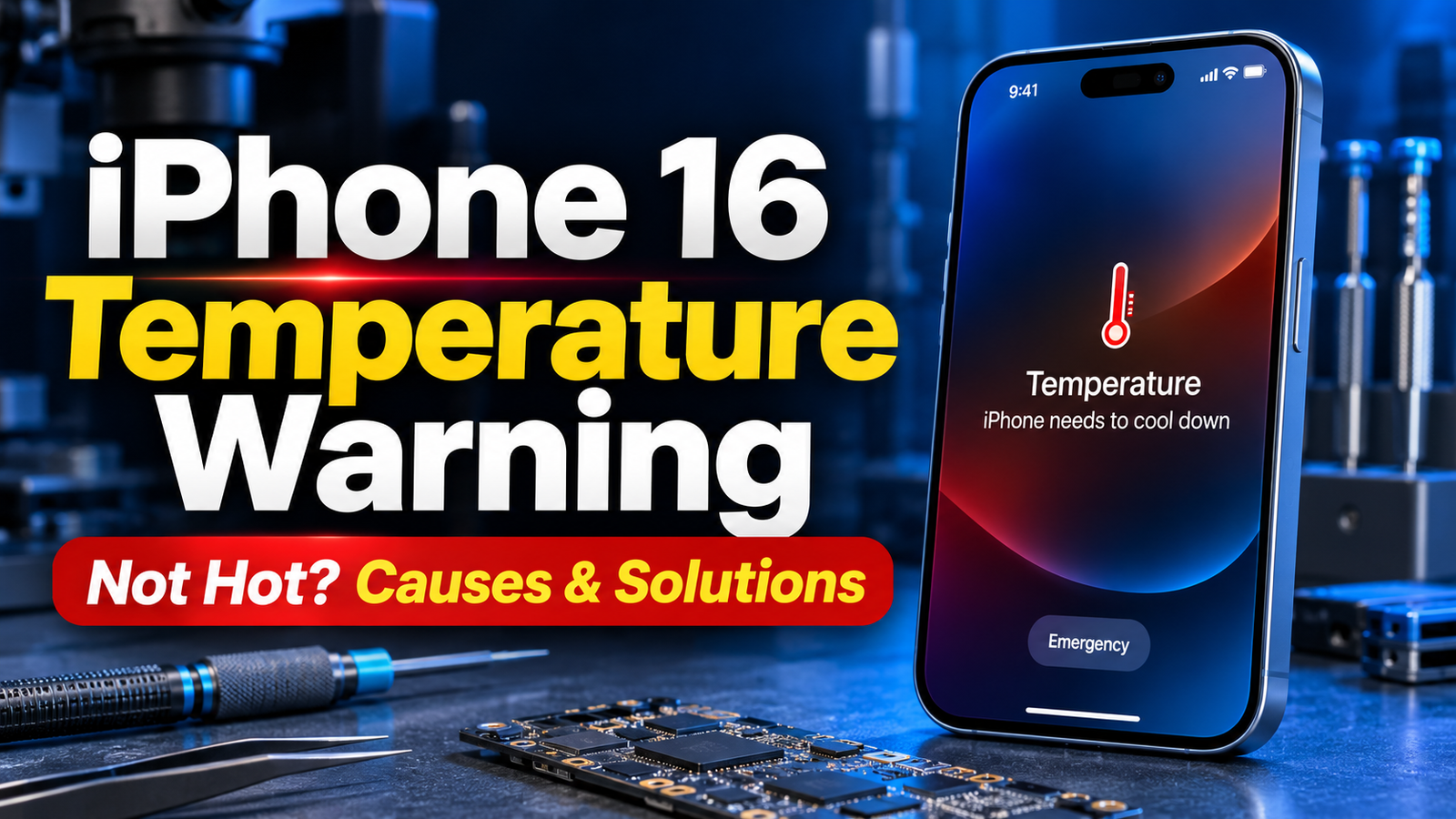
Seeing an iPhone 16 temperature warning when your phone doesn’t feel hot can be confusing and frustrating. You may notice a message saying that the iPhone needs to cool down, even though the device feels completely normal to the touch. In some cases, the screen becomes unresponsive, charging stops, the camera becomes unavailable, or certain features stop working temporarily.
This issue can occur because of incorrect temperature readings, faulty sensors, charging problems, software glitches, battery issues, or motherboard-related faults.
If your iPhone 16 shows a temperature warning but isn’t actually hot, identify the underlying cause before replacing any components. Professional iPhone diagnostics and microsoldering repair can help identify problems that cannot be fixed through ordinary troubleshooting.
For customers in Rawalpindi and Islamabad, professional iPhone diagnostic and microsoldering services are available at:
Address: 1st Floor, Shabaz Plaza, Bank Road, Saddar, Rawalpindi, Pakistan
Office Contact: 0310 8999929
What Does the iPhone 16 Temperature Warning Mean?
The iPhone 16 has built-in temperature monitoring systems designed to protect its internal components. These systems monitor temperature and help prevent damage from excessive heat or abnormal operating temperatures.
When iOS detects that the device may be outside its acceptable temperature range, it can display a temperature warning.
However, sometimes an iPhone 16 may show this warning even when the device feels cool or operates at a normal temperature.
This can indicate that the phone is receiving incorrect temperature information from a sensor or experiencing an internal hardware or software problem.
The warning may cause several functions to become temporarily unavailable, including:
- Battery charging.
- Camera flash and camera functions.
- Display performance.
- Mobile performance.
- Certain background processes.
- Normal device operation.
If the warning appears repeatedly without genuine overheating, the phone may require professional diagnosis.
Why Does My iPhone 16 Show a Temperature Warning but Is Not Hot?
Several possible reasons explain why an iPhone 16 displays a temperature warning despite feeling cool.
1. Faulty Temperature Sensor
One possible cause is a faulty temperature sensor or a problem with the temperature-sensing circuit.
Your iPhone relies on temperature information from different internal components. If a sensor provides incorrect readings, the system may interpret normal conditions as overheating.
Possible symptoms include:
- Temperature warning immediately after starting the phone.
- Warning while the device is completely cool.
- Charging becoming unavailable.
- Random temperature alerts.
- The phone functions normally after restarting but shows the warning again.
A technician may need to inspect the relevant sensor circuits and connections to identify the actual fault.
2. Battery Temperature Sensor Problem
Battery-related temperature monitoring problems can also trigger false temperature warnings.
If the battery’s temperature-sensing circuit, connector, or related components are damaged, the iPhone may receive abnormal temperature information.
Common signs include:
- Temperature warnings during charging.
- Battery percentage behaving unusually.
- Unexpected shutdowns.
- Charging stopping without an obvious reason.
- Temperature alerts appearing even when the phone is cool.
A professional battery and charging-system inspection can help determine whether the problem is related to the battery or its sensing circuit.
3. Charging Port or Charging Flex Cable Fault
The charging port assembly contains electrical connections that can affect charging and related monitoring functions.
If the charging flex cable is damaged, has a connection issue, or develops corrosion, it may contribute to abnormal device behavior.
You may notice:
- Temperature warnings after connecting a charger.
- Charging repeatedly starting and stopping.
- Slow charging.
- Accessories not being recognized properly.
- Charging problems even with a working adapter.
A technician should inspect the charging port assembly and its connections before recommending replacement.
4. Motherboard Temperature Monitoring Circuit Problem
The iPhone motherboard contains complex circuits that manage power, battery communication, and temperature monitoring.
Damage to these circuits can cause incorrect temperature readings or unexpected thermal protection warnings.
Possible causes include:
- Accidental drops.
- Liquid exposure.
- Previous unsuccessful repairs.
- Corrosion around motherboard components.
- Damaged electrical connections.
- Faulty temperature-monitoring circuitry.
In these situations, replacing the battery or charging port may not solve the problem.
Advanced motherboard diagnostics and microsoldering may be required to locate and repair the affected circuit.
5. iOS Software Glitch
Not every temperature warning is caused by hardware damage. Sometimes a temporary iOS software problem can cause unusual system behavior.
A software-related issue may occur after:
- An iOS update.
- An interrupted software installation.
- A system crash.
- An application-related problem.
- Temporary operating-system errors.
If the warning appears occasionally and disappears after restarting, a software issue may be worth investigating.
However, repeated warnings should not automatically be treated as a software problem.
6. Liquid Damage or Internal Corrosion
Liquid exposure can damage connectors, sensors, and motherboard circuits.
Even if the iPhone looks completely normal externally, moisture may have reached internal components.
Corrosion can interfere with electrical signals and cause incorrect readings.
If your iPhone 16 has previously been exposed to water or moisture, professional internal inspection is recommended.
How to Fix iPhone 16 Temperature Warning When It Is Not Hot
Before considering hardware repair, you can try the following troubleshooting steps.
Step 1: Restart Your iPhone 16
A restart can sometimes resolve temporary software problems.
Follow these steps:
- Press and hold the side button and either volume button.
- Slide to power off.
- Wait approximately 30 seconds.
- Turn your iPhone back on.
- Check whether the temperature warning appears again.
If the warning disappears but returns later, you may need to investigate further
Step 2: Disconnect the Charger
If the warning appears while charging:
- Disconnect the charging cable.
- Remove any accessories.
- Check the charging port for visible debris or moisture.
- Allow the device to remain disconnected.
- After the warning clears, try a known-good, compatible charger.
Do not continue charging if the device repeatedly displays a temperature warning.
Step 3: Update iOS
An outdated or malfunctioning iOS installation can sometimes contribute to unexpected system behavior.
To check for updates:
- Open Settings.
- Select General.
- Tap Software Update.
- Check whether an update is available.
- Follow Apple’s installation instructions.
Back up your important data before performing major software updates.
Step 4: Check Battery Health
Battery condition can provide useful information when investigating temperature-related issues.
Open:
Settings → Battery → Battery Health
Check the available battery health information and any battery-related service messages.
If the battery shows unusual behavior, you may need professional battery inspection
Step 5: Avoid Unnecessary Factory Resetting
A factory reset should not be your first troubleshooting option.
If a damaged temperature sensor, loose battery connection, or motherboard circuit is causing the issue, resetting the phone will not fix the hardware.
Always back up your important information before attempting a factory reset.
Step 6: Get Professional Hardware Diagnostics
If the temperature warning continues despite basic troubleshooting, professional diagnostics are recommended.
A technician can inspect:
- Battery and temperature-sensing connections.
- Charging port assembly.
- Relevant temperature-monitoring circuits.
- Motherboard power management.
- Possible liquid damage.
- Software and hardware-related errors.
Accurate diagnosis helps avoid unnecessary component replacement.
Can a Faulty Temperature Sensor Cause a False Overheating Warning?
Yes. A faulty temperature sensor or associated monitoring circuit can potentially cause an iPhone to display an incorrect temperature warning.
The iPhone doesn’t determine its operating temperature based on how hot the outside feels. It relies on internal electronic monitoring and system information.
If the system receives incorrect temperature information, thermal protection may activate even when the phone feels cool.
However, a false warning doesn’talways mean the sensor itself is faulty. Battery communication problems, damaged flex cables, motherboard faults, and software issues can produce similar symptoms.
Proper diagnosis is necessary to identify the exact cause.
Does iPhone 16 Temperature Warning Mean the Motherboard Is Damaged?
Not necessarily.
A temperature warning doesn’t automatically mean the motherboard is damaged. The issue could involve the battery, charging assembly, software, sensor connections, or another internal component.
However, if basic troubleshooting doesn’t resolve the issue, you may need a motherboard-level inspection.
A qualified microsoldering technician can investigate relevant circuits, inspect damaged components, and determine whether a board-level repair is possible.
Without proper testing, replacing the entire motherboard should not be the first recommendation.
Can Microsoldering Fix an iPhone 16 Temperature Warning?
Yes, microsoldering may help when the temperature warning is caused by a repairable motherboard-level fault.
Microsoldering is an advanced repair technique that involves working directly on small electronic components and connections on the circuit board.
Depending on the diagnosis, the repair process may involve:
- Inspecting temperature-monitoring circuits.
- Testing relevant electrical connections.
- Identifying damaged components.
- Checking for corrosion.
- Repairing damaged circuit connections.
- Testing battery communication.
- Verifying normal device operation after repair.
Not every temperature warning requires microsoldering. If a faulty battery or charging flex cable causes the issue, a different repair may be more appropriate.
The correct repair depends on the actual fault.
iPhone 16 Temperature Warning Repair in Rawalpindi and Islamabad
If your iPhone 16 keeps showing a temperature warning even though the phone isn’t hot, professional diagnostics can help identify the issue.
Customers in Rawalpindi and Islamabad can visit for help with iPhone hardware diagnostics, battery issues, charging faults, and advanced motherboard-level repairs.
Our repair services include:
iPhone Hardware Diagnostics: Identifying the cause of unexpected temperature warnings and other hardware problems.
Battery-Related Repairs: Inspecting battery connections, battery condition, and temperature-sensing problems.
Charging Port Repairs: Diagnosing charging interruptions and charging assembly faults.
Motherboard Repair: Investigating damaged circuits and electronic components.
Microsoldering Services: Performing advanced circuit-level repairs when required.
Liquid Damage Inspection: Checking internal components for corrosion and moisture-related damage.
The goal is to identify the actual cause and recommend an appropriate repair rather than replacing components unnecessarily.
Visit for iPhone 16 Temperature Warning Diagnostics
If your iPhone 16 shows a temperature warning despite staying cool, don’t ignore repeated alerts.
Visit our service center for professional inspection and repair assistance.
Service Location: 1st Floor, Shabaz Plaza, Bank Road, Saddar, Rawalpindi, Pakistan
Office Contact: 0310 8999929
Customers from Islamabad can also contact the office to discuss their iPhone repair requirements.
FAQs
Why does my iPhone 16 say temperature warning when it is not hot?
This may happen because of incorrect temperature sensor readings, battery communication problems, damaged charging connections, motherboard faults, or an iOS software issue. Professional diagnosis can identify the underlying cause.
Can a software update fix the iPhone 16 temperature warning?
A software update may help if the problem is related to iOS. However, if a faulty sensor, battery connection, or motherboard circuit is responsible, a software update will not fix the underlying hardware problem.
Can a faulty battery cause an iPhone 16 temperature warning?
Yes. A battery fault or problem with its temperature-monitoring connections can potentially cause abnormal temperature warnings, even when the device does not feel hot.
Why does my iPhone 16 stop charging because of a temperature warning?
iOS may temporarily turn off charging when it detects an abnormal temperature condition. This protective feature is designed to prevent potential damage to the battery and internal components.
Does restarting an iPhone fix a false temperature warning?
Sometimes. Restarting may resolve temporary software problems. If the warning keeps returning, the issue may require further hardware or software investigation.
Can a damaged charging port cause a temperature warning?
A damaged charging assembly or related electrical connection can contribute to charging and monitoring problems. However, proper testing is required to confirm whether the charging port is responsible.
Is microsoldering required to fix the iPhone 16 temperature warning?
Not always. Microsoldering is only necessary when the fault is located in a repairable motherboard-level circuit or component. Battery, charging assembly, or software problems may require different solutions.
Can water damage cause a false temperature warning?
Yes. Liquid damage and internal corrosion can interfere with electrical connections and temperature-monitoring circuits, potentially resulting in abnormal warnings.
Where can I get iPhone 16 temperature warning repair in Rawalpindi?
You can visit the repair service center at 1st Floor, Shabaz Plaza, Bank Road, Saddar, Rawalpindi. For assistance, contact 0310 8999929.
Do you provide iPhone temperature warning repair for customers from Islamabad?
Yes. Customers from Islamabad can contact the office to discuss diagnostics and repair options for iPhone temperature warnings and related hardware problems.
Final Thoughts
An iPhone 16 temperature warning when the phone is not hot can indicate a problem with temperature monitoring, battery communication, charging connections, software, or motherboard circuitry.
Although restarting and updating iOS may help in some cases, repeated warnings should be properly investigated.
Avoid forcing the device to charge or repeatedly using it while thermal warnings are active. If the phone shows persistent warnings, stop charging it and seek professional help.
For iPhone 16 temperature warning diagnostics and microsoldering repair in Rawalpindi and Islamabad, visit 1st Floor, Shabaz Plaza, Bank Road, Saddar, Rawalpindi, or call 0310 8999929.