
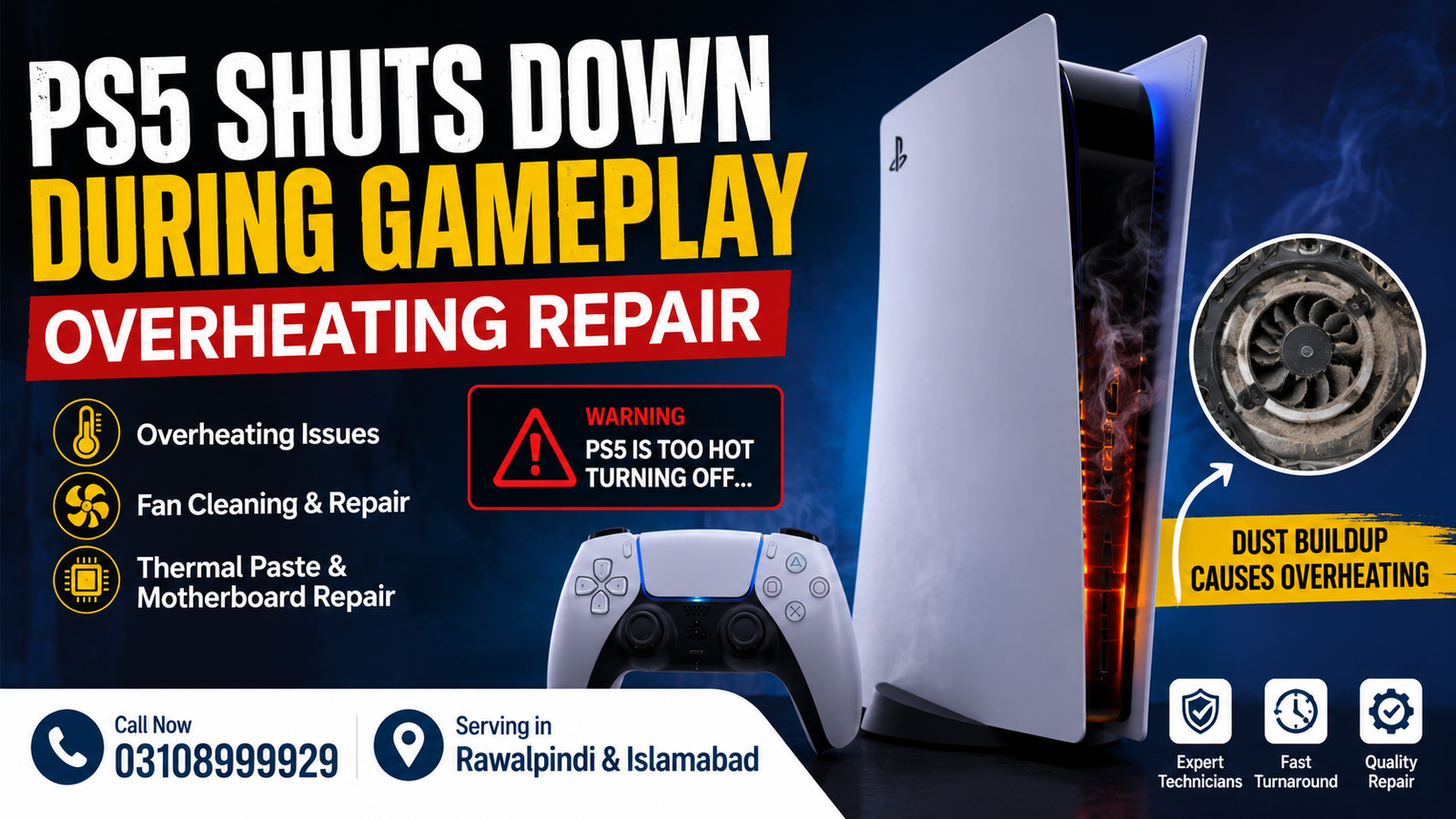
If your PS5 shuts down during gameplay, it is often a sign of overheating that shouldn’t be ignored. Unexpected shutdowns can interrupt your gaming sessions and may eventually cause permanent hardware damage if left unrepaired. Whether the console powers off after a few minutes or only during demanding games, professional diagnosis is the safest solution.
At Microsoldering Repairs, we provide professional PS5 Shuts Down During Gameplay Overheating Repair services for customers across Rawalpindi and Islamabad. Our technicians identify the root cause and perform reliable repairs to restore your PlayStation 5 to stable performance.
Address: 1st Floor of Shabaz Plaza, Bank Road, Saddar
Contact: 03108999929
Why Does a PS5 Shuts Down During Gameplay?
A PlayStation 5 generates significant heat while running modern games. If the cooling system cannot remove this heat efficiently, the console activates thermal protection and automatically powers off.
Common causes include:
- Dust blocking cooling vents
- Faulty cooling fan
- Dried or damaged thermal paste
- Liquid metal application issues
- Clogged heatsink
- Poor airflow around the console
- Damaged power supply generating excess heat
- Motherboard overheating
- Fan control circuit failure
- Internal hardware faults
Professional inspection helps determine the exact reason before replacing unnecessary parts.
Signs Your PS5 Is Overheating
Your console may need repair if you notice:
- PS5 shuts down while playing games
- Console becomes extremely hot
- Loud cooling fan noise
- Error messages related to overheating
- Random shutdowns after 15–30 minutes
- Performance drops before powering off
- Console restarts unexpectedly
- Hot air coming from vents with poor airflow
- Games freeze before shutdown
- Unable to complete long gaming sessions
Ignoring these symptoms can lead to more expensive motherboard repairs later.
Our PS5 Overheating Repair Process
Our technicians follow a detailed diagnostic procedure to identify the exact cause.
Complete Diagnostic Testing
We inspect:
- Cooling fan performance
- Internal temperatures
- Motherboard condition
- Power supply stability
- Thermal components
- Airflow efficiency
Internal Cleaning
Dust accumulation is one of the biggest causes of overheating.
We perform:
- Deep internal cleaning
- Fan cleaning
- Heatsink cleaning
- Vent cleaning
- Airflow optimization
Thermal Paste & Liquid Metal Service
If required, we safely replace thermal materials to improve heat transfer between the processor and cooling system.
Cooling Fan Repair
If the fan has failed or spins inconsistently, we repair or replace the cooling system using quality replacement parts.
Motherboard Microsoldering
Some overheating problems originate from damaged motherboard components.
Our microsoldering services include:
- Power IC replacement
- Component-level repair
- Power rail diagnostics
- Short circuit repair
- Thermal circuit repair
Why Professional Repair Matters
Attempting DIY repairs without experience can:
- Damage the motherboard
- Scratch cooling components
- Misapply thermal materials
- Break connectors
- Void previous repairs
Professional technicians use specialized equipment for accurate diagnostics and safe repairs.
Why Choose Microsoldering Repairs?
Customers from Rawalpindi and Islamabad choose us because we offer:
- Professional PS5 diagnostics
- Component-level motherboard repair
- Experienced microsoldering technicians
- Fast turnaround time
- Honest repair recommendations
- Quality replacement parts
- Affordable pricing
- Careful testing before delivery
- Reliable customer support
Our goal is to restore your PlayStation 5 to smooth and stable gaming performance.
Areas We Serve
We proudly provide PS5 Shuts Down repair services for customers from:
- Rawalpindi
- Islamabad
- Saddar
- Bahria Town
- DHA
- Chaklala
- Satellite Town
- PWD
- G-9
- G-10
- G-11
- F-10
- F-11
- Blue Area
- I-8
- I-9
- Nearby surrounding areas
Tips to Prevent PS5 Overheating
You can reduce overheating by:
- Keeping the console in an open, ventilated area
- Cleaning vents regularly
- Avoiding enclosed TV cabinets
- Updating system software
- Keeping room temperature moderate
- Avoiding long gaming sessions without breaks
- Preventing dust buildup
- Never blocking side vents
Regular maintenance significantly extends your console’s lifespan.
FAQs
Why does my PS5 shuts down only while playing games?
High-performance games place heavy demands on the CPU and GPU, generating more heat. If the cooling system cannot manage the temperature, the console automatically shuts down to protect internal components.
Can overheating permanently damage my PS5?
Yes. Continued overheating can damage the motherboard, processor, power circuits, and storage components if the issue is ignored.
How long does PS5 overheating repair take?
Most overheating issues can be diagnosed quickly. Repair time depends on whether cleaning, fan replacement, thermal servicing, or motherboard repair is required.
Do you repair motherboard overheating issues?
Yes. We specialize in advanced microsoldering and component-level motherboard repairs for PS5 consoles.
Should I continue using my PS5 if it keeps shutting down?
No. Continuing to use an overheating console increases the risk of permanent hardware damage. Professional inspection is recommended as soon as possible.
Contact for PS5 Shuts Down During Gameplay Overheating Repair
If your PlayStation 5 shuts down unexpectedly while gaming, don’t wait until the damage becomes more serious. Visit Microsoldering Repairs for professional diagnosis and reliable repair services.
Address: 1st Floor of Shabaz Plaza, Bank Road, Saddar, Rawalpindi
Service Areas: Rawalpindi & Islamabad
Call Now: 03108999929
Conclusion
A PS5 that shuts down during gameplay is usually experiencing an overheating issue that requires professional attention. Whether the problem is caused by dust, a faulty cooling fan, degraded thermal material, or motherboard faults, expert repair can restore stable performance and protect your console from further damage. If you’re in Rawalpindi or Islamabad, visit Microsoldering Repairs on the 1st Floor of Shabaz Plaza, Bank Road, Saddar, or call 03108999929 for trusted PS5 overheating repair services.

