
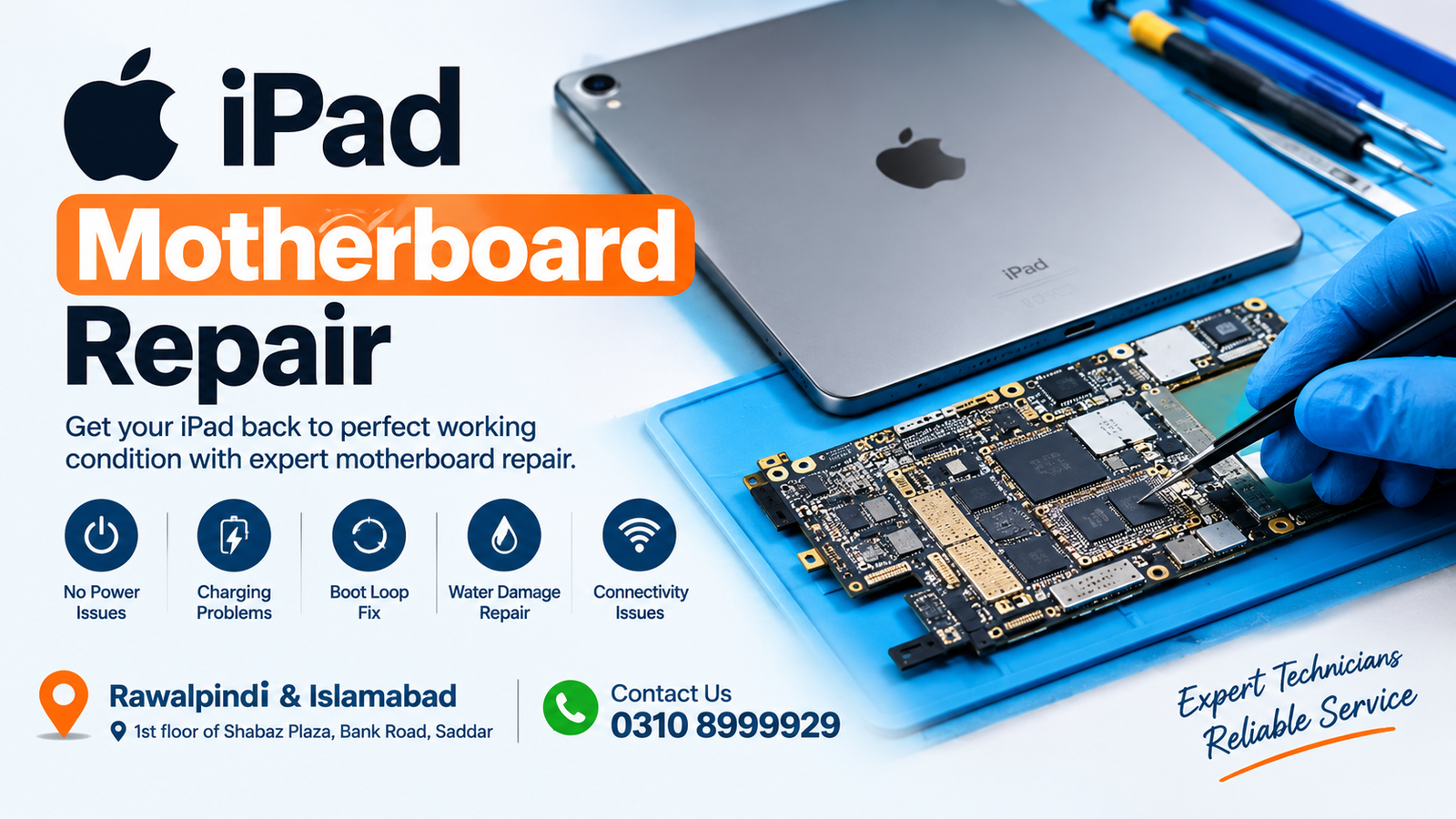
If your iPad is not turning on, stuck on the Apple logo, restarting continuously, not charging, showing no display, or experiencing serious hardware problems, the issue may be related to the motherboard. Professional iPad Motherboard Repair can help diagnose and repair motherboard-level faults without immediately replacing the entire device.
For customers in Rawalpindi and Islamabad, Microsoldering Repairs or Microsoldering Service Centers provide motherboard-level repair solutions for iPad devices. The service is available at the 1st floor of Shabaz Plaza, Bank Road, Saddar. For appointments and repair inquiries, contact the office at 0310 8999929.
What Is iPad Motherboard Repair?
iPad Motherboard Repair is the process of diagnosing and repairing electronic faults on the main logic board of an iPad. The motherboard contains important components responsible for power, charging, display, touch, Wi-Fi, cellular connectivity, audio, storage communication, and other essential functions.
When a motherboard develops a fault, replacing simple external parts may not solve the problem. A professional technician can inspect the board, identify the damaged circuit or component, and perform board-level repair where appropriate.
iPad Motherboard Repair can be especially useful when an iPad has suffered liquid damage, a short circuit, physical impact, charging problems, overheating, or component failure.
Why Is iPad Motherboard Repair Important?
The motherboard is one of the most important parts of an iPad. It connects and controls many of the device’s major hardware systems. If the board develops a fault, the iPad may stop working completely or develop several unusual symptoms.
Professional iPad Motherboard Repair can sometimes restore a device that appears to have a major hardware failure. Instead of immediately replacing the entire motherboard, technicians can investigate whether the existing board can be repaired.
This can be beneficial when:
- The iPad does not power on
- The iPad is stuck on the Apple logo
- The iPad keeps restarting
- The iPad does not charge
- The iPad has charging-port-related motherboard damage
- The device has liquid damage
- The iPad has a short circuit
- The display does not work because of a board fault
- Touch functionality is affected by a board-level issue
- Wi-Fi or Bluetooth stops working
- Cellular connectivity develops a hardware fault
- The iPad becomes unusually hot
- The device suddenly shuts down
- The iPad has suffered physical motherboard damage
Common Signs You Need iPad Motherboard Repair
Knowing the warning signs can help you seek professional assistance before a small problem becomes more serious.
1. iPad Not Turning On
One of the most common reasons customers seek iPad Motherboard Repair is a device that does not power on. Although a dead battery or charging issue can cause the same symptom, motherboard-level damage should also be considered when basic power troubleshooting does not work.
2. iPad Stuck on Apple Logo
If the iPad repeatedly displays the Apple logo without successfully starting, the problem may involve software, storage, power management, or the motherboard. Proper diagnostics are required to determine the actual cause.
3. iPad Boot Loop
An iPad that continuously restarts may have a hardware or software problem. If software troubleshooting does not resolve the issue, motherboard diagnostics may be necessary.
4. iPad Not Charging
Charging problems can sometimes originate from the charging port, cable, adapter, battery, or charging circuit. If replacing basic charging components does not resolve the problem, professional iPad Motherboard Repair may be required.
5. Liquid Damage
Liquid can cause corrosion and electrical shorts on the motherboard. Even if an iPad continues working after exposure to water or another liquid, corrosion can develop over time.
A motherboard inspection can help identify affected areas and determine whether board-level repair is possible.
6. iPad Overheating
Unexpected heating can indicate a short circuit, damaged component, power-management problem, or another hardware fault. Continuing to operate a severely overheating device may make the problem worse.
7. No Display or Touch
A faulty display does not always mean the screen itself is damaged. A motherboard-level fault can affect communication between the board and display assembly.
8. Wi-Fi or Bluetooth Problems
If Wi-Fi or Bluetooth stops functioning after physical damage, liquid exposure, or another hardware event, motherboard diagnostics may help identify the problem.
What Causes iPad Motherboard Problems?
There are several possible causes of motherboard failure. Identifying the original cause is an important part of successful repair.
Liquid Damage
Water and other liquids can damage electronic circuits and cause corrosion. Liquid damage may initially appear minor but can continue affecting the board if not properly inspected.
Physical Impact
A strong drop or impact can damage components, connectors, solder joints, or board layers.
Charging Problems
Faulty charging equipment or electrical issues can sometimes contribute to damage in the charging and power-management circuitry.
Short Circuits
A short circuit can cause an iPad to stop powering on, become hot, restart, or fail to charge.
Component Failure
Individual components on the motherboard can fail because of age, electrical stress, overheating, physical damage, or other factors.
Previous Repair Damage
Poor-quality or unsuccessful previous repair work can sometimes create additional motherboard problems. Board-level diagnostics can help determine whether previous work has affected the device.
iPad Motherboard Repair Process
A professional iPad Motherboard Repair normally starts with diagnostics rather than immediately replacing parts.
Step 1: Initial Inspection
The technician checks the iPad for visible physical damage, liquid indicators, damaged connectors, broken components, and other signs of failure.
Step 2: Symptom Analysis
The reported symptoms are reviewed carefully. For example, an iPad that does not turn on requires a different diagnostic approach from one that charges but does not display an image.
Step 3: Electrical Testing
The motherboard can be tested to identify abnormal power consumption, shorts, damaged circuits, or other electrical problems.
Step 4: Board-Level Diagnosis
Specialized diagnostic techniques can be used to identify the affected area of the motherboard.
Step 5: Microsoldering Repair
When a repairable board-level fault is found, microsoldering techniques may be used to repair or replace an affected component or connection.
Step 6: Testing
After the repair, the iPad should be tested to verify relevant functions such as power, charging, display, touch, audio, connectivity, and other affected features.
Can an iPad Motherboard Be Repaired?
Yes, some motherboard faults can be repaired, depending on the type and severity of the damage.
A motherboard repair may be possible when the problem involves a damaged component, failed circuit, solder connection, charging-related circuitry, corrosion, or another repairable board-level fault.
However, not every motherboard can be successfully repaired. Severe physical damage, extensive corrosion, or damage to critical board layers may affect repairability.
A proper diagnostic assessment is therefore important before deciding whether iPad Motherboard Repair is appropriate.
iPad Motherboard Repair vs. Motherboard Replacement
Motherboard repair and motherboard replacement are different approaches.
With iPad Motherboard Repair, the existing board is examined and, where possible, the faulty component or circuit is repaired.
With motherboard replacement, the entire board is replaced with another compatible board.
Repairing the existing motherboard can be an attractive option when the fault is localized and technically repairable. It may also help preserve the device’s original board rather than replacing a major internal component.
The correct option depends on the specific fault, iPad model, board condition, availability of parts, and overall repair assessment.
iPad Motherboard Problems After Water Damage
Water damage is one of the most complicated motherboard problems because liquid can affect multiple circuits.
Common symptoms after liquid exposure include:
- No power
- No charging
- Random shutdowns
- Boot loops
- Display problems
- Touch problems
- Speaker issues
- Microphone problems
- Wi-Fi failure
- Bluetooth failure
- Excessive heating
If an iPad has been exposed to liquid, avoid repeatedly attempting to power it on. Continued electrical activity can potentially worsen a short or corrosion-related problem.
Professional inspection is recommended as soon as possible.
iPad Not Charging Because of Motherboard Damage
If your iPad does not charge, the problem is not necessarily the battery. Charging faults can involve the charging port, cable, adapter, battery, connectors, or motherboard circuitry.
If basic charging components have been checked and the iPad still does not charge, iPad Motherboard Repair may be necessary.
A technician can inspect the charging circuit and determine whether a board-level fault is responsible.
iPad Motherboard Repair for No Power Problems
A completely dead iPad can be difficult to diagnose without proper equipment.
Possible causes include:
- Battery failure
- Charging failure
- Power-management problems
- Short circuits
- Damaged motherboard components
- Liquid damage
- Physical board damage
A professional diagnosis can help separate a simple battery or charging problem from a more complicated motherboard fault.
iPad Motherboard Repair for Boot Loop Problems
A boot loop occurs when an iPad repeatedly attempts to start but cannot complete the startup process.
Software problems can cause boot loops, but persistent boot loops can also be associated with hardware or motherboard issues.
If standard software troubleshooting does not resolve the problem, a professional iPad Motherboard Repair assessment can help determine whether the issue is hardware-related.
iPad Motherboard Repair for Overheating
An iPad that becomes unusually hot without heavy use should not be ignored.
Possible causes include:
- Battery problems
- Charging faults
- Short circuits
- Damaged components
- Liquid damage
- Power-management faults
Motherboard diagnostics can help identify abnormal electrical behavior and determine whether board-level repair is appropriate.
Professional iPad Motherboard Repair in Rawalpindi
Customers searching for iPad Motherboard Repair in Rawalpindi can visit the repair location at:
1st floor of Shabaz Plaza, Bank Road, Saddar, Rawalpindi
The location is convenient for customers in Saddar and surrounding areas who need professional motherboard-level diagnostics and repair.
For office inquiries, call:
iPad Motherboard Repair in Islamabad
If you are searching for iPad Motherboard Repair in Islamabad, you can also access the service from the Rawalpindi Saddar location.
Customers from Islamabad and nearby areas can bring their iPad for assessment when they experience motherboard-related symptoms such as no power, charging failure, boot loops, liquid damage, overheating, or connectivity problems.
For appointments and service information:
Phone: 0310 8999929
Location: 1st floor of Shabaz Plaza, Bank Road, Saddar
Why Choose Professional iPad Motherboard Repair?
Motherboard repair requires specialized knowledge and equipment. Unlike simple accessory replacement, board-level work involves diagnosing very small electronic components and circuits.
Professional iPad Motherboard Repair can provide several advantages:
- Detailed motherboard diagnostics
- Board-level troubleshooting
- Microsoldering expertise
- Identification of short circuits
- Inspection for liquid damage
- Component-level repair where possible
- Testing after repair
- Assessment before major replacement
Because motherboard faults can have multiple causes, accurate diagnosis is an important part of the repair process.
How Much Does iPad Motherboard Repair Cost?
The cost of iPad Motherboard Repair depends on the model and the exact fault.
Factors that can affect the price include:
- iPad model
- Type of motherboard damage
- Liquid damage
- Component failure
- Charging circuit damage
- Short circuit
- Required replacement components
- Complexity of the repair
- Condition of the motherboard
For this reason, an accurate price usually requires a diagnostic inspection first.
Is iPad Motherboard Repair Better Than Buying a New iPad?
It depends on the condition and value of the device.
If the iPad has a repairable motherboard fault and the rest of the device is in good condition, repairing the existing device may be worth considering.
If the motherboard has extensive damage or the total repair cost is too high compared with the device’s value, replacement may be a more practical option.
A professional diagnosis can help you make an informed decision.
FAQs
What is iPad Motherboard Repair?
iPad Motherboard Repair involves diagnosing and repairing faults on the iPad’s main logic board. It can include component-level repairs, circuit repairs, microsoldering, and correction of certain power, charging, connectivity, or other board-level problems.
Can you repair an iPad that does not turn on?
In some cases, yes. An iPad that does not turn on may have a battery, charging, power, short-circuit, or motherboard problem. Professional diagnostics are needed to identify the cause.
Can a water-damaged iPad motherboard be repaired?
Some water-damaged motherboards can be repaired depending on the extent of corrosion and electrical damage. Early professional inspection can improve the chances of identifying repairable faults.
Does iPad Motherboard Repair fix charging problems?
It can when the charging problem is caused by a motherboard-level fault. However, charging issues can also be caused by the port, battery, cable, adapter, or other components.
Can motherboard repair fix an iPad stuck on the Apple logo?
It may, if the Apple-logo problem is caused by a hardware or motherboard fault. Software-related boot problems require a different troubleshooting approach.
How long does iPad Motherboard Repair take?
Repair time varies depending on the iPad model, fault, board condition, parts availability, and diagnostic requirements. A technician can provide a better estimate after inspecting the device.
Is motherboard repair safe for my iPad?
Professional board-level repair is designed to address the identified fault while preserving the existing motherboard where possible. The quality of the repair depends on the diagnosis, equipment, technician experience, and condition of the board.
Where can I get iPad Motherboard Repair in Rawalpindi?
You can visit the repair location at 1st floor of Shabaz Plaza, Bank Road, Saddar, Rawalpindi. For inquiries, call 0310 8999929.
Where can I get iPad Motherboard Repair in Islamabad?
Customers from Islamabad can access iPad Motherboard Repair services at the Rawalpindi Saddar location. Call 0310 8999929 before visiting for service information.
Final Thoughts
A motherboard problem does not always mean that your iPad is beyond repair. Problems such as no power, charging failure, boot loops, liquid damage, overheating, connectivity failure, and certain display or touch issues may require motherboard-level diagnosis.
For professional iPad Motherboard Repair in Rawalpindi and Islamabad, visit Microsoldering Repairs or Microsoldering Service Centers at 1st floor of Shabaz Plaza, Bank Road, Saddar.
Office Contact: 0310 8999929
If your iPad is not working properly, getting an accurate diagnosis before replacing major components can help determine the most suitable repair option.

