
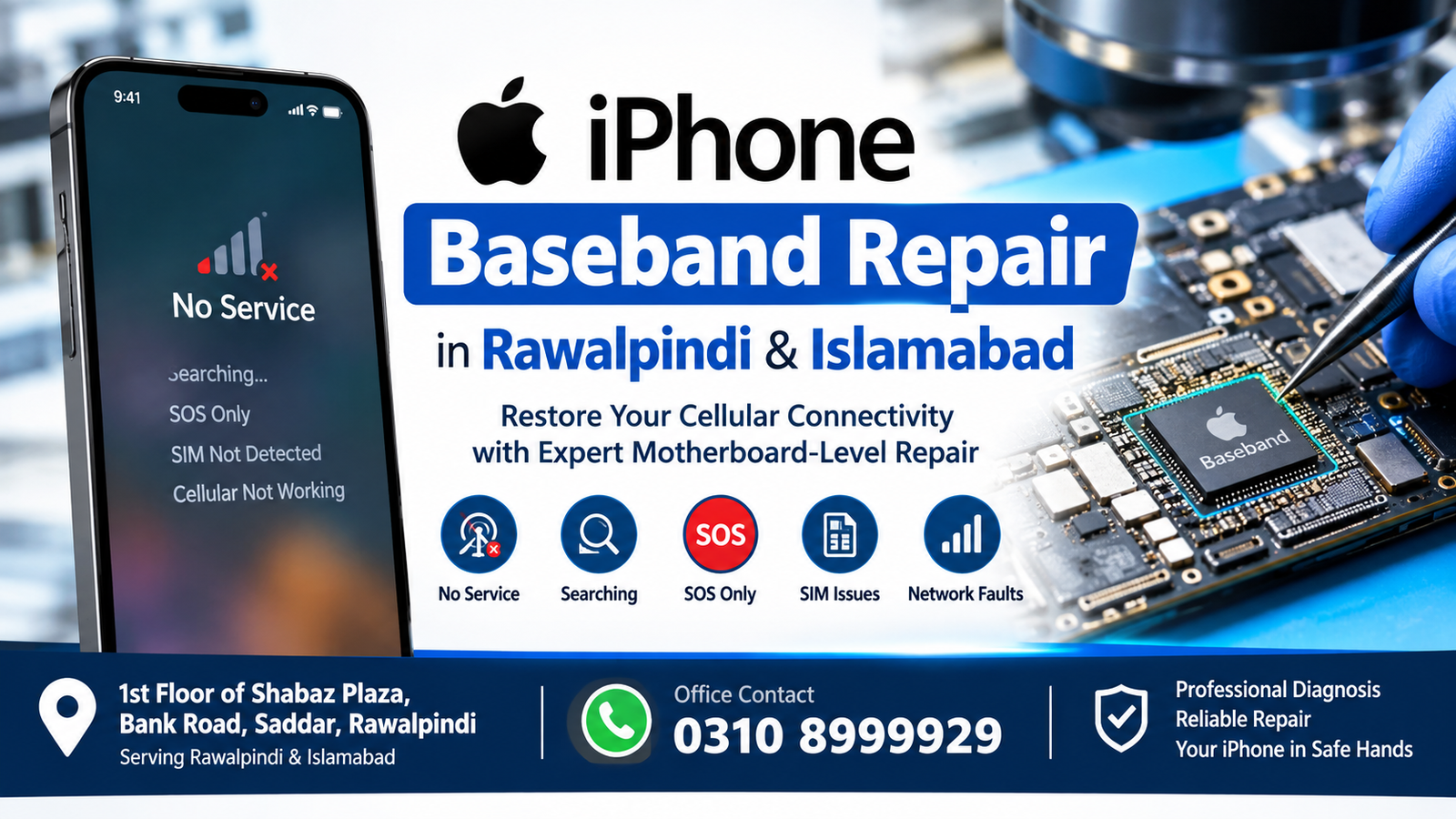
If your iPhone has suddenly lost network signals, shows “No Service,” “Searching,” or “SOS Only,” or cannot detect the SIM card properly, the problem may be related to the baseband system. iPhone Baseband Repair is a specialized motherboard-level repair service designed to diagnose and fix baseband-related faults without unnecessarily replacing the entire device.
For customers in Rawalpindi and Islamabad, professional iPhone Baseband Repair can help restore cellular connectivity when the problem is caused by a damaged baseband circuit, communication line, power issue, or other motherboard-level fault. At Microsoldering Repairs or Microsoldering Service Centers, technicians use specialized microsoldering equipment and diagnostic methods to identify the underlying problem.
Our repair location is:
1st Floor of Shabaz Plaza, Bank Road, Saddar, Rawalpindi
Office Contact: 0310 8999929
What Is iPhone Baseband Repair?
iPhone Baseband Repair refers to the diagnosis and repair of the cellular communication section of an iPhone. The baseband system works with several components responsible for cellular communication, including network registration, SIM communication, signal processing, and communication between the modem system and other motherboard circuits.
When this part of the iPhone develops a hardware fault, the device may continue to work for Wi-Fi, cameras, apps, and other functions while cellular service stops working.
A baseband problem can sometimes be caused by physical damage, liquid exposure, motherboard damage, faulty components, broken connections, or problems affecting the communication circuits.
Because these components are located on the motherboard, iPhone Baseband Repair is different from a basic screen, battery, charging-port, or software repair.
Quick Answer: What Does iPhone Baseband Repair Fix?
iPhone Baseband Repair fixes hardware-level cellular communication problems when diagnostics confirm that the baseband or related motherboard circuitry is responsible for the fault.
Common symptoms include:
- No Service
- Searching for network continuously
- SOS Only
- SIM card not detected
- Cellular network suddenly disappearing
- Mobile data not working
- Network registration problems
- IMEI-related symptoms caused by hardware faults
- Baseband-related diagnostic errors
- Cellular connectivity failing after motherboard damage
However, not every network problem requires motherboard repair. A proper diagnosis should be performed before any component-level repair is attempted.
Common Signs You May Need iPhone Baseband Repair
Knowing the symptoms can help you determine when professional diagnosis may be necessary.
1. iPhone Shows No Service
One of the most common signs is a persistent No Service message. If restarting the phone, checking network settings, and testing the SIM do not resolve the problem, the cellular hardware may require inspection.
2. iPhone Remains on Searching
If your iPhone continuously displays Searching, it may be unable to establish a cellular connection. This can result from software, SIM, carrier, antenna, or hardware problems.
A technician can determine whether the issue is actually related to the baseband circuitry.
3. SOS Only Appears
An iPhone displaying SOS Only may not be properly connecting to its normal cellular network. This can have several causes, so a diagnostic inspection is important before assuming the baseband is defective.
4. SIM Card Problems
If the iPhone repeatedly fails to recognize a known-good SIM card, the problem may involve the SIM interface, motherboard circuitry, or cellular communication system.
5. Cellular Service Stopped After Physical Damage
A hard drop can damage motherboard connections or components. If cellular service disappeared after physical impact, iPhone Baseband Repair may be required after testing.
6. Network Problems After Liquid Exposure
Liquid can damage tiny motherboard components and connections. Cellular circuitry can be particularly sensitive to corrosion and short circuits.
If an iPhone has been exposed to water or another liquid and subsequently loses cellular connectivity, professional inspection is recommended.
Why Is iPhone Baseband Repair a Specialized Service?
Modern iPhones contain densely packed motherboard components. Baseband-related circuits can involve extremely small components, complex signal paths, power circuits, and communication lines.
A repair technician may need to use:
- Microscope inspection
- Board-level diagnostics
- Multimeter testing
- Specialized motherboard equipment
- Microsoldering tools
- Schematic and board-layout information
- Component-level testing
- Controlled soldering and rework techniques
This is why iPhone Baseband Repair should be approached as a motherboard-level diagnostic service rather than a simple parts replacement.
iPhone Baseband Repair in Rawalpindi
Customers searching for iPhone Baseband Repair in Rawalpindi can visit our repair location at:
1st Floor of Shabaz Plaza, Bank Road, Saddar, Rawalpindi
The location provides convenient access for customers from different parts of Rawalpindi who need motherboard-level iPhone diagnostics.
Before visiting, customers can contact the office at:
When contacting us, explain the exact symptoms your iPhone is experiencing. Information such as the appearance of No Service, Searching, or SOS Only, previous drops, liquid exposure, previous repairs, and recent software changes can help with the initial assessment.
iPhone Baseband Repair in Islamabad
Customers from Islamabad can also visit our repair location in Saddar, Rawalpindi.
For people searching for iPhone Baseband Repair in Islamabad, the location at 1st Floor of Shabaz Plaza, Bank Road, Saddar, Rawalpindi provides access to motherboard-level iPhone diagnostic and repair services.
Call 0310 8999929 before visiting if you want to discuss the symptoms of your iPhone.
What Causes iPhone Baseband Problems?
There is no single cause of every baseband fault. Some common possibilities include:
Physical Impact
A significant drop can damage motherboard components or microscopic connections.
Liquid Damage
Water and other liquids can cause corrosion, electrical shorts, and component damage.
Previous Repair Damage
Improper motherboard handling during an earlier repair may affect tiny components or solder connections.
Component Failure
Electronic components can fail because of age, electrical stress, physical damage, or other factors.
Motherboard Damage
A damaged logic board can affect multiple systems, including cellular communication.
Power or Communication Circuit Problems
Baseband operation depends on supporting power and communication circuits. A failure elsewhere on the board can sometimes create symptoms that appear to be a baseband issue.
How Is iPhone Baseband Repair Diagnosed?
A professional iPhone Baseband Repair process should begin with diagnosis rather than immediately replacing components.
Step 1: Customer Symptom Assessment
The technician first records the symptoms. For example, the device may show No Service, Searching, or SOS Only.
Step 2: Physical Inspection
The phone and motherboard are inspected for visible damage, corrosion, previous repair work, broken components, or other abnormalities.
Step 3: Software and Settings Checks
Basic software and network-related causes should be considered before motherboard repair.
Step 4: Hardware Diagnostics
If software and network checks do not explain the issue, the motherboard and cellular-related circuits can be examined.
Step 5: Microscope Inspection
Tiny components and solder connections may be inspected under magnification.
Step 6: Component-Level Testing
Technicians may test relevant circuits to identify abnormal readings or damaged components.
Step 7: Repair
Once the fault has been identified, the appropriate motherboard-level repair can be performed.
Step 8: Testing
After repair, the iPhone should be tested for cellular connectivity and other affected functions.
Can iPhone Baseband Repair Restore Network Service?
In cases where the loss of cellular connectivity is caused by a repairable hardware fault, iPhone Baseband Repair may restore network functionality.
However, the result depends on the exact condition of the motherboard and the component responsible for the failure. A professional technician should inspect the device before promising a particular outcome.
iPhone Baseband Repair vs. Basic Network Troubleshooting
Not every network problem is a motherboard problem.
Before seeking iPhone Baseband Repair, users can check some basic possibilities:
- Restart the iPhone
- Confirm that Airplane Mode is disabled
- Test the SIM card
- Check whether the carrier has a network outage
- Check network settings
- Install available official system updates
- Test the device in another location
- Confirm that the cellular account is active
If these checks do not solve the issue, professional diagnostics can help determine whether the fault is hardware-related.
Why Professional Diagnosis Matters
Replacing or reworking motherboard components without identifying the actual fault can cause additional damage.
An iPhone motherboard contains many closely positioned components. Incorrect heat, excessive soldering, damaged pads, or improper component placement can make a repair more complicated.
Professional iPhone Baseband Repair focuses on identifying the fault before performing board-level work.
This approach can help avoid unnecessary repairs and provide a clearer understanding of the device’s condition.
iPhone Baseband Repair for No Service Problems
A No Service message is one of the main reasons customers look for iPhone Baseband Repair.
However, No Service can also be caused by:
- Carrier issues
- SIM problems
- Account issues
- Poor network coverage
- Network settings
- Antenna problems
- Software problems
- Hardware faults
Therefore, No Service alone does not prove that the baseband system is defective.
A proper diagnosis is necessary to determine the actual cause.
iPhone Baseband Repair for Searching Problems
When an iPhone continuously searches for a cellular network, the device may be unable to complete network registration.
Possible causes include network coverage, SIM problems, antenna issues, software problems, or hardware faults.
If diagnostics identify a motherboard-level cellular fault, iPhone Baseband Repair may be appropriate.
iPhone Baseband Repair After Water Damage
Liquid-damaged iPhones require careful inspection because corrosion can affect several motherboard circuits.
If cellular service disappears after liquid exposure, the motherboard should be inspected before continued use creates additional problems.
Professional iPhone Baseband Repair can involve checking affected areas for corrosion, shorts, damaged components, and compromised connections.
The earlier the device is inspected, the more information a technician may have about the condition of the board.
iPhone Baseband Repair After a Drop
A dropped iPhone may appear physically normal while having internal motherboard damage.
Small components and solder connections can be affected by impact even when the screen and frame look acceptable.
If network service stopped after a drop, tell the technician about the incident. This information can help guide the diagnostic process.
What Information Should You Provide Before Repair?
When requesting iPhone Baseband Repair, provide as much relevant information as possible.
Useful information includes:
- iPhone model
- Current network problem
- Whether SIM is detected
- Whether No Service appears
- Whether Searching appears
- Whether SOS Only appears
- Whether the phone was dropped
- Whether it suffered liquid exposure
- Whether it was repaired previously
- When the network problem started
- Whether the issue is permanent or intermittent
This information can help the technician understand the history of the device.
Is iPhone Baseband Repair Safe?
The safety of motherboard-level repair depends on the condition of the device, the specific fault, and the repair process used.
Because microsoldering involves delicate electronic components, the repair should be performed using suitable equipment and appropriate techniques.
Before proceeding, customers should ask for a diagnosis and understand the repair process.
How Long Does iPhone Baseband Repair Take?
Repair time depends on the model, symptoms, motherboard condition, availability of required components, and complexity of the fault.
Some cases may require only limited diagnosis and repair, while complicated motherboard problems can require additional testing.
For an accurate time estimate, contact the office at 0310 8999929 and describe your iPhone’s symptoms.
How Much Does iPhone Baseband Repair Cost?
The cost of iPhone Baseband Repair depends on the specific fault and the iPhone model.
A simple component-level issue may have a different repair cost from extensive motherboard damage. Liquid damage, previous repair attempts, damaged board layers, and multiple faults can also affect the final price.
For this reason, an exact price should normally be provided after diagnosis.
Why Choose Microsoldering Repairs or Microsoldering Service Centers?
At Microsoldering Repairs or Microsoldering Service Centers, the focus is on motherboard-level diagnosis and microsoldering-related repair work.
For customers experiencing cellular problems, the process begins by identifying the actual cause rather than assuming every No Service or Searching problem is a baseband fault.
The service is available for customers in Rawalpindi and Islamabad.
Location: 1st Floor of Shabaz Plaza, Bank Road, Saddar, Rawalpindi
Office Contact: 0310 8999929
Areas We Serve
Our iPhone Baseband Repair service is intended for customers from:
- Rawalpindi
- Islamabad
- Saddar
- Bank Road
- Nearby Rawalpindi areas
- Nearby Islamabad areas
Customers outside these areas can contact the office to discuss their requirements before traveling.
FAQs
What is iPhone Baseband Repair?
iPhone Baseband Repair is a motherboard-level service used to diagnose and repair cellular communication faults when testing confirms a hardware problem involving the baseband system or related circuitry.
What are the signs of a baseband problem?
Common signs may include No Service, Searching, SOS Only, cellular connectivity failure, SIM-related problems, or other network registration issues. These symptoms can also have non-baseband causes, so diagnosis is important.
Can Baseband Repair fix No Service?
It can potentially restore service when No Service is caused by a repairable baseband or related motherboard fault. The exact result depends on the condition of the device.
Can you repair an iPhone that shows Searching?
A continuously Searching iPhone can be diagnosed to determine whether the problem is related to software, network conditions, SIM, antenna, or motherboard hardware. If a repairable hardware fault is found, motherboard-level repair may be possible.
Is Baseband Repair the same as replacing a SIM card?
No. A SIM card is an external carrier-access component, while the baseband system is part of the iPhone’s cellular communication hardware.
Does every No Service problem require Baseband Repair?
No. No Service can have several causes. Carrier problems, SIM issues, network settings, antenna faults, software issues, and motherboard faults can all produce similar symptoms.
Can liquid damage cause baseband problems?
Yes. Liquid exposure can damage motherboard components and connections involved in cellular communication. A damaged board should be professionally inspected.
Can a dropped iPhone develop a baseband fault?
Yes. Physical impact can damage small components, solder connections, or other motherboard areas. If cellular service stopped after a drop, professional diagnosis can determine whether impact-related damage is present.
Where can I get iPhone Baseband Repair in Rawalpindi?
For iPhone Baseband Repair in Rawalpindi, visit 1st Floor of Shabaz Plaza, Bank Road, Saddar, Rawalpindi. The office contact number is 0310 8999929.
Where can I get iPhone Baseband Repair in Islamabad?
Customers searching for iPhone Baseband Repair in Islamabad can contact the office at 0310 8999929 and visit the repair location at 1st Floor of Shabaz Plaza, Bank Road, Saddar, Rawalpindi.
Should I repair my iPhone before getting a diagnosis?
A diagnosis is recommended before motherboard repair. It helps identify the actual cause and reduces the risk of unnecessary component-level work.
Contact for iPhone Baseband Repair
If your iPhone is showing No Service, Searching, SOS Only, or another persistent cellular problem, professional diagnosis can help determine whether motherboard-level repair is required.
For iPhone Baseband Repair in Rawalpindi and Islamabad, contact:
Microsoldering Repairs or Microsoldering Service Centers
Address: 1st Floor of Shabaz Plaza, Bank Road, Saddar, Rawalpindi
Office Contact: 0310 8999929
Before visiting, call the office and describe the iPhone model and network symptoms. This can help with the initial assessment and appointment information.
Final Thoughts
Cellular connectivity problems can be caused by many different issues, and a No Service or Searching message does not automatically mean that the baseband system has failed. Proper diagnosis is therefore an important part of iPhone Baseband Repair.
When testing confirms a repairable motherboard-level fault, microsoldering and component-level techniques may provide a way to address the problem without treating every case as a simple parts replacement.
For customers in Rawalpindi and Islamabad, Microsoldering Repairs or Microsoldering Service Centers is located at 1st Floor of Shabaz Plaza, Bank Road, Saddar, Rawalpindi.
Call 0310 8999929 for iPhone Baseband Repair inquiries and diagnostic information.

