
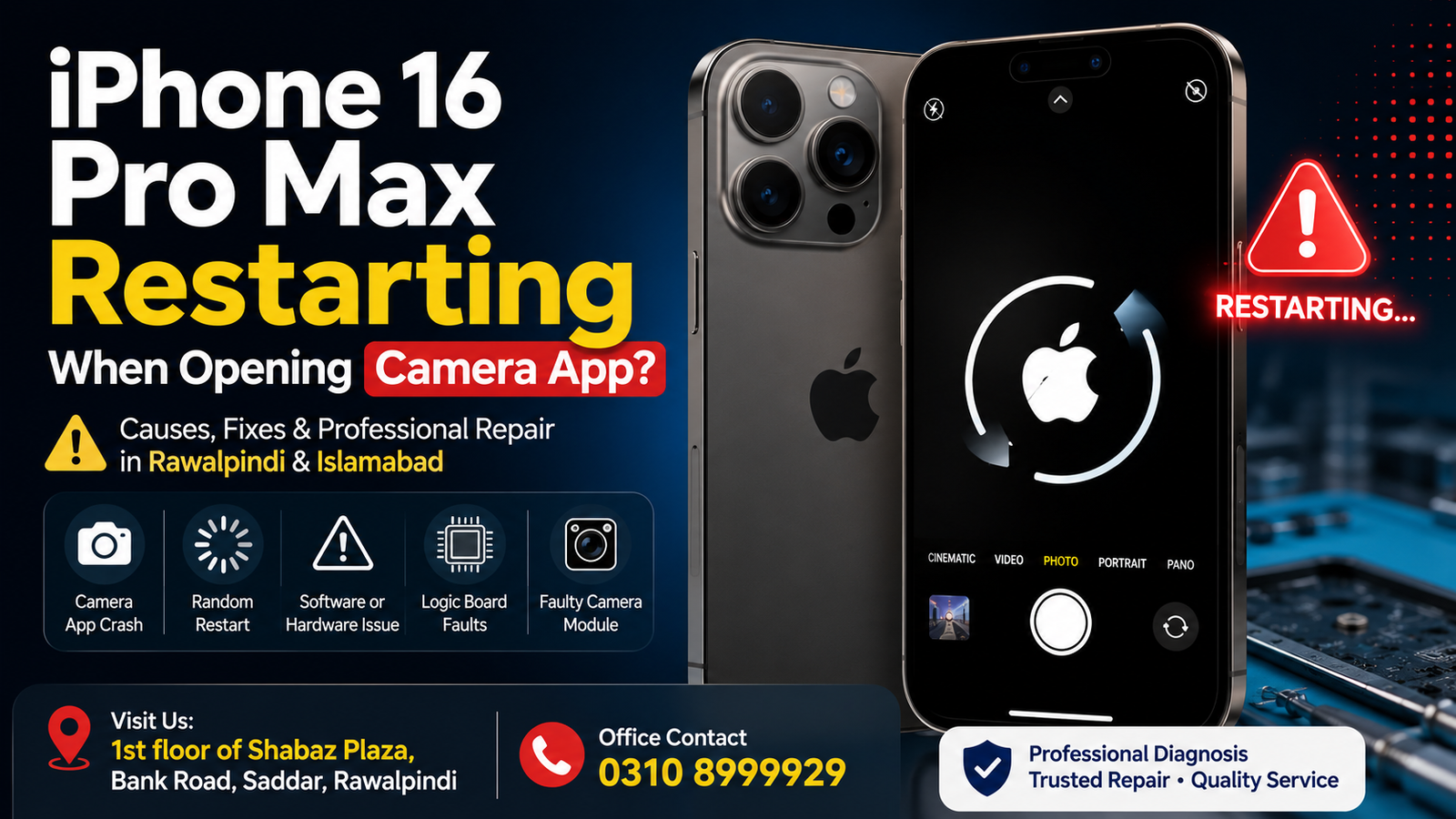
If your iPhone 16 Pro Max keeps restarting when you open the Camera app, the problem may be related to software, iOS corruption, camera hardware, battery power management, sensors, or an issue on the logic board. In some cases, the phone may restart immediately after opening the camera; in others, it may freeze, show a black screen, get hot, or restart repeatedly.
For users in Rawalpindi and Islamabad, professional diagnosis is important because repeated restarts can indicate a deeper hardware or motherboard-level problem. A proper inspection can help determine whether the Camera app, iOS, the camera module, a damaged connector, or an internal component is causing the issue.
Professional repair services are available on the 1st Floor of Shabaz Plaza, Bank Road, Saddar, Rawalpindi. For office inquiries and Repair information, call 0310 8999929.
Why Does My iPhone 16 Pro Max Restart When I Open the Camera App?
An iPhone 16 Pro Max may restart when opening the Camera app because it activates multiple hardware components simultaneously. The camera system requires communication between the camera module, processor, memory, sensors, battery, and other internal components.
If one of these components malfunctions, opening the Camera app can trigger a system crash or an unexpected restart.
Common causes include:
- iOS software bugs or corrupted system files
- A faulty rear or front camera module
- Camera connector or flex cable damage
- Battery or power management issues
- Logic board or motherboard faults
- Sensor communication problems
- Previous liquid damage
- Physical damage after a drop
- Corrupted Camera app settings
- Storage or system performance problems
- Faulty replacement parts from previous repairs
The exact cause should be diagnosed before replacing any components unnecessarily.
Camera App Opens and iPhone 16 Pro Max Immediately Restarts
If your iPhone 16 Pro Max restarts immediately after tapping the Camera app, this may indicate that the phone crashes when attempting to initialize the camera hardware.
The problem can sometimes be software-related, especially after an iOS update or system error. However, if the device restarts every time the camera is activated, including through WhatsApp, FaceTime, Instagram, Snapchat, or other applications that access the camera, there may be a hardware communication issue.
A professional diagnostic process can check whether the problem is related to:
- Rear camera hardware
- Front camera hardware
- Camera power lines
- Camera data communication
- Internal connectors
- Power management components
- Logic board circuits
This type of issue may require advanced testing, particularly when standard software troubleshooting does not solve the problem.
Does the iPhone Restart When Using Only the Rear Camera?
If the phone works normally but restarts when switching to the rear camera, the rear Camera App module or its communication circuit may need inspection.
Possible symptoms include:
- Black screen when opening the rear camera
- Phone freezing before restarting
- Camera shaking or failing to focus
- Restart when changing camera modes
- Restart when recording video
- Camera app closing automatically
A damaged camera module or internal connection can sometimes cause the system to become unstable when that specific hardware is activated.
iPhone 16 Pro Max Restarts When Using the Front Camera
If the restart happens only when using the front camera, selfie mode, FaceTime, or other apps that activate the front-facing camera, the issue may involve the front camera assembly or associated sensors.
Because modern iPhones use multiple integrated components around the display and camera system, it is important not to replace parts without proper testing.
A detailed diagnosis can determine whether the restart is caused by:
- Front camera malfunction
- Sensor communication issues
- Damaged flex cables
- Previous screen repair damage
- Internal connector problems
- Logic board communication faults
Can an iOS Problem Cause the Camera to Restart the iPhone?
Yes. Software problems can sometimes cause an iPhone 16 Pro Max to restart when opening the Camera app.
Before assuming that the problem is hardware-related, basic software troubleshooting may help.
Restart Your iPhone
A normal restart can clear temporary processes and minor software glitches.
Turn the device off, wait a short time, and restart it. Then test the Camera app again.
Update iOS
If the problem started after using an older version of iOS, installing the latest stable software update may resolve known bugs and compatibility issues.
Go to:
Settings > General > Software Update
Install an available update and test the camera again.
Check Available Storage
Very low storage can sometimes affect system performance. Check your available storage by going to:
Settings > General > iPhone Storage
Remove unnecessary files or applications if storage is critically low.
Reset All Settings
If the issue appears to be related to system settings, resetting all settings may help.
Go to:
Settings > General > Transfer or Reset iPhone > Reset > Reset All Settings
This does not normally erase personal files, but it resets system preferences such as Wi-Fi settings and other customized configurations.
Why Does My iPhone Restart When Opening the Camera in Other Apps?
If your iPhone 16 Pro Max restarts when using the camera in apps like Instagram, Snapchat, TikTok, FaceTime, or another app, the problem may not be limited to the Camera app itself.
When multiple applications trigger the same restart, this can indicate that activating a specific camera component causes the system to crash.
For example:
- Rear camera activation may trigger the restart
- Front camera activation may trigger the restart
- Switching between cameras may cause a crash
- Recording video may increase the power demand and expose an existing fault
Professional diagnostics can help isolate which component is causing the issue.
Could a Faulty Camera Module Cause Random Restarts?
Yes. A faulty camera module can potentially cause instability when the iPhone attempts to communicate with it.
If the camera was damaged after a drop, impact, liquid exposure, or previous Repair, the phone may develop symptoms such as:
- Restarting when opening the Camera app
- Camera black screen
- Camera app freezing
- Failure to switch between lenses
- Video recording crashes
- Unexpected overheating
- Random restarts during camera use
Testing the camera hardware and related connections can help confirm whether the camera module is responsible.
Logic Board Problems and Camera-Related Restarts
In more complex cases, the issue may be related to the iPhone’s logic board.
The camera system communicates with different circuits and components on the board. If there is damage to a communication line, power circuit, connector, or another component, opening the Camera app may trigger a crash or restart.
Logic board issues can occur because of:
- Liquid damage
- Physical impact
- Corrosion
- Short circuits
- Previous improper repair work
- Component failure
- Power-related faults
These problems require professional diagnostic equipment and technical inspection. Simply replacing the camera may not resolve the issue if the underlying fault lies elsewhere.
iPhone 16 Pro Max Restarting After Water or Liquid Damage
If your iPhone started restarting when opening the Camera app after water or liquid exposure, internal corrosion or electrical damage may be responsible.
Even if the phone initially appears to work normally, liquid can over time affect connectors, camera modules, sensors, and logic board components.
Avoid repeatedly charging or using a device that may have internal liquid damage. Professional inspection can help identify corrosion and determine the condition of affected components.
What Should You Do Before Bringing Your iPhone for Repair?
Before arranging professional Repair, you can try the following:
- Restart the iPhone.
- Update iOS to the latest available stable version.
- Check whether the issue occurs with the front camera, rear camera, or both.
- Test the camera through different applications.
- Check available iPhone storage.
- Back up important data if the phone remains operational.
- Avoid repeatedly forcing the phone to use the camera if it is overheating or continuously restarting.
If the problem continues after basic troubleshooting, hardware diagnostics may be required.
Professional iPhone 16 Pro Max Camera Restart Repair in Rawalpindi
For users looking for iPhone 16 Pro Max repair in Rawalpindi, a detailed diagnostic approach can identify the root cause of camera-related restarts.
Instead of replacing parts based only on symptoms, the device can be inspected to determine whether the issue involves software, the camera module, connectors, power circuits, sensors, or the logic board.
Services may include:
- iPhone camera diagnostics
- Rear camera fault inspection
- Front camera fault inspection
- Internal connector testing
- Software troubleshooting
- Liquid damage inspection
- Power-related diagnostics
- Logic board fault diagnosis
- Advanced microsoldering-level Repair where required
The repair location is:
1st Floor of Shabaz Plaza, Bank Road, Saddar, Rawalpindi
For office inquiries, call:
iPhone 16 Pro Max Repair Services for Islamabad Customers
Customers from Islamabad can also arrange professional diagnostics and repair for an iPhone 16 Pro Max that restarts when opening the Camera app.
Camera-related restart issues can be difficult to diagnose without testing, as entirely different faults may cause similar symptoms. A software issue may produce the same visible symptom as a faulty camera module or a logic board communication problem.
For this reason, accurate diagnosis is important before replacing expensive components.
The service location in Saddar, Rawalpindi, is accessible to customers seeking iPhone repair near Islamabad and offers advanced diagnostics for complex restart and camera issues.
Why Professional Diagnosis Is Important
Replacing parts without identifying the actual fault can increase repair costs and may not solve the restarting issue.
A proper diagnostic process can help determine:
- Does the restart happen because of software?
- Is one specific camera causing the problem?
- Are the camera connectors damaged?
- Is there evidence of liquid damage?
- Is the battery or power system involved?
- Is there a communication issue on the logic board?
- Does the problem require component-level Repair?
Finding the cause of the Repair first helps ensure that the correct repair method is used.
FAQs
Why does my iPhone 16 Pro Max restart when I open the Camera app?
An iOS issue, faulty camera hardware, a damaged connector, power management problems, sensor faults, or a logic board issue may cause the problem. Diagnostics can identify the exact cause.
Can a bad camera cause an iPhone 16 Pro Max to restart?
Yes. If a camera module or its connection is faulty, activating the camera may cause the phone to crash or restart.
My iPhone restarts when using the rear camera. What could be wrong?
The rear camera module, connector, related circuitry, or logic board communication may need inspection.
Why does my iPhone restart when using WhatsApp or FaceTime camera?
If multiple apps cause a restart when accessing the camera, the issue may be related to the camera hardware or the system response that communicates with it.
Will updating iOS fix an iPhone that restarts when opening the Camera app?
If the problem is caused by a software bug or corrupted system process, an update may help. If the restart continues after software troubleshooting, a hardware inspection may be necessary.
Can liquid damage cause camera-related restarting?
Yes. Liquid damage can affect internal connectors, camera components, sensors, and logic board circuits, potentially causing instability or restarts.
Where can I get an iPhone 16 Pro Max diagnosed in Rawalpindi?
Professional diagnostics are available on the 1st Floor of Shabaz Plaza, Bank Road, Saddar, Rawalpindi. For office inquiries, call 0310 8999929.
Do you provide iPhone repair services for customers from Islamabad?
Yes. Customers from Islamabad can bring their iPhone 16 Pro Max for professional diagnostics and repair services for camera-related restarting and other hardware issues.
Get Your iPhone 16 Pro Max Camera Restart Problem Diagnosed.
If your iPhone 16 Pro Max keeps restarting when you open the camera app, do not ignore the problem, especially if it is becoming more frequent or accompanied by overheating, camera failure, freezing, or repeated restart loops.
The issue may be resolved through software troubleshooting, but persistent camera-related restarts can require professional hardware diagnostics.
For customers in Rawalpindi and Islamabad, bring your device to:
1st Floor of Shabaz Plaza, Bank Road, Saddar, Rawalpindi
For office inquiries and Repair information, call:
A Repair diagnosis can determine whether your iPhone 16 Pro Max requires a camera repair, internal component repair, power system repair, or advanced logic board-level service.

