
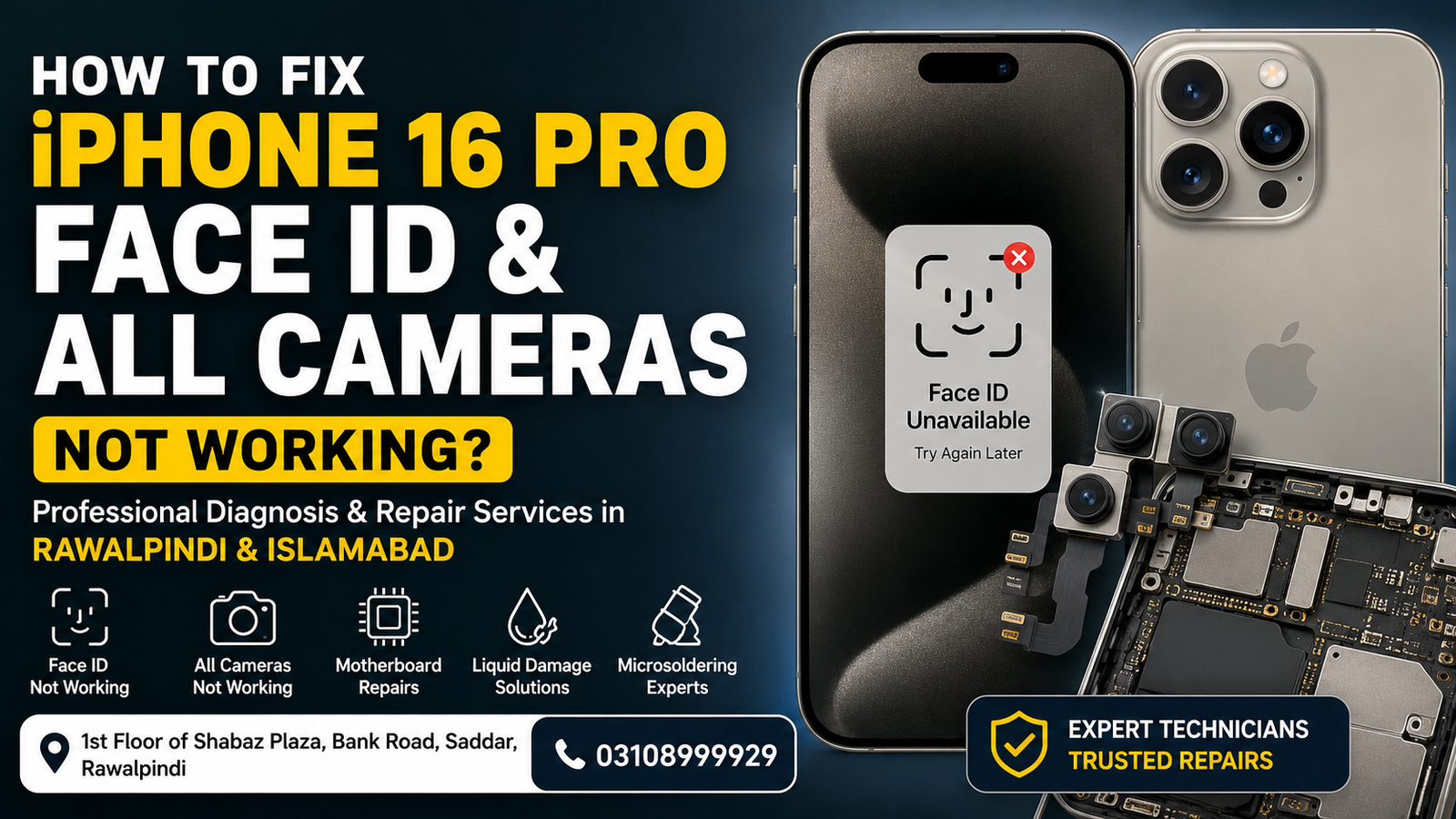
If your iPhone 16 Pro Face ID and all cameras stop working at the same time, it usually indicates a hardware communication problem rather than a simple software issue. The front camera, rear cameras, TrueDepth camera system, and Face ID are connected through multiple sensors and flex cables. A damaged component, liquid damage, motherboard fault, or failed update can disable them simultaneously.
If you are located in Rawalpindi or Islamabad, professional diagnostics are recommended before replacing expensive camera modules. At Microsoldering Repairs and Microsoldering Service Centers, technicians diagnose the exact cause using professional testing equipment to avoid unnecessary repairs.
Why Face ID and All Cameras Stop Working on iPhone 16 Pro
When every camera stops functioning, the issue is usually related to one of the following:
- Logic board damage
- Liquid or moisture damage
- Camera power circuit failure
- Damaged camera flex cable
- Face ID sensor communication failure
- Failed iOS update
- Physical impact after dropping the phone
- Corroded motherboard components
- Short circuit on camera lines
- Hardware communication failure
Professional diagnosis helps determine whether the issue is repairable without replacing multiple expensive parts.
Common Symptoms
Your iPhone 16 Pro may show one or more of these problems:
- Face ID unavailable
- Face ID has been disabled
- Front camera shows a black screen
- Rear cameras stop opening
- Camera app freezes
- Camera app crashes instantly
- Portrait Mode unavailable
- Flashlight not working
- Third-party camera apps also fail
- Camera switches between lenses but shows nothing
These symptoms often point toward a motherboard or camera communication issue.
Can Software Cause This Problem?
Sometimes.
Possible software-related causes include:
- Corrupted iOS update
- Beta software bugs
- System file corruption
- Camera service failure
- Settings conflict
Before assuming hardware damage, try basic troubleshooting.
How to Fix iPhone 16 Pro Face ID and All Cameras
1. Restart the iPhone
A forced restart refreshes hardware services.
- Quickly press Volume Up
- Quickly press Volume Down
- Hold the Side Button until the Apple logo appears
Check whether the cameras start working afterward.
2. Update iOS
Apple regularly fixes software bugs affecting camera functions.
Go to:
Settings > General > Software Update
Install the latest stable version if available.
3. Reset All Settings
Incorrect settings occasionally interfere with hardware services.
Go to:
Settings > General > Transfer or Reset iPhone > Reset > Reset All Settings
Your personal files remain safe.
4. Test Every Camera
Open the Camera app and test:
- Front camera
- Main camera
- Ultra Wide camera
- Telephoto camera
- Video recording
- Portrait Mode
If none of them work, the issue is likely hardware related.
5. Check for Physical Damage
Inspect the phone for:
- Cracked camera glass
- Bent frame
- Water exposure
- Signs of impact
Physical damage often affects internal camera connectors.
6. Remove Accessories
Remove:
- Phone case
- Magnetic accessories
- Camera protectors
Some accessories may interfere with autofocus or sensors.
7. Restore iPhone
Back up your data before restoring.
Restore through Finder or iTunes to eliminate software corruption.
If the cameras still fail after restoration, professional hardware diagnostics are required.
Hardware Problems That Require Professional Repair
A technician may discover:
Damaged Camera Module
A failed rear or front camera assembly may prevent the camera system from initializing.
Faulty TrueDepth Camera
Face ID depends on:
- Dot projector
- Infrared camera
- Flood illuminator
Damage to these components disables Face ID.
Logic Board Fault
The camera power circuits and communication lines are located on the motherboard.
Microsoldering repairs are often required to restore these circuits.
Liquid Damage
Moisture can corrode:
- Camera connectors
- Sensor circuits
- Motherboard components
Cleaning alone may not solve the issue.
Flex Cable Damage
Loose or torn flex cables frequently prevent communication between the cameras and motherboard.
Why Professional Diagnostics Matter
Replacing cameras without confirming the real fault can waste money.
Professional diagnostics identify:
- Failed camera module
- Motherboard damage
- Short circuits
- Power rail issues
- Face ID communication faults
This ensures only the faulty components are repaired or replaced.
iPhone 16 Pro Face ID Repair in Rawalpindi & Islamabad
If your iPhone 16 Pro shows Face ID unavailable along with camera failures, experienced technicians can diagnose:
- Face ID issues
- TrueDepth camera faults
- Camera IC problems
- Logic board faults
- Water damage
- Power circuit failures
Advanced microsoldering equipment helps restore many devices without unnecessary part replacements.
iPhone 16 Pro Camera Repair in Rawalpindi & Islamabad
Professional camera repair services include:
- Front camera repair
- Rear camera replacement
- Camera glass replacement
- Camera connector repair
- Motherboard repair
- Water damage repair
- Logic board microsoldering
- Diagnostic testing
Each repair begins with a complete hardware inspection.
Why Choose Microsoldering Repairs?
Customers in Rawalpindi and Islamabad trust Microsoldering Repairs and Microsoldering Service Centers because they offer:
- Advanced motherboard diagnostics
- Professional microsoldering repairs
- Genuine-quality replacement parts
- Transparent repair process
- Fast turnaround time
- Experienced technicians
- Careful testing before delivery
Visit Our Repair Center
Microsoldering Repairs / Microsoldering Service Centers
Address:
1st Floor of Shabaz Plaza, Bank Road, Saddar, Rawalpindi
Phone:
03108999929
We provide professional diagnosis and repair services for iPhone 16 Pro Face ID, front camera, rear camera, TrueDepth camera, logic board, and other hardware-related issues for customers across Rawalpindi and Islamabad.
FAQs
Why are all cameras on my iPhone 16 Pro not working?
This is usually caused by a motherboard issue, damaged camera module, liquid damage, failed flex cable, or software corruption.
Can Face ID stop working because of a camera issue?
Yes. Face ID relies on the TrueDepth camera system. If it fails or loses communication with the logic board, Face ID will not function.
Can software updates fix Face ID and camera issues?
If the problem is software-related, updating or restoring iOS may resolve it. Hardware faults require professional repair.
Is Face ID repair possible without replacing the entire phone?
Yes. Many Face ID and motherboard-related issues can be repaired using advanced microsoldering techniques, depending on the extent of the damage.
Do you provide iPhone 16 Pro repairs for customers from Islamabad?
Yes. Customers from both Rawalpindi and Islamabad can visit our repair center for professional diagnostics and repair services.

