
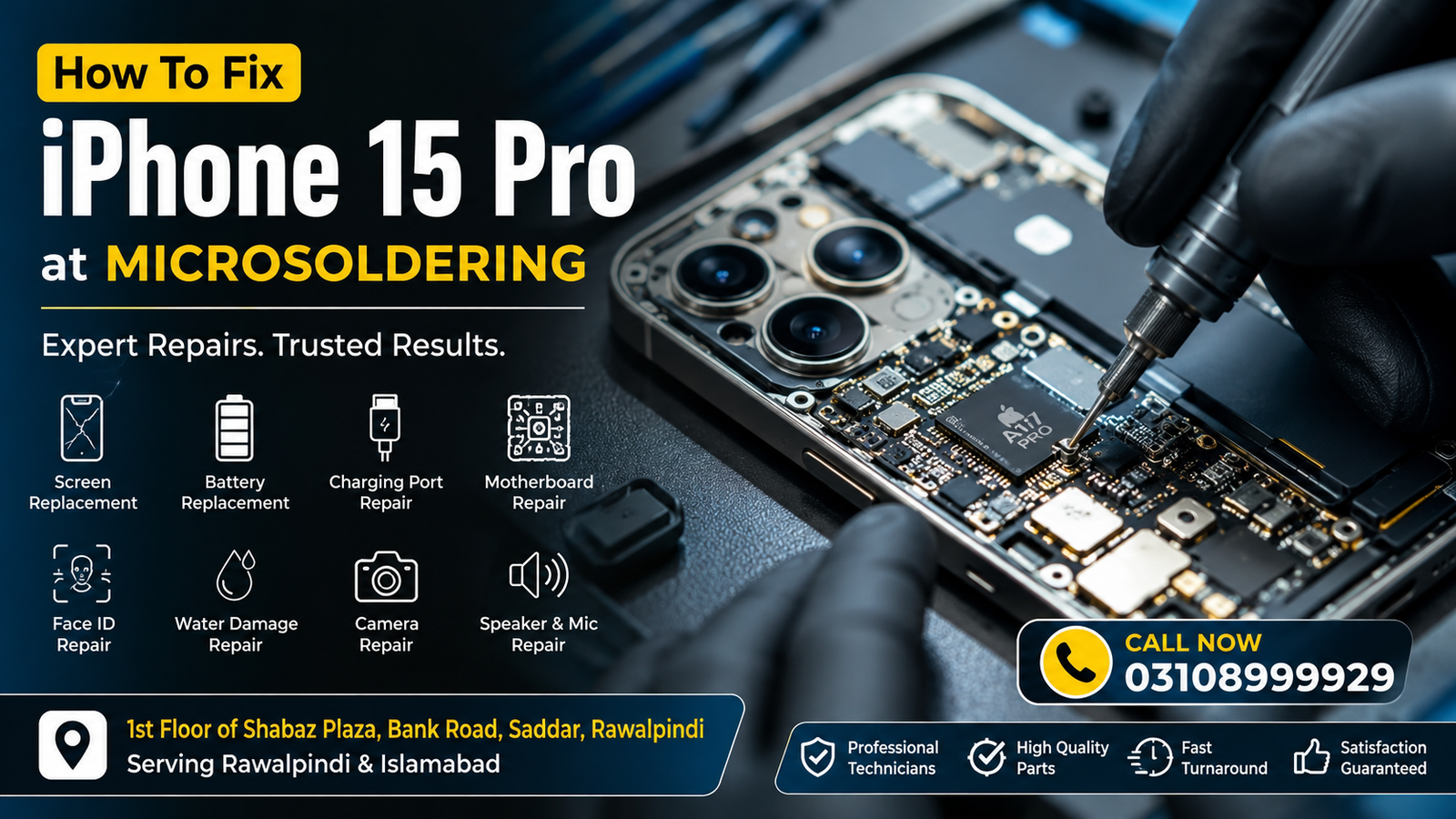
If your iPhone 15 Pro has stopped working correctly, don’t panic. Many hardware and software issues can be repaired without replacing your device. Whether you are experiencing a cracked screen, battery problems, charging issues, Face ID failure, or water damage, professional microsoldering techniques can restore your phone safely and efficiently.
For customers in Rawalpindi and Islamabad, Microsoldering Repairs and Microsoldering Service Centers provide advanced board-level repair solutions using professional diagnostic equipment. Visit us at 1st Floor of Shabaz Plaza, Bank Road, Saddar, Rawalpindi or call 03108999929 for fast assistance.
How to Download Contact Information
Need immediate help with your iPhone 15 Pro? Simply tap the Call Now button below to speak with a repair specialist and schedule your repair.
📞 Call Now: 03108999929
Why the iPhone 15 Pro May Stop Working
The iPhone 15 Pro is built with premium hardware, but even advanced smartphones can develop faults due to accidental damage, aging components, or motherboard failures.
Common causes include:
- Accidental drops
- Water or liquid exposure
- Battery wear
- Charging port damage
- Logic board faults
- Face ID component failure
- Software corruption
- Overheating
- Power management IC issues
- Physical connector damage
Professional diagnostics identify the exact cause before any repair begins.
Signs Your iPhone 15 Pro Needs Repair
You may require professional repair if your iPhone experiences:
- Black screen
- Touchscreen not responding
- Fast battery drain
- Phone overheating
- Camera not opening
- Face ID unavailable
- Charging slowly
- No network signal
- Random restarting
- Apple logo boot loop
- Speaker distortion
- Microphone not working
- Wi-Fi disconnecting
- Bluetooth issues
- Liquid damage symptoms
Ignoring these issues may lead to more expensive repairs later.
Step-by-Step: How To Fix an iPhone 15 Pro
Step 1: Diagnose the Problem
Every repair starts with professional diagnostics.
Technicians inspect:
- Display
- Battery health
- Charging system
- Cameras
- Motherboard
- Face ID sensors
- Internal connectors
- Water damage indicators
Proper diagnosis prevents unnecessary part replacement.
Step 2: Back Up Your Data
Before repairs begin:
- Backup to iCloud
- Backup to your computer
- Save important photos
- Export contacts
- Store important documents
Although professionals handle devices carefully, maintaining a backup is always recommended.
Step 3: Replace a Broken Screen
A damaged OLED display can cause:
- Green lines
- Black spots
- Flickering
- Ghost touch
- Dead pixels
Professional screen replacement restores display quality and touch responsiveness.
Battery Replacement
If your battery:
- Drains quickly
- Swells
- Shuts down unexpectedly
- Charges slowly
A genuine-quality battery replacement restores normal performance and battery life.
Charging Port Repair
Charging problems may result from:
- Dust buildup
- Bent charging pins
- Corrosion
- Damaged flex cable
- Motherboard charging circuit faults
Cleaning or replacing the charging port often resolves charging issues.
Water Damage Repair
Liquid damage requires immediate attention.
Repair includes:
- Internal cleaning
- Corrosion removal
- Component testing
- Microsoldering damaged circuits
- Replacement of faulty ICs
Do not charge a wet iPhone, as this can worsen motherboard damage.
Logic Board Repair
Logic board issues are among the most complex smartphone repairs.
Symptoms include:
- No power
- Boot looping
- No charging
- No display
- No network
- Random shutdowns
Board-level microsoldering repairs can restore these functions without replacing the entire device.
Face ID Repair
Face ID may stop working because of:
- Water damage
- Drop impact
- Flex cable damage
- Sensor failure
- Motherboard faults
Specialized repair techniques preserve Face ID whenever possible.
Rear Glass Replacement
Cracked rear glass:
- Reduces resale value
- Allows dust inside
- Makes the phone unsafe to hold
Professional laser-assisted glass replacement restores the original appearance.
Camera Repair
Camera issues include:
- Blurry photos
- Focus problems
- Black camera screen
- Camera shaking
- Flash not working
Professional diagnostics determine whether the fault is with the camera module or motherboard.
Speaker and Microphone Repair
Common audio problems:
- Low speaker volume
- Distorted sound
- Caller cannot hear you
- Loudspeaker failure
These issues may involve speakers, microphones, connectors, or audio IC components.
Network Signal Repair
If your iPhone 15 Pro displays:
- No Service
- Searching…
- SIM failure
- Weak signal
Board-level repairs can restore network functionality when hardware faults are present.
Software Troubleshooting
Software issues include:
- Frozen screen
- Boot loop
- Slow performance
- App crashes
- Failed updates
Professional software restoration can often solve these problems without affecting your personal data.
Why Microsoldering Is Important
Microsoldering repairs damaged motherboard components instead of replacing the entire board.
Benefits include:
- Lower repair costs
- Data preservation
- Original motherboard retained
- Faster repair
- Environmentally friendly
- Higher success rate for complex faults
This technique is especially valuable for premium devices like the iPhone 15 Pro.
Why Choose Microsoldering Repairs?
Customers throughout Rawalpindi and Islamabad choose Microsoldering Repairs because we provide:
- Advanced diagnostics
- Board-level repair specialists
- Professional microsoldering equipment
- High-quality replacement parts
- Fast turnaround
- Transparent pricing
- Careful device handling
- Experienced technicians
- Reliable customer support
Service Areas
We proudly serve customers from:
- Rawalpindi
- Islamabad
- Saddar
- Bahria Town
- DHA
- Chaklala
- Satellite Town
- PWD
- G-6
- G-7
- G-8
- G-9
- G-10
- G-11
- F-6
- F-7
- F-8
- F-10
- Blue Area
- I-8
- I-9
Repair Process
Our repair process is simple:
- Bring your iPhone 15 Pro to our service center.
- Receive a complete diagnostic inspection.
- Get a transparent repair estimate.
- Approve the repair.
- Skilled technicians complete the repair.
- The device undergoes quality testing.
- Collect your fully repaired iPhone.
Visit Us
Microsoldering Repairs
Address: 1st Floor of Shabaz Plaza, Bank Road, Saddar, Rawalpindi
Phone: 03108999929
Serving customers across Rawalpindi and Islamabad with professional iPhone 15 Pro microsoldering, screen replacement, battery replacement, charging repairs, motherboard repair, Face ID repair, water damage recovery, and complete hardware diagnostics.
FAQs
Can an iPhone 15 Pro motherboard be repaired?
Yes. Many motherboard issues can be repaired using advanced microsoldering instead of replacing the entire logic board.
How long does an iPhone 15 Pro repair take?
Repair time depends on the issue. Screen and battery replacements are usually completed quickly, while board-level repairs may require additional diagnostic time.
Is my data safe during repair?
In most cases, data remains intact. However, creating a backup before repair is always recommended.
Can water-damaged iPhone 15 Pro devices be repaired?
Yes. Prompt professional cleaning and board-level repair significantly improve the chances of successful recovery.
Do you repair Face ID issues?
Yes. Many Face ID problems can be diagnosed and repaired depending on the extent of the hardware damage.
Conclusion
Knowing how to fix an iPhone 15 Pro at Microsoldering starts with identifying the problem and trusting experienced technicians who specialize in board-level repairs. Whether your device has a damaged screen, faulty battery, charging issues, water damage, or a complex motherboard fault, Microsoldering Repairs offers reliable repair solutions for customers in Rawalpindi and Islamabad.
Visit 1st Floor of Shabaz Plaza, Bank Road, Saddar, Rawalpindi, or call 03108999929 today to restore your iPhone 15 Pro with professional care.

