
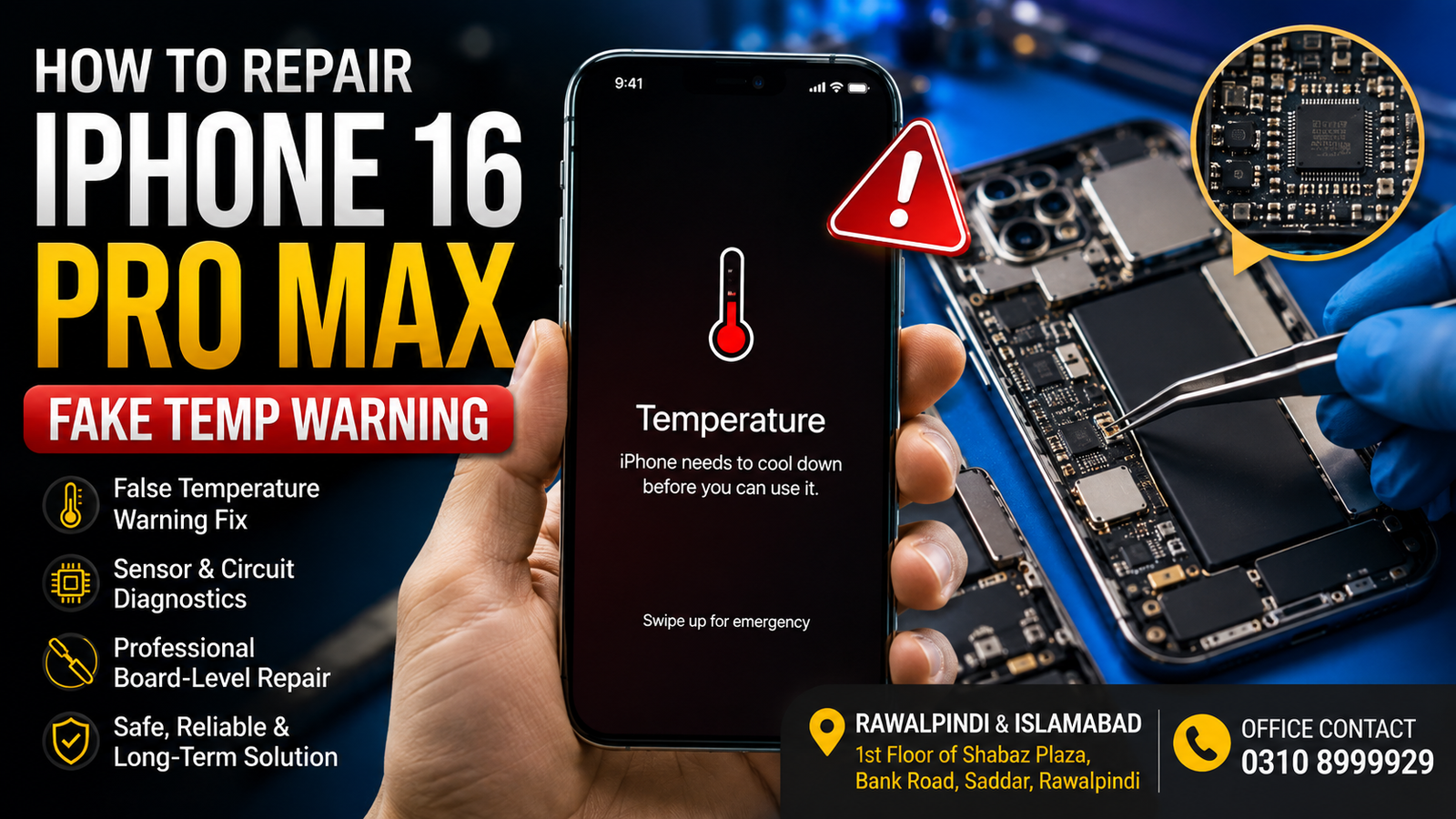
If your iPhone 16 Pro Max displays a temperature warning even though the phone is not actually hot, the problem may be caused by a faulty temperature sensor, a charging circuit issue, a damaged flex cable, a battery communication fault, liquid damage, or a motherboard-level problem.
A fake temperature warning can prevent normal charging, reduce performance, or make the iPhone difficult to use. Proper diagnosis is important because replacing random parts without testing may not solve the issue.
For professional diagnosis and repair in Rawalpindi and Islamabad, visit:
1st Floor of Shabaz Plaza, Bank Road, Saddar, Rawalpindi
Office: 0310 8999929
What Is an iPhone 16 Pro Max Fake Temperature Warning?
An iPhone 16 Pro Max fake temperature warning happens when the device incorrectly detects an abnormal temperature. You may see a message indicating that the iPhone needs to cool down or that charging is temporarily unavailable.
However, in a false temperature warning, the phone may feel completely normal and not actually be overheating.
This usually indicates a hardware communication or sensor-related fault rather than a genuine overheating problem.
Common symptoms include:
- A temperature warning appears immediately after it is turned on.
- The phone feels normal or cool but shows an overheating message.
- Charging stops or becomes unavailable.
- The iPhone restarts unexpectedly.
- The warning appears after a drop or exposure to liquid.
- The device becomes slow because iOS limits performance.
- The warning returns after restarting or updating iOS.
- The problem appears after a previous repair.
What Causes a Fake Temperature Warning on iPhone 16 Pro Max?
Several components and circuits can cause incorrect temperature readings.
1. Faulty Temperature Sensor
The iPhone uses temperature monitoring systems to protect the battery and internal components. If a sensor provides incorrect data, iOS may detect an unsafe temperature even when the phone is operating normally.
A damaged sensor or communication line can therefore trigger a false warning.
2. Battery Communication Problem
The iPhone’s hardware and software closely monitor the battery. A damaged battery connection, faulty battery data communication, or related circuit issue may cause abnormal readings.
If the fake temperature warning appeared after a battery replacement or physical damage, the battery system should be professionally inspected.
3. Charging Circuit Fault
Charging-related components can also contribute to temperature detection problems. A fault in the charging system may cause the device to stop charging or display an incorrect temperature-related message.
Professional diagnostics can help identify whether the problem is related to the charging assembly, connectors, or motherboard circuitry.
4. Damaged Charging Port or Flex Cable
A damaged flex cable, connector, or charging assembly can cause communication issues within the device.
Signs may include:
- Charging problems
- Intermittent temperature warnings
- Accessory detection issues
- Charging that starts and stops
- Problems after moisture exposure
5. Liquid or Moisture Damage
Even a small amount of moisture can cause corrosion or electrical problems inside an iPhone. The phone may initially continue working but display unusual warnings.
Liquid damage can affect connectors, sensors, power circuits, and motherboard components.
6. Motherboard or Logic Board Fault
If basic parts test correctly but the warning persists, the problem may be on the iPhone’s motherboard.
Board-level issues can involve damaged communication lines, short circuits, sensor circuits, or other microscopic components. These faults require proper testing and microsoldering-level repair rather than unnecessary part replacement.
How To Diagnose an iPhone 16 Pro Max Fake Temp Warning
The correct diagnosis should be made before replacing expensive components.
Step 1: Check Whether the iPhone Is Actually Hot
First, determine whether the device is genuinely overheating.
Remove the case and temporarily stop charging the phone. Allow it to rest in a normal room-temperature environment.
If the phone feels normal but repeatedly displays a temperature warning, a hardware or sensor issue becomes more likely.
Do not place the iPhone in a refrigerator or freezer, as sudden temperature changes can create moisture and potentially cause further damage.
Step 2: Restart the iPhone
A restart can help rule out a temporary software issue.
If the warning disappears permanently, the problem may have been temporary. If it immediately returns, further diagnosis is recommended.
Step 3: Update iOS
Install the latest compatible iOS version available for your device. Software updates can resolve some system-related bugs.
However, if the warning continues after updating or restoring the phone, the issue may be hardware-related.
Step 4: Check Charging Behavior
Observe what happens when the charger is connected.
Check whether:
- The phone starts charging normally.
- Charging immediately stops.
- The temperature warning appears only during charging.
- The device charges intermittently.
These symptoms can help narrow down the source of the problem.
Step 5: Inspect for Previous Damage or Repair History
Consider whether the problem started after:
- Dropping the phone
- Liquid exposure
- Battery replacement
- Screen replacement
- Charging port repair
- Previous motherboard work
This information can help a technician diagnose the issue more accurately.
Can You Fix a Fake Temperature Warning on an iPhone 16 Pro Max at Home?
Some basic checks can safely be performed at home, including restarting the device, updating iOS, removing the case, and testing with a compatible charger.
However, opening an iPhone 16 Pro Max without proper tools and experience can cause additional damage.
If the issue involves the battery system, charging circuit, sensor communication, or motherboard, DIY repair may not be appropriate. Replacing parts without identifying the actual fault can increase repair costs.
For persistent warnings, professional diagnostics are usually the safest option.
Professional iPhone 16 Pro Max Temperature Warning Repair in Rawalpindi and Islamabad
A professional repair process should focus on identifying the exact cause instead of replacing multiple parts unnecessarily.
Depending on the diagnosis, the repair may involve:
- Battery and battery connector testing
- Charging system diagnostics
- Charging port and flex cable inspection
- Sensor communication testing
- Liquid damage inspection
- Power circuit diagnostics
- Motherboard-level fault finding
- Microsoldering repair where required
- Post-repair charging and stability testing
Professional diagnostics are particularly important when the iPhone displays a temperature warning even though it remains physically cool.
iPhone 16 Pro Max Board-Level Repair for Temperature Faults
Some fake temperature warnings are caused by faults that cannot be fixed through a simple screen, battery, or charging port replacement.
When the issue is located on the motherboard, specialized equipment may be required to trace the affected circuit and test individual components.
Board-level repair may involve diagnosing:
- Short circuits
- Damaged components
- Corroded connections
- Broken communication lines
- Sensor-related circuit faults
- Charging and power-management issues
A proper diagnosis helps avoid unnecessary repairs and focuses on the actual cause of the temperature warning.
iPhone 16 Pro Max Fake Temp Warning Repair Near Islamabad
Customers from Islamabad can also get professional help for persistent iPhone temperature warnings. If your iPhone 16 Pro Max is showing an overheating message without actually overheating, the device should be inspected before the fault causes further charging or performance problems.
The repair process begins with fault diagnosis to determine whether a replaceable component or a motherboard-level circuit problem causes the issue.
iPhone 16 Pro Max Fake Temp Warning Repair in Rawalpindi
For customers in Rawalpindi, professional diagnosis is available at:
1st Floor of Shabaz Plaza, Bank Road, Saddar, Rawalpindi
For office inquiries, call:
Providing details about when the warning started, whether the phone was dropped, exposed to liquid, or previously repaired can help speed up the diagnostic process.
FAQs
Why does my iPhone 16 Pro Max say it is too hot when it is not?
This can happen due to a faulty sensor, a battery communication problem, a charging circuit issue, a damaged flex cable, liquid damage, or a motherboard-level fault. Proper diagnostics are required to identify the exact cause.
Can a bad battery cause a fake temperature warning?
Yes. Battery-related communication or temperature monitoring problems may contribute to incorrect temperature warnings.
Will updating iOS fix a fake temperature warning?
An update may help if the issue is software-related. If the warning persists after updating, restarting, or restoring the device, a hardware issue is more likely.
Can liquid damage cause an incorrect temperature warning?
Yes. Moisture and corrosion can affect connectors, sensors, and internal circuits, potentially causing abnormal temperature detection.
Why does my iPhone stop charging when it shows a temperature warning?
The iPhone may temporarily turn off charging when it detects an unsafe temperature. If the phone is not genuinely hot, a fault in the sensor, battery, charging system, or motherboard should be investigated.
Is motherboard repair necessary for every fake temperature warning?
No. Another component could cause the issue. Professional testing should be completed before determining whether motherboard repair is required.
Where can I get an iPhone 16 Pro Max fake temperature warning diagnosed in Rawalpindi or Islamabad?
Professional diagnosis is available to customers in Rawalpindi and Islamabad at the 1st Floor of Shabaz Plaza, Bank Road, Saddar, Rawalpindi. For office inquiries, call 0310 8999929.
Get Your iPhone 16 Pro Max Diagnosed.
A fake temperature warning should not be ignored, especially if it affects charging, performance, or normal use. The problem may be minor, but persistent warnings can also indicate a component or motherboard-level fault.
If your iPhone 16 Pro Max displays a temperature warning even when the device is not actually hot, a professional diagnosis can identify the source of the issue and recommend the appropriate repair.
Address: 1st Floor of Shabaz Plaza, Bank Road, Saddar, Rawalpindi
Office Contact: 0310 8999929
Service is available for customers in Rawalpindi, Islamabad, and nearby areas.

