
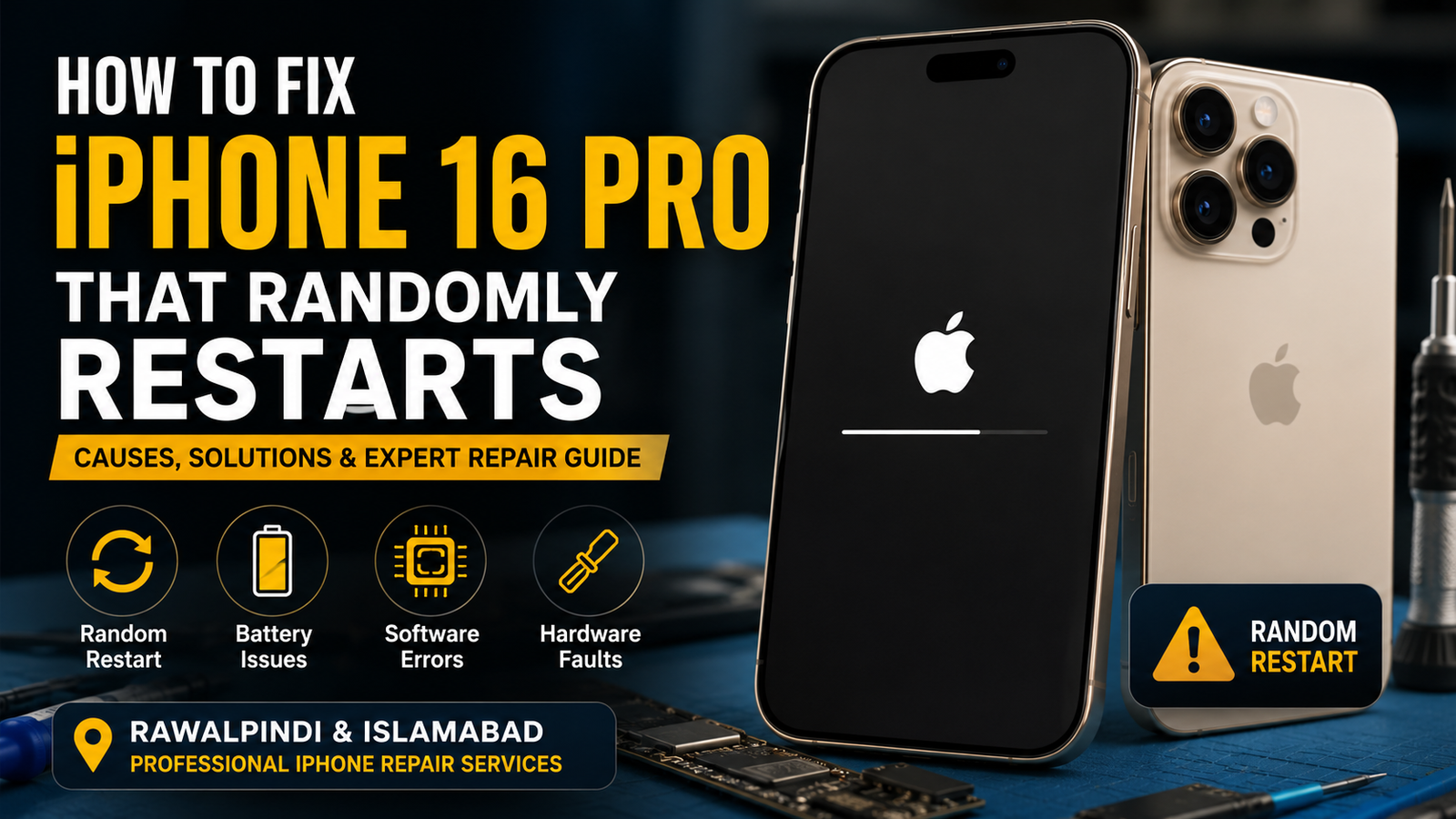
Is your iPhone 16 Pro randomly restarting without warning? Frequent restarts can interrupt calls, erase unsaved work, and make your phone unreliable. This issue may be caused by software bugs, battery problems, storage errors, damaged hardware, or motherboard faults.
If you’re looking for iPhone 16 Pro repair in Rawalpindi or Islamabad, this guide explains the common causes, troubleshooting steps, and when professional microsoldering repair is required.
Why Does an iPhone 16 Pro Randomly Restart?
Several issues can cause unexpected restarts, including:
- Outdated iOS software
- Corrupted system files
- Low internal storage
- Faulty battery
- Liquid damage
- Logic board damage
- Power management IC failure
- Faulty charging port
- Third-party app conflicts
- Hardware impact after a drop
Identifying the actual cause is important before replacing any parts.
Signs Your iPhone 16 Pro Has a Restart Problem
Watch for these symptoms:
- Apple logo appears repeatedly
- Phone restarts during calls
- Random shutdowns while charging
- Device freezes before restarting
- Restart loop after software update
- Unexpected reboot while using apps
- Battery percentage changes suddenly
- Phone becomes unusually hot
How to Fix an iPhone 16 Pro That Randomly Restarts
1. Force Restart Your iPhone
Sometimes a temporary software glitch causes random reboots.
Steps:
- Press and release Volume Up.
- Press and release Volume Down.
- Hold the Side Button until the Apple logo appears.
This clears temporary system issues without deleting data.
2. Update iOS
Apple regularly releases updates that fix bugs causing restart problems.
Go to:
Settings > General > Software Update
Install the latest version if available.
3. Remove Problematic Apps
If restarting started after installing a new app:
- Delete recently installed apps.
- Restart the phone.
- Check whether the issue disappears.
Poorly optimized apps can trigger system crashes.
4. Check Storage Space
A nearly full iPhone may become unstable.
Navigate to:
Settings > General > iPhone Storage
Delete:
- Large videos
- Duplicate photos
- Unused apps
- Downloads
Maintain several gigabytes of free storage for smooth performance.
5. Check Battery Health
A worn battery can cause sudden restarts.
Go to:
Settings > Battery > Battery Health
If battery health is significantly reduced or the battery displays service warnings, replacement may be necessary.
6. Reset All Settings
Corrupted settings sometimes create software conflicts.
Go to:
Settings > General > Transfer or Reset iPhone > Reset > Reset All Settings
Your personal data remains safe.
7. Restore iPhone Using Finder or iTunes
If software corruption is severe:
- Backup your data.
- Restore iPhone through Finder (Mac) or iTunes (Windows).
- Set up the phone again.
If restarting continues after a clean restore, hardware is likely responsible.
Hardware Problems That Cause Random Restarts
If software fixes don’t work, the issue may involve internal components.
Common hardware faults include:
Battery Failure
An unstable battery cannot provide consistent voltage, causing unexpected shutdowns.
Charging IC Problems
A damaged charging circuit interrupts power delivery.
Logic Board Damage
Drops or liquid exposure may damage motherboard components.
Power Management IC Failure
The PMIC controls power distribution throughout the phone. Failure often causes:
- Boot loops
- Random shutdowns
- Continuous restarting
- Charging issues
This repair usually requires advanced microsoldering equipment.
Liquid Damage
Moisture can corrode tiny motherboard components, leading to unstable performance.
Professional iPhone 16 Pro Repair in Rawalpindi & Islamabad
If your iPhone continues restarting after basic troubleshooting, professional diagnostics are recommended.
Experienced technicians can diagnose:
- Logic board faults
- Battery issues
- Charging IC problems
- PMIC failures
- Liquid damage
- Short circuits
- Power rail faults
- NAND storage issues
Advanced microsoldering repairs can often restore the original motherboard without unnecessary replacements.
Why Choose Professional Microsoldering Repair?
Professional repair provides:
- Accurate fault diagnosis
- Board-level repair
- Genuine quality replacement parts
- Advanced testing equipment
- Faster turnaround
- Cost-effective repair compared to motherboard replacement
- Data preservation whenever possible
Service Areas
Professional iPhone repair services are available for customers across:
- Rawalpindi
- Islamabad
- Saddar Rawalpindi
- Satellite Town
- Bahria Town
- DHA
- Chaklala
- PWD
- G-8
- G-9
- F-6
- F-7
- F-10
- Blue Area
- I-8
- I-9
Visit Our Repair Center
Address:
1st Floor of Shabaz Plaza, Bank Road, Saddar, Rawalpindi
Call Now: 03108999929
Our technicians diagnose iPhone restart issues using professional testing equipment and perform board-level microsoldering repairs where necessary.
FAQs
Why does my iPhone 16 Pro keep restarting?
Common reasons include software bugs, battery failure, motherboard damage, power management IC issues, liquid damage, or corrupted system files.
Can a bad battery cause random restarts?
Yes. A damaged or worn battery can interrupt power delivery and trigger unexpected reboots.
Will updating iOS fix restart problems?
If the issue is software-related, updating iOS often resolves known bugs.
Is random restarting a motherboard issue?
Not always. However, if software troubleshooting fails, logic board diagnostics may be required.
Can data be saved during repair?
In many cases, yes. Professional board-level repair often restores the device without affecting personal data.
Do you repair iPhone 16 Pro restart issues in Rawalpindi and Islamabad?
Yes. Professional diagnostics and microsoldering repair services are available for customers throughout Rawalpindi and Islamabad.
Conclusion
Random restarts on an iPhone 16 Pro can range from simple software bugs to complex motherboard failures. Start with software troubleshooting such as updating iOS, checking storage, and testing battery health. If the problem persists, professional diagnostics are the safest solution. For reliable iPhone 16 Pro repair in Rawalpindi and Islamabad, visit 1st Floor of Shabaz Plaza, Bank Road, Saddar, Rawalpindi, or call 03108999929 for expert assistance.

