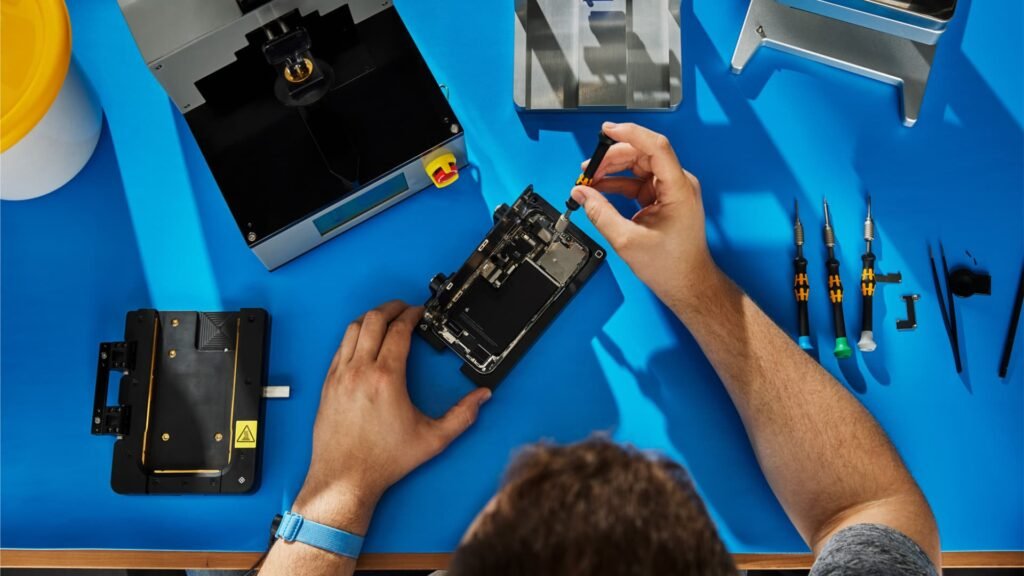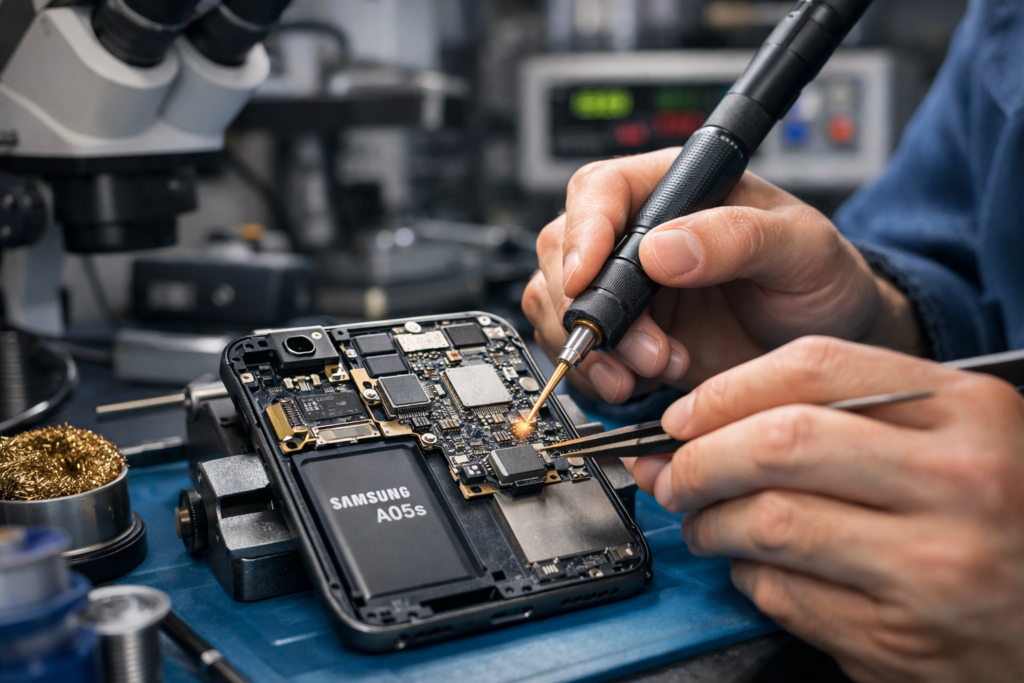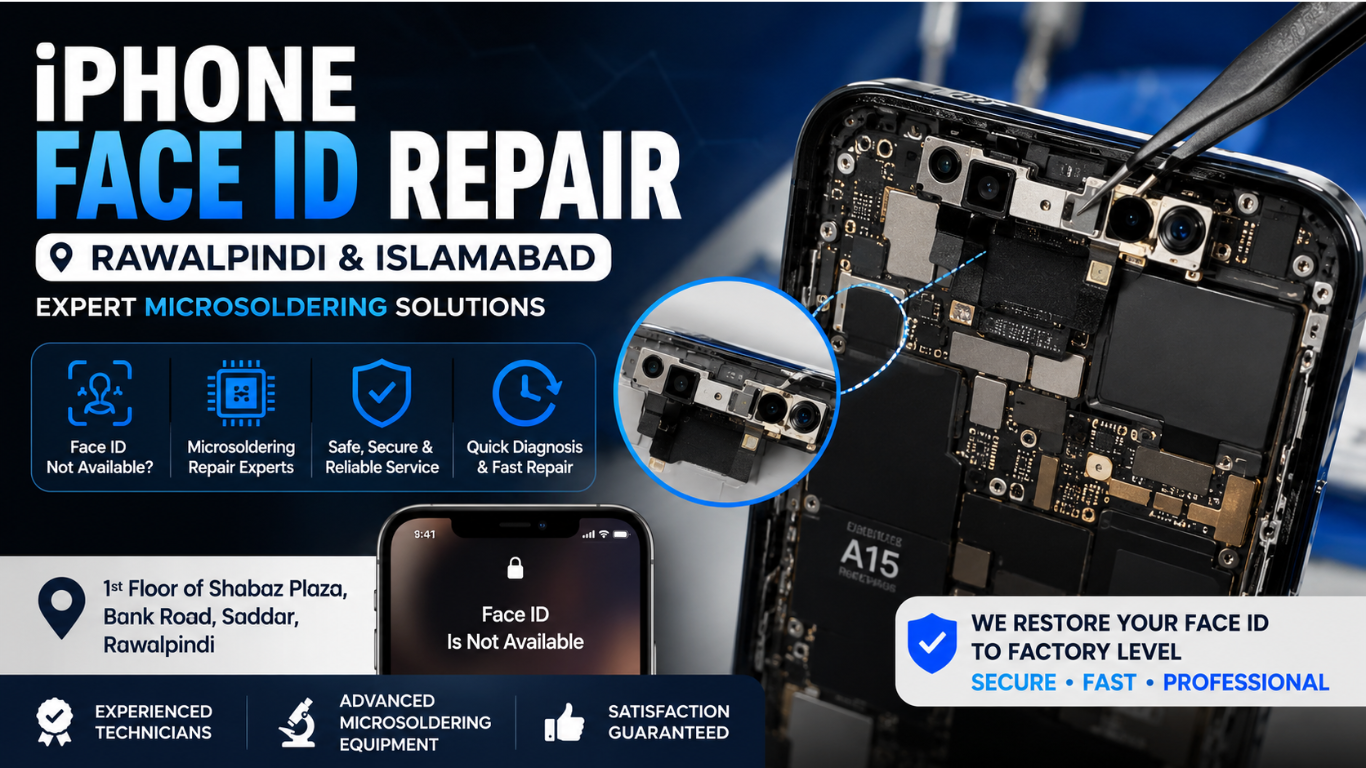
If your iPhone displays “Face ID is Not Available”, fails to recognize your Face, or stops working after being dropped or exposed to water, professional repair can restore its functionality. Face ID is one of Apple’s most advanced security features, making it essential for unlocking your phone, authorizing payments, accessing banking applications, and protecting personal information.
Our Microsoldering Repairs and Microsoldering Service Centers provide professional iPhone Face ID Repair in Rawalpindi and Islamabad using advanced diagnostic equipment and board-level repair techniques. Instead of replacing the entire device, experienced technicians carefully diagnose the root cause and repair the original Face ID system whenever possible.
Conveniently located on the 1st Floor of Shabaz Plaza, Bank Road, Saddar, our repair center serves customers from Rawalpindi, Islamabad, Bahria Town, DHA, Chaklala, Satellite Town, PWD, Gulberg Greens, G-13, G-11, F-10, F-11, Blue Area, I-8, and surrounding areas.
Whether the issue is caused by accidental damage, moisture, hardware failure, or motherboard problems, professional microsoldering can often restore Face ID functionality while preserving your original components.
What is iPhone Face ID?
iPhone Face ID is Apple’s biometric authentication technology that securely unlocks your iPhone by scanning your Face. Unlike a traditional fingerprint sensor, Face ID uses the TrueDepth camera system, which projects thousands of invisible infrared dots onto your Face to create an accurate 3D map.
The system includes several highly sensitive components working together:
- Dot Projector
- Flood Illuminator
- Infrared Camera
- Ambient Light Sensor
- Front Camera
- Proximity Sensor
- Secure Enclave
Because these components are cryptographically paired, replacing them incorrectly can permanently disable Face ID. This is why professional microsoldering repair is extremely important.
Common Signs Your iPhone Face ID Needs Repair
Many users first notice iPhone Face ID problems after dropping their phone or exposing it to water. Some issues develop gradually due to hardware wear.
Common symptoms include:
- Face ID is Not Available
- Unable to Activate Face ID
- Face ID setup fails
- Face recognition becomes inconsistent
- Front camera works, but Face ID does not
- Dot projector failure
- Flood illuminator error
- The device asks repeatedly for the passcode
- Face ID suddenly stopped after screen replacement
- Face ID stopped after water damage
- Face ID works only occasionally
- Camera app functions normally, but Face ID fails
Ignoring these issues can eventually lead to complete Face ID failure.
Why Does iPhone Face ID Stop Working?
Several hardware and software issues can affect iPhone Face ID performance.
Accidental Drops
Even a small drop may damage internal flex cables or disturb tiny Face ID components.
Water Damage
Moisture is one of the biggest causes of iPhone Face ID failure. Corrosion can develop around the Face ID circuit, damaging sensitive electronic components.
Motherboard Damage
Sometimes the TrueDepth camera is not faulty. Damage to the motherboard interrupts communication between the Face ID sensors and the processor.
Previous Improper Repairs
Using low-quality replacement parts or incorrect repair methods may permanently disable iPhone Face ID.
Flex Cable Damage
The Face ID assembly uses delicate flex cables that can tear during screen replacement or accidental impact.
Dot Projector Problems
The Dot Projector is one of the most sensitive components of Face Is. If damaged, the system cannot authenticate your Face correctly.
Flood Illuminator Failure
Without a working Flood Illuminator, Face ID cannot scan your Face properly in different lighting conditions.
Why Professional Face ID Repair Matters
Many repair issues cannot be solved by replacing the screen or updating iOS. Face ID is paired to your phone’s logic board at the factory.
Professional microsoldering technicians use specialized tools to:
- Diagnose motherboard faults
- Repair damaged circuits
- Replace damaged micro-components
- Restore electrical connections
- Repair flex cables
- Preserve Apple’s original Face ID pairing
This approach offers a much higher chance of restoring iPhone Face ID compared to simple parts replacement.
Our Face ID Repair Process
Every repair begins with a detailed diagnostic procedure to identify the exact cause of the problem.
Initial Inspection
The technician checks:
- Screen condition
- Camera performance
- Face ID status
- Liquid damage indicators
- Internal connectors
Advanced Diagnostics
Professional diagnostic tools help identify:
- Sensor communication failures
- Motherboard faults
- Power rail issues
- Damaged iPhone Face ID components
- Short circuits
Microsoldering Repair
If board-level damage is detected, technicians perform precision microsoldering repairs under a microscope.
This process may involve repairing:
- Broken solder joints
- Damaged traces
- IC connections
- Face ID circuitry
- Connector damage
Final Testing
After repair, iPhone Face ID is tested thoroughly to ensure:
- Fast recognition
- Secure authentication
- Camera functionality
- Sensor calibration
- Stable performance
Only after successful testing is the repair considered complete.
iPhone Models We Repair
Professional iPhone Face ID repair services are available for many compatible iPhone models, including:
- iPhone X
- iPhone XS
- iPhone XS Max
- iPhone XR
- iPhone 11
- iPhone 11 Pro
- iPhone 11 Pro Max
- iPhone 12 Mini
- iPhone 12
- iPhone 12 Pro
- iPhone 12 Pro Max
- iPhone 13 Mini
- iPhone 13
- iPhone 13 Pro
- iPhone 13 Pro Max
- iPhone 14
- iPhone 14 Plus
- iPhone 14 Pro
- iPhone 14 Pro Max
- iPhone 15
- iPhone 15 Plus
- iPhone 15 Pro
- iPhone 15 Pro Max
- Newer compatible models
Each model has a slightly different Face ID architecture, requiring specialized repair knowledge and equipment.
Benefits of Microsoldering Face ID Repair
Choosing board-level repair instead of unnecessary device replacement offers several advantages.
Preserve Original Components
Professional repair focuses on restoring your phone’s original Face ID system whenever possible.
Cost-Effective Solution
Repairing the existing hardware is often more affordable than replacing the entire phone.
Maintain Security
A properly repaired Face ID system continues to provide secure biometric authentication.
Environmentally Friendly
Repairing electronics helps reduce electronic waste and extends the life of your device.
Faster Turnaround
Many Face ID issues can be diagnosed and repaired more quickly than sourcing a replacement device.
Areas We Serve
Our Microsoldering Repairs and Microsoldering Service Centers proudly serve customers across Rawalpindi and Islamabad, including:
- Saddar Rawalpindi
- Satellite Town
- Chaklala
- Bahria Town
- DHA
- Westridge
- Adyala Road
- Committee Chowk
- Peshawar Road
- Murree Road
- G-6
- G-7
- G-8
- G-9
- G-10
- G-11
- G-13
- F-6
- F-7
- F-8
- F-10
- F-11
- Blue Area
- I-8
- H-8
- PWD
- Gulberg Greens
- Surrounding areas
Our convenient location on the 1st Floor of Shabaz Plaza, Bank Road, Saddar makes it easy for customers from both cities to access professional repair services.
FAQs
Can Face ID be repaired?
Yes. Many Face ID issues can be repaired through professional diagnostics and microsoldering, depending on the cause of the fault.
How long does Face ID repair take?
Repair time varies depending on the complexity of the issue. Simple faults may be resolved more quickly, while board-level repairs can take longer.
Will my data be erased?
Face ID repairs generally do not require deleting your personal data, though it is always recommended to back up your device before any repair.
Can Face ID stop working after water damage?
Yes. Water damage can affect the delicate components of the TrueDepth camera system and the logic board, leading to Face ID failure.
Is Face ID repair better than replacing the phone?
In many cases, repairing the original device is a more cost-effective option and allows you to keep your existing data and hardware.
Do you repair motherboard-related Face ID problems?
Yes. Our Microsoldering specializes in diagnosing and repairing board-level issues that can affect Face ID functionality.