
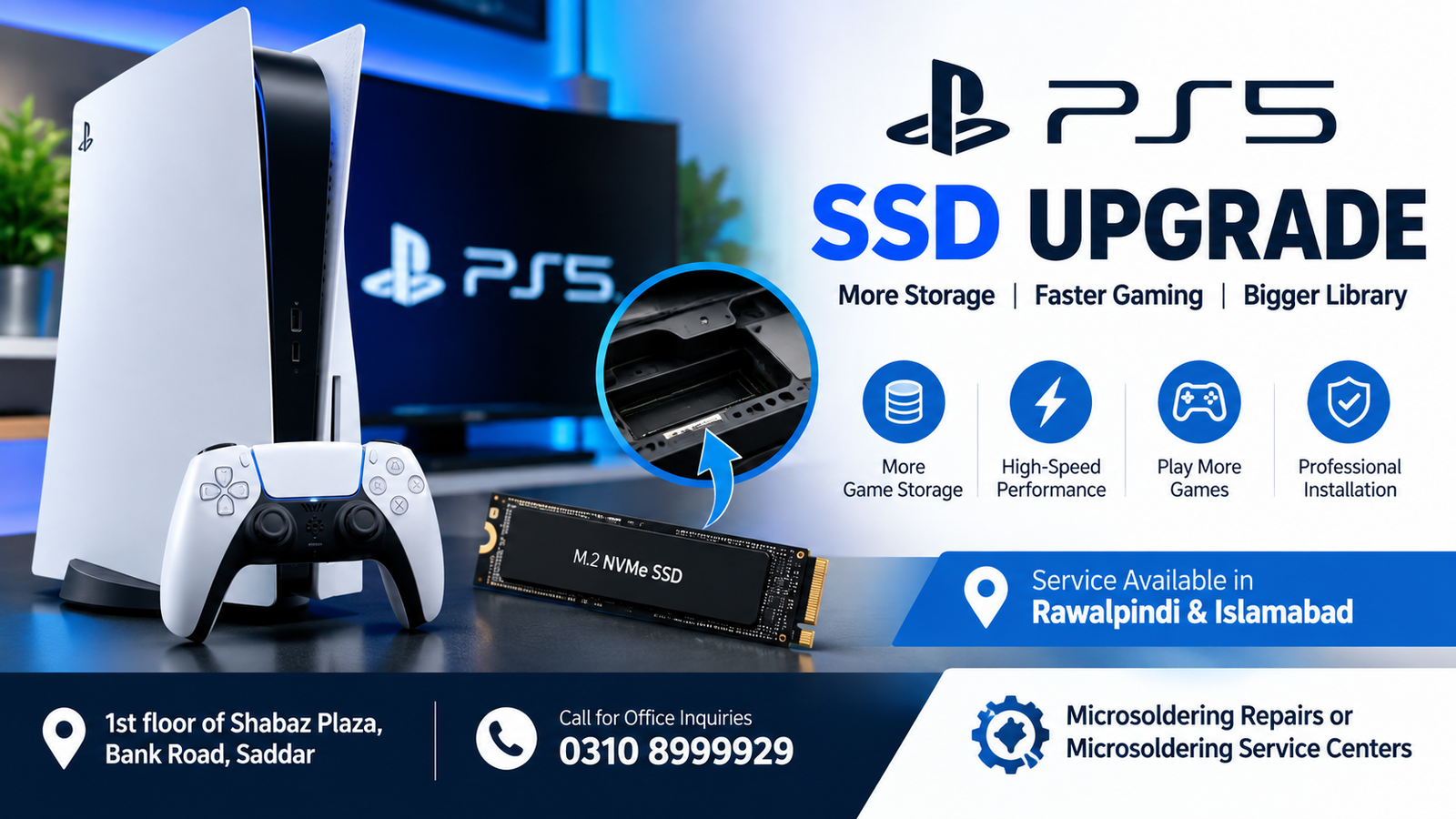
If your PlayStation 5 is running out of storage space, a PS5 SSD Upgrade can provide a practical solution. Modern PS5 games can require a large amount of storage, and the built-in SSD can fill up quickly when you install multiple games, updates, downloadable content, and media files. Upgrading the internal storage allows you to keep more games installed while maintaining the fast loading performance expected from the PS5.
For customers in Rawalpindi and Islamabad, professional PS5 SSD installation and upgrade services are available at Microsoldering Repairs or Microsoldering Service Centers, located at 1st floor of Shabaz Plaza, Bank Road, Saddar. For office inquiries, call 0310 8999929.
What Is a PS5 SSD Upgrade?
A PS5 SSD Upgrade means installing an additional compatible M.2 NVMe SSD into the PlayStation 5’s dedicated expansion slot. The PS5 supports an internal M.2 SSD expansion that can significantly increase the amount of available game storage.
Instead of repeatedly deleting games to make room for new titles, an SSD upgrade gives your console additional high-speed storage. This is particularly useful for gamers who have large game libraries or frequently download new games.
A properly installed SSD can provide:
- More game storage
- Faster access to installed games
- Better storage management
- Less need to delete and reinstall games
- Convenient expansion for large game libraries
- A cleaner long-term storage solution
Why Do You Need a PS5 SSD Upgrade?
The original PS5 storage capacity may not be enough for every gamer. Although the console comes with a high-speed internal SSD, part of its storage is used by the system software, leaving less space available for games and applications.
Large modern games can consume significant storage. Installing several major titles can quickly reduce the remaining free space.
A PS5 SSD Upgrade is useful when you regularly receive storage warnings or find yourself deleting games simply to install something new.
Common reasons for upgrading PS5 storage include:
- PS5 storage is almost full
- Too many games are installed
- You frequently delete games to install new ones
- Large game updates consume available space
- You want a larger game library
- You need additional high-speed internal storage
PS5 SSD Upgrade in Rawalpindi
Gamers looking for a PS5 SSD Upgrade in Rawalpindi can visit our service location at 1st floor of Shabaz Plaza, Bank Road, Saddar.
Our service focuses on proper SSD installation and checking the console after installation. The SSD needs to be compatible with the PS5’s requirements, and installation should be performed carefully to avoid damaging internal components.
If you are unsure which SSD is suitable for your PS5, you can contact the office before visiting.
Office Contact: 0310 8999929
PS5 SSD Upgrade in Islamabad
If you are searching for a PS5 SSD Upgrade in Islamabad, our service location in Saddar, Rawalpindi, is accessible to customers from Islamabad as well.
The SSD installation process requires attention to compatibility, physical installation, and console recognition. After the SSD is installed, the PS5 can format the drive and prepare it for game storage.
Customers from Islamabad can contact us at 0310 8999929 for service information and availability.
What Type of SSD Does the PS5 Use?
The PS5 uses an M.2 NVMe SSD for its internal storage expansion. However, not every M.2 SSD is suitable for the console.
A compatible drive should meet Sony’s recommended specifications for PS5 expansion storage, including appropriate performance and physical dimensions.
Before purchasing an SSD, it is important to verify:
- M.2 NVMe compatibility
- PCIe interface requirements
- Required read performance
- Supported storage capacity
- Physical dimensions
- Heatsink requirements
- Compatibility with the PS5 expansion bay
Choosing an unsuitable drive can result in compatibility or performance problems.
Does a PS5 SSD Upgrade Improve Gaming Performance?
The primary purpose of a PS5 SSD Upgrade is to increase storage capacity. A properly compatible SSD also provides the high-speed performance required for PS5 games.
However, an SSD upgrade should not be viewed as a way to dramatically increase the console’s processing power or graphics performance.
The main advantages are additional storage and maintaining the high-speed storage experience expected by PS5 games.
PS5 SSD Installation Service
Installing an SSD inside a PS5 requires careful handling. The console contains sensitive electronic components, and improper handling can potentially cause physical damage.
A professional PS5 SSD Upgrade service can help ensure that:
- The correct SSD is selected.
- The console is safely opened where necessary.
- The SSD is installed correctly.
- The drive is secured properly.
- The console recognizes the new storage.
- The SSD is formatted correctly.
- Storage functionality is checked after installation.
Professional installation is particularly useful if you are not comfortable opening or working with electronic hardware.
How Does a PS5 SSD Upgrade Work?
The general PS5 SSD Upgrade process involves several steps.
1. Console Inspection
The PS5 is checked before installation to identify existing hardware or storage-related issues.
2. SSD Compatibility Check
The selected M.2 SSD is checked against the PS5’s requirements.
3. Safe Installation
The expansion SSD is installed into the dedicated M.2 storage slot.
4. Secure the SSD
The drive is positioned and secured correctly inside the expansion bay.
5. Reassemble the Console
Any removed components are carefully put back into place.
6. Format the SSD
The PS5 detects the new drive and prompts for formatting when required.
7. Performance Check
The new storage is tested to ensure that the console recognizes and uses it correctly.
Can You Upgrade PS5 Storage Without Losing Games?
An SSD expansion can provide additional storage without requiring you to replace the PS5’s original internal storage. However, data handling depends on the specific installation and storage situation.
Before performing any hardware work, important saved data should be backed up where possible.
A PS5 SSD Upgrade adds storage rather than simply replacing the console’s original system storage.
PS5 SSD Upgrade vs External USB Storage
PS5 owners can use both internal M.2 SSD expansion and external USB storage, but they serve different purposes.
An internal compatible SSD is designed for playing PS5 games directly from the expanded storage. External USB storage can be useful for storing PS4 games and moving PS5 games between storage devices.
For gamers who want additional space for their PS5 game library, an internal PS5 SSD Upgrade is often the more convenient solution.
Benefits of a PS5 SSD Upgrade
There are several benefits to expanding your console’s storage.
More Storage
The biggest benefit is additional space for games and applications.
Keep More Games Installed
You can maintain a larger game library without constantly deleting older titles.
High-Speed Storage
A compatible internal M.2 SSD provides the fast storage performance required by PS5 games.
Better Convenience
You spend less time managing limited storage space.
Long-Term Solution
For gamers with growing digital libraries, additional SSD storage can be a useful long-term upgrade.
Signs You Need a PS5 SSD Upgrade
You may want to consider a PS5 SSD Upgrade if you regularly experience:
- Low storage warnings
- Not enough space for new games
- Large game updates taking up remaining storage
- Frequent game deletion
- Reinstalling previously deleted games
- Difficulty maintaining your game library
If storage management has become frustrating, adding a compatible SSD can make the PS5 much easier to use.
PS5 SSD Upgrade for Gaming Libraries
Digital games can consume substantial storage, especially when high-resolution assets, expansions, patches, and downloadable content are included.
A larger SSD allows gamers to keep more titles available without repeatedly downloading them.
This is particularly useful for users with:
- Large digital game libraries
- Multiple AAA games
- Downloadable content
- Frequent game updates
- Multiple users sharing one console
Professional PS5 SSD Upgrade in Rawalpindi & Islamabad
For customers searching for a PS5 SSD Upgrade in Rawalpindi & Islamabad, professional installation can help reduce the risk of incorrect installation or incompatible hardware.
Our service location is:
1st floor of Shabaz Plaza, Bank Road, Saddar
For information about SSD compatibility, installation, and service availability, contact:
We recommend confirming the SSD model and capacity before installation so the appropriate upgrade can be performed.
Why Choose Professional PS5 SSD Installation?
Although installing an M.2 SSD may appear straightforward, careful handling is important when working inside electronic devices.
Professional service can help with:
- SSD compatibility
- Proper installation
- Hardware handling
- Drive recognition
- Formatting
- Post-installation testing
- Storage troubleshooting
If the PS5 does not recognize the SSD after installation, further diagnosis may be required.
PS5 SSD Not Recognized After Installation
Sometimes a newly installed SSD may not appear correctly. Possible causes include an incompatible SSD, incorrect installation, improper seating, formatting issues, or hardware-related problems.
If your PS5 does not recognize an installed SSD, avoid repeatedly removing and reinstalling the drive without checking the installation carefully.
A professional inspection can identify whether the issue is related to the SSD, installation, or console hardware.
PS5 SSD Upgrade Troubleshooting
Common issues after an SSD installation can include:
SSD Not Detected
The console may not recognize the drive if it is incompatible or incorrectly installed.
Storage Capacity Appears Incorrect
Available storage is normally lower than the advertised capacity because of system formatting and storage management.
Installation Problems
Improper positioning or securing of the SSD can create problems.
Performance Issues
Using an SSD that does not meet the PS5’s requirements may lead to compatibility or performance concerns.
Formatting Errors
The console may require the SSD to be formatted before it can be used for game storage.
FAQs
What is a PS5 SSD Upgrade?
A PS5 SSD Upgrade adds additional internal M.2 NVMe storage to a compatible PlayStation 5 console, allowing you to store more games and applications.
Can I upgrade my PS5 storage?
Yes. Compatible PS5 models support internal M.2 SSD expansion through the console’s dedicated expansion slot.
How much SSD storage can I add to a PS5?
The supported capacity depends on the PS5’s specifications and the compatible SSD. The exact SSD capacity should be checked before purchase and installation.
Can I play PS5 games directly from an SSD upgrade?
Yes, a compatible internal M.2 SSD can be used to download, install, and play supported PS5 games.
Is every M.2 SSD compatible with PS5?
No. The SSD needs to meet the PS5’s required interface, performance, physical dimensions, and other compatibility specifications.
Does upgrading the SSD make my PS5 faster?
The main benefit is increased storage capacity. A compatible SSD provides the high-speed storage performance required for PS5 games, but it does not upgrade the console’s CPU or GPU.
Can I use an external SSD instead?
External USB storage is useful for certain storage purposes, but PS5 games generally need to be played from compatible internal storage or moved back to internal storage before playing.
Where can I get a PS5 SSD Upgrade in Rawalpindi?
You can visit 1st floor of Shabaz Plaza, Bank Road, Saddar for PS5 SSD upgrade service. Call 0310 8999929 for office inquiries.
Where can Islamabad customers get a PS5 SSD Upgrade?
Customers from Islamabad can visit the service location at 1st floor of Shabaz Plaza, Bank Road, Saddar, Rawalpindi. Contact 0310 8999929 before visiting for service information.
Final Thoughts
A PS5 SSD Upgrade is an effective way to expand your PlayStation 5’s available game storage. If you regularly delete games because your storage is full, adding a compatible M.2 NVMe SSD can give you considerably more room for your gaming library.
For gamers in Rawalpindi and Islamabad, professional SSD installation can help ensure that the correct drive is installed and properly recognized by the console.
For PS5 SSD Upgrade service and inquiries, visit:
1st floor of Shabaz Plaza, Bank Road, Saddar
Office Contact: 0310 8999929
Service: Microsoldering Repairs or Microsoldering Service Centers

