
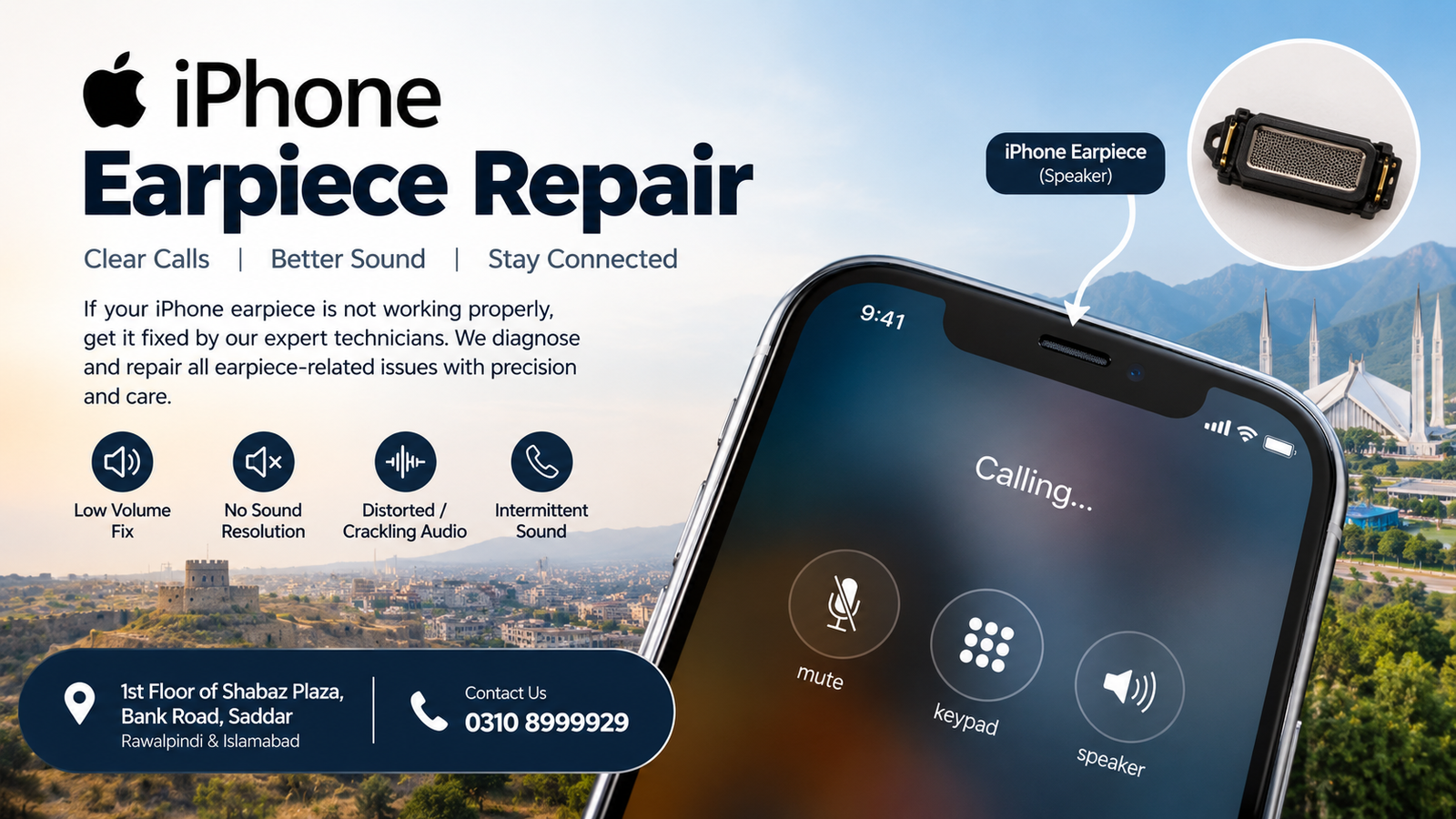
If your iPhone microphone is not working properly, calls may sound unclear, voice recordings may be silent, or the other person may not hear you. iPhone Microphone Repair can help diagnose and resolve microphone-related problems caused by dust, liquid exposure, physical damage, charging-port issues, or motherboard-level faults.
For customers in Rawalpindi and Islamabad, professional diagnosis is important because microphone problems are not always caused by the microphone itself. In some cases, the issue may involve the microphone path, charging port assembly, audio circuitry, or logic board.
What Is iPhone Microphone Repair?
iPhone Microphone Repair is the process of diagnosing and fixing problems that prevent an iPhone from properly capturing or transmitting sound.
Depending on the iPhone model and the symptoms, the problem may involve:
- Microphone components
- Charging-port assembly
- Flex cables
- Audio circuits
- Logic board connections
- Liquid or corrosion damage
- Blocked microphone openings
- Software-related microphone problems
A proper diagnosis helps identify the actual cause before any repair is performed.
Common Signs Your iPhone Needs Microphone Repair
You may need iPhone Microphone Repair if you experience one or more of these problems:
1. People Cannot Hear You on Calls
If the other person cannot hear your voice during a normal phone call, the microphone or its related circuit may have a problem.
2. Voice Recordings Have No Sound
Open the Voice Memos app and make a short recording. If the recording is silent or extremely faint, further microphone diagnosis may be required.
3. Your Voice Sounds Very Low
A damaged or partially blocked microphone can make your voice sound unusually quiet.
4. Voice Messages Are Unclear
If WhatsApp or other messaging applications record distorted, weak, or unclear audio, the microphone system may need inspection.
5. Speakerphone Calls Have Microphone Problems
Different iPhone microphones can be used for different functions. A problem affecting one microphone may appear only during particular types of calls or recordings.
6. Microphone Stopped Working After Water Exposure
Liquid can cause corrosion or damage to microphone-related components and board connections. In these cases, simply replacing a component may not solve the underlying problem.
Why Does an iPhone Microphone Stop Working?
There are several possible causes behind microphone failure.
Dust and Debris
Dust or debris can accumulate around microphone openings and reduce sound quality. Carefully cleaning the external openings may help in minor cases, but aggressive cleaning can cause additional damage.
Liquid Damage
Water and other liquids can damage electrical connections. Corrosion may continue developing even after the phone appears dry.
Physical Damage
A dropped iPhone can damage internal components, flex cables, connectors, or board-level connections.
Charging-Port Problems
On some iPhone models, microphone functionality is associated with components located around the charging-port assembly. Damage in this area can therefore affect microphone performance.
Logic Board Faults
When the microphone component itself is functional but the relevant circuit has a board-level problem, microsoldering or logic-board diagnosis may be necessary.
Software Problems
Not every microphone problem is hardware-related. Incorrect permissions, temporary software problems, or an iOS issue can sometimes affect microphone functionality.
iPhone Microphone Repair in Rawalpindi
Customers looking for iPhone Microphone Repair in Rawalpindi can have their device professionally inspected before deciding on a repair.
The service is suitable for problems such as:
- Microphone not working
- Very low microphone volume
- Distorted voice
- Voice recording problems
- Call microphone failure
- Voice-message recording problems
- Microphone problems after water damage
- Microphone problems after a drop
- Board-level microphone faults
The repair process should begin with diagnosis rather than immediately replacing parts.
iPhone Microphone Repair in Islamabad
For customers searching for iPhone Microphone Repair in Islamabad, professional troubleshooting can help determine whether the problem is related to the microphone, charging-port assembly, flex cable, connector, or logic board.
A proper inspection is particularly useful when the microphone problem started after:
- Water exposure
- A fall or impact
- Previous repair work
- Charging-port damage
- Device overheating
- Sudden hardware failure
iPhone Microphone Repair Near Rawalpindi and Islamabad
For customers traveling from Rawalpindi or Islamabad, iPhone Microphone Repair is available at:
Address: 1st Floor of Shabaz Plaza, Bank Road, Saddar
Office Contact: 0310 8999929
The service focuses on diagnosing iPhone microphone problems and determining the appropriate repair method for the specific device.
How Is iPhone Microphone Repair Diagnosed?
A professional iPhone Microphone Repair process normally starts with testing.
Step 1: Identify the Symptoms
The technician checks whether the microphone problem occurs during calls, recordings, videos, voice messages, or multiple functions.
Step 2: Test Different Microphone Functions
An iPhone may use different microphones for different purposes. Testing several functions helps narrow down the affected area.
Step 3: Inspect the Device
The phone may be inspected for signs of:
- Liquid exposure
- Corrosion
- Physical impact
- Damaged connectors
- Previous repair work
- Blocked openings
Step 4: Check Hardware Components
Relevant microphone components, flex assemblies, connectors, and circuits can be checked according to the iPhone model.
Step 5: Perform Board-Level Diagnosis When Necessary
If testing indicates a logic-board problem, microsoldering-level inspection may be required.
Step 6: Test the Device Again
After repair, microphone functionality should be tested again through calls, recordings, videos, or other relevant functions.
Microsoldering Repairs for iPhone Microphone Problems
Some microphone failures cannot be resolved through simple external cleaning or component replacement. When the problem involves a damaged circuit or board-level connection, Microsoldering Repairs may be required.
Board-level iPhone Microphone Repair can involve detailed inspection of small components and connections. Specialized equipment may be required because modern iPhone logic boards contain densely packed components.
What Is Included in iPhone Microphone Repair?
Depending on the diagnosis, iPhone Microphone Repair may involve:
- Microphone testing
- Internal inspection
- Connector inspection
- Flex-cable diagnosis
- Charging-port assembly inspection
- Corrosion inspection
- Logic-board diagnosis
- Microsoldering repairs where required
- Post-repair microphone testing
The exact repair depends on the iPhone model and the cause of the failure.
Can a Microphone Problem Be Repaired Without Replacing the iPhone?
In many situations, an iPhone microphone problem can be investigated and repaired without replacing the entire device. However, the appropriate solution depends on the actual fault.
For example, a blocked microphone opening may require cleaning, while a damaged flex cable may require component-level replacement. A board-level fault may require specialized microsoldering work.
Therefore, diagnosis is an important part of iPhone Microphone Repair.
iPhone Microphone Repair After Water Damage
Water damage requires particular attention because corrosion can affect multiple components.
If your microphone stopped working after liquid exposure:
- Avoid repeatedly charging the device.
- Avoid using heat to dry the phone.
- Do not continue testing it unnecessarily.
- Have the device inspected for liquid and corrosion damage.
- Ask for microphone and board-level testing.
Early inspection can help identify affected areas before corrosion causes additional problems.
iPhone Microphone Repair After a Drop
A fall can cause internal damage even when the outside of the iPhone looks normal.
After an impact, microphone failure may result from:
- A damaged connector
- A flex-cable problem
- Component damage
- Board-level connection issues
- Physical damage near the microphone assembly
Professional testing can help determine which area is responsible.
Which iPhone Models Can Need Microphone Repair?
Microphone problems can occur across different generations of iPhones. The exact components and repair procedure vary by model.
iPhone Microphone Repair may be required on older and newer models when microphone performance becomes unreliable.
Because internal designs differ between generations, technicians should identify the exact model before determining the repair procedure.
Why Professional Diagnosis Matters
Trying random repairs can sometimes make a hardware problem more complicated. Professional iPhone Microphone Repair starts by identifying the cause of the failure.
This approach can help avoid unnecessary component replacement and provide a clearer understanding of the repair required.
FAQs
Why is my iPhone microphone not working?
Possible causes include blocked microphone openings, software issues, liquid damage, physical damage, charging-port assembly problems, flex-cable faults, or logic-board issues.
How much does iPhone Microphone Repair cost?
The cost depends on the iPhone model and the underlying fault. A simple component issue can differ significantly from a board-level repair, so diagnosis is recommended before confirming the repair cost.
Can you repair an iPhone microphone after water damage?
Water-damaged iPhones can sometimes be repaired, but the result depends on the extent of corrosion and the components affected.
Why can people not hear me on calls?
The problem may involve a microphone, microphone pathway, connector, flex assembly, or related hardware. Software and permission issues should also be ruled out.
Why are my iPhone voice recordings silent?
Silent recordings can indicate a microphone or related hardware problem, although software-related causes should also be checked.
Does a broken charging port affect the microphone?
On some iPhone models, microphone-related components are associated with the charging-port assembly. Therefore, damage in that area can sometimes affect microphone functionality.
Can microsoldering fix an iPhone microphone problem?
If diagnosis identifies a board-level fault, microsoldering may be an appropriate repair method. Not every microphone problem requires microsoldering.
Should I replace the microphone immediately?
Not necessarily. The microphone itself may not be the source of the problem. Proper testing can determine whether the fault is in the microphone, flex assembly, connector, or logic board.
Where can I get iPhone Microphone Repair in Rawalpindi?
Microsoldering Repairs or Microsoldering Service Centers are available at 1st Floor of Shabaz Plaza, Bank Road, Saddar. For office inquiries, call 0310 8999929.
Where can I get iPhone Microphone Repair in Islamabad?
Customers from Islamabad can visit the repair location at 1st Floor of Shabaz Plaza, Bank Road, Saddar, Rawalpindi, for iPhone microphone diagnosis and repair services.
Why Choose Microsoldering Repairs or Microsoldering Service Centers?
For microphone problems that require detailed hardware diagnosis, Microsoldering Repairs or Microsoldering Service Centers can provide inspection and repair focused on the affected iPhone components.
The service location is:
1st Floor of Shabaz Plaza, Bank Road, Saddar
Rawalpindi, Pakistan
Office Contact: 0310 8999929
Whether your iPhone microphone stopped working after a drop, liquid exposure, charging-port problem, or sudden hardware failure, proper diagnosis can help determine the next repair step.
Final Thoughts
A microphone failure can affect phone calls, voice recordings, videos, voice messages, and other everyday iPhone functions. iPhone Microphone Repair should therefore begin with accurate diagnosis instead of assuming that the microphone itself needs replacement.
For customers in Rawalpindi and Islamabad, Microsoldering Repairs or Microsoldering Service Centers provide iPhone microphone diagnosis and repair services at 1st Floor of Shabaz Plaza, Bank Road, Saddar.
Office Contact: 0310 8999929
If your iPhone microphone is producing weak, distorted, or no sound, professional testing can help identify whether the issue is related to the microphone, flex assembly, charging-port area, connector, liquid damage, or logic board.

