
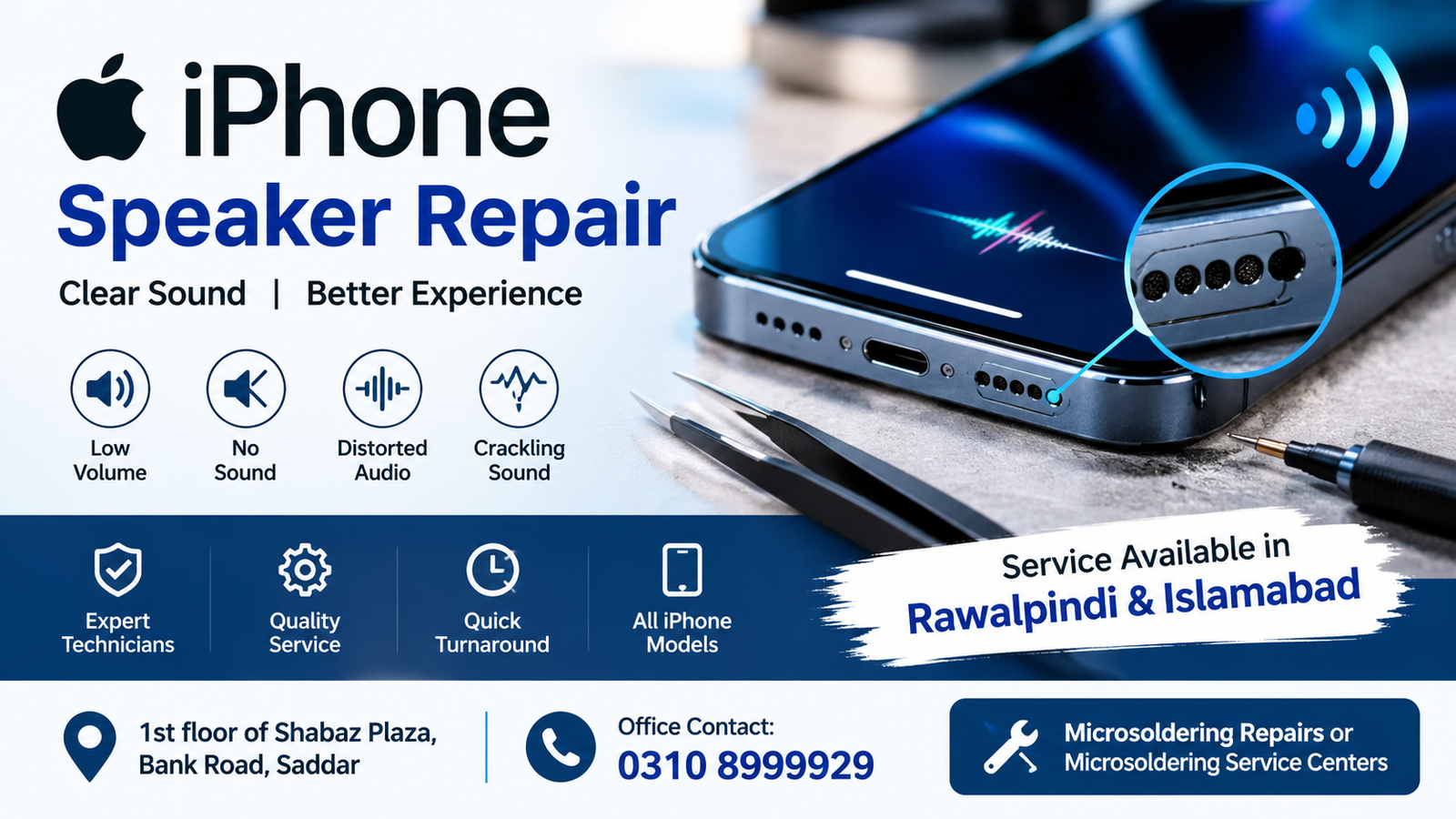
If your iPhone speaker is producing low, distorted, crackling, or no sound, professional iPhone Speaker Repair can help identify and resolve the problem. Speaker issues can happen because of dust, moisture, physical damage, software problems, blocked speaker openings, damaged components, or faults on the iPhone motherboard.
For customers looking for iPhone Speaker Repair in Rawalpindi and Islamabad, Microsoldering Repairs or Microsoldering Service Centers provides diagnostic and repair services at 1st floor of Shabaz Plaza, Bank Road, Saddar. For office inquiries and repair information, contact 0310 8999929.
What Is iPhone Speaker Repair?
iPhone Speaker Repair is the process of diagnosing and fixing problems that affect the sound produced by an iPhone. Depending on the symptoms, the problem may involve the speaker itself, speaker mesh, charging assembly, audio-related components, internal connections, software settings, or motherboard circuitry.
A speaker problem does not always mean that the speaker needs to be replaced. Proper diagnosis can determine whether the issue is caused by a blocked opening, liquid exposure, damaged hardware, a connection problem, or another internal fault.
If your iPhone has suddenly stopped producing clear sound, getting an inspection before replacing parts can help identify the actual cause.
iPhone Speaker Problems We Can Diagnose
Different iPhone models can experience different speaker-related symptoms. Common problems include:
- Very low speaker volume
- No sound from the bottom speaker
- Crackling or distorted audio
- Speaker sound cutting in and out
- Muffled sound
- Rattling audio
- Speaker working intermittently
- Sound disappearing after liquid exposure
- Speaker problems after a drop
- Audio problems after a repair
- Loudspeaker not working during media playback
- Notification sounds not working properly
- Ringtone volume being unusually low
- Speaker sound becoming distorted at higher volume
A professional iPhone Speaker Repair diagnosis can help determine which component is responsible for the problem.
Why Is My iPhone Speaker Not Working?
There are several possible causes of an iPhone speaker problem.
1. Dust and Debris
Dust, lint, and other particles can accumulate around the speaker openings. This can make audio sound quieter or muffled.
In some situations, the speaker itself may be working normally while the opening is partially blocked.
2. Liquid or Moisture Damage
Water or other liquids can affect speaker performance. Even when an iPhone continues working after liquid exposure, internal components can develop problems later.
If your iPhone speaker stopped working after contact with water or moisture, professional inspection is recommended.
3. Physical Damage
Dropping an iPhone can damage internal components, connectors, or the speaker assembly. A phone may look normal externally while still having internal damage.
4. Damaged Speaker Component
The speaker itself can become faulty. If testing confirms a defective speaker component, replacement may be required.
5. Internal Connection Problems
A damaged or poorly connected internal component can affect audio output. This may require opening the device and inspecting the relevant connections.
6. Motherboard-Level Faults
In some cases, the problem is not the speaker itself. A fault in the audio-related circuitry or motherboard can cause speaker problems.
This is where specialized iPhone Speaker Repair becomes particularly important because simply replacing the speaker may not solve a motherboard-level issue.
7. Software or Settings Issues
Sometimes sound problems are related to settings, connected Bluetooth devices, volume controls, or software behavior. A proper diagnosis should therefore include basic software checks before hardware repair.
Signs You May Need iPhone Speaker Repair
You may need professional iPhone Speaker Repair if you notice one or more of these signs:
- Your iPhone has no speaker sound.
- Music plays but sounds extremely quiet.
- The speaker produces crackling noises.
- Audio sounds distorted.
- The speaker works sometimes and stops at other times.
- Sound became muffled after water exposure.
- Your iPhone speaker stopped working after being dropped.
- The speaker volume is significantly lower than before.
- Ringtones and media audio are difficult to hear.
- The speaker produces unusual buzzing or rattling sounds.
These symptoms can have different causes, so testing is important before deciding which repair is required.
iPhone Speaker Repair in Rawalpindi
If you are searching for iPhone Speaker Repair in Rawalpindi, you can visit the repair service location at:
Address: 1st floor of Shabaz Plaza, Bank Road, Saddar
The location is in Saddar and can serve customers from different parts of Rawalpindi who need iPhone audio and hardware troubleshooting.
For office inquiries, contact:
Before visiting, customers can contact the office to discuss their iPhone’s symptoms and repair requirements.
iPhone Speaker Repair in Islamabad
Customers searching for iPhone Speaker Repair in Islamabad can also access the repair service at the Saddar location in Rawalpindi.
Customers from Islamabad may require speaker troubleshooting for issues such as low volume, distorted sound, no audio, liquid damage, or hardware faults.
Because speaker problems can have multiple causes, professional diagnosis is useful for determining whether the issue involves the speaker, internal connections, or another component.
What Happens During iPhone Speaker Repair?
A professional iPhone Speaker Repair process generally starts with diagnosis rather than immediately replacing a component.
Step 1: Problem Assessment
The technician checks the reported symptoms and determines when the problem started.
Information such as recent drops, water exposure, previous repairs, or software changes can help with diagnosis.
Step 2: Audio Testing
The iPhone can be tested using different audio functions to determine whether the problem affects media playback, notification sounds, ringtone output, or other audio functions.
Step 3: External Inspection
The speaker openings and external condition of the iPhone can be inspected for visible blockage, debris, or physical damage.
Step 4: Hardware Diagnosis
If basic checks do not resolve the issue, the device may require further hardware inspection.
Step 5: Component-Level Repair
If a defective component or internal fault is identified, the appropriate repair can be performed based on the diagnosis.
Step 6: Final Testing
After iPhone Speaker Repair, the device should be tested again to verify that the audio output is functioning correctly.
Can a Damaged iPhone Speaker Be Repaired?
Yes, many iPhone speaker problems can be repaired, depending on the cause and condition of the device.
If the speaker component is defective, replacement may be appropriate. If the issue is caused by contamination, connections, liquid damage, or another internal fault, the repair approach can be different.
That is why a diagnosis is important before selecting a repair method.
iPhone Speaker Repair After Water Damage
Water exposure is a common reason for sudden audio problems. A speaker may become quieter, distorted, or stop working after liquid enters the device.
If your iPhone has experienced water exposure, avoid repeatedly charging or using the device if you suspect internal liquid damage. Professional inspection can help identify affected components.
iPhone Speaker Repair after liquid exposure may involve more than the speaker itself, depending on where moisture has reached inside the phone.
iPhone Speaker Repair After a Drop
A fall can affect internal components even if the display and body appear normal.
If your speaker stopped working immediately after dropping the iPhone, the problem may be related to physical damage or an internal connection.
A proper iPhone Speaker Repair diagnosis can help determine whether the speaker, connector, or another internal component has been affected.
Why Professional Diagnosis Matters
Replacing a speaker without finding the actual cause may not solve the problem.
For example, if the speaker is functioning but an internal circuit has a fault, installing another speaker may produce the same symptoms.
Professional iPhone Speaker Repair diagnosis helps separate simple speaker problems from more complicated hardware faults.
iPhone Models That May Need Speaker Repair
Speaker problems can occur across different iPhone generations. Depending on the model, customers may seek repair for:
- iPhone 15 series
- iPhone 14 series
- iPhone 13 series
- iPhone 12 series
- iPhone 11 series
- iPhone XS series
- iPhone XR
- iPhone X
- iPhone 8 series
- iPhone 7 series
- Earlier compatible iPhone models
The exact repair procedure depends on the model and the cause of the audio problem.
Common Mistakes to Avoid
When an iPhone speaker stops working, avoid making the problem worse through unsuitable repair attempts.
Do not insert sharp objects into speaker openings. Do not apply excessive liquid or cleaning products to the speaker. If liquid exposure is suspected, avoid repeatedly powering or charging the phone until it has been professionally assessed.
DIY methods may sometimes address simple external debris, but internal speaker or motherboard problems require appropriate diagnostic equipment and repair procedures.
How Much Does iPhone Speaker Repair Cost?
The cost of iPhone Speaker Repair depends on the model, symptoms, damaged component, and repair method required.
A simple speaker replacement may have a different cost from a motherboard-level repair. Liquid damage can also require additional inspection because multiple internal components may be affected.
For an accurate repair estimate, the device should be diagnosed first.
For repair inquiries, contact 0310 8999929.
Why Choose Microsoldering Repairs or Microsoldering Service Centers?
Customers looking for iPhone Speaker Repair in Rawalpindi and Islamabad can visit:
Microsoldering Repairs or Microsoldering Service Centers
Address: 1st floor of Shabaz Plaza, Bank Road, Saddar
Office Contact: 0310 8999929
The repair process focuses on identifying the cause of the speaker problem before deciding what repair is required. This is especially useful when the issue may involve internal hardware rather than only the speaker component.
FAQs
How do I know if my iPhone speaker is damaged?
Very low volume, distorted sound, crackling, rattling, intermittent audio, or complete loss of sound can indicate a speaker or related hardware problem. Diagnosis is needed to identify the exact cause.
Can iPhone speaker problems be repaired?
Many speaker problems can be repaired. The appropriate solution depends on whether the problem involves the speaker component, debris, liquid exposure, internal connections, software, or motherboard circuitry.
Why is my iPhone speaker suddenly very quiet?
Possible causes include blocked speaker openings, software settings, hardware damage, liquid exposure, or a failing speaker component.
Can water damage cause iPhone speaker problems?
Yes. Liquid exposure can affect speaker performance and other internal components. An inspection can determine the extent of the damage.
Can a dropped iPhone develop speaker problems?
Yes. A drop can damage internal components or connections and may cause speaker problems even when the external phone looks fine.
Do I need to replace the speaker?
Not necessarily. The speaker may not be the actual cause of the problem. Proper diagnosis should be performed before replacing components.
Where can I get iPhone Speaker Repair in Rawalpindi?
For iPhone Speaker Repair in Rawalpindi, the service location is 1st floor of Shabaz Plaza, Bank Road, Saddar. Office contact: 0310 8999929.
Where can I get iPhone Speaker Repair for Islamabad customers?
Customers searching for iPhone Speaker Repair in Islamabad can visit the repair location at 1st floor of Shabaz Plaza, Bank Road, Saddar, Rawalpindi. Contact 0310 8999929 for office inquiries.
How long does iPhone Speaker Repair take?
Repair time depends on the cause of the problem and the iPhone model. Some straightforward repairs can be completed more quickly, while liquid damage or motherboard-level faults may require additional diagnosis.
Should I repair my iPhone speaker myself?
Basic external cleaning may sometimes help if debris is blocking the speaker, but internal repair should be handled carefully. Opening an iPhone without appropriate tools and experience can cause additional damage.
Get iPhone Speaker Repair in Rawalpindi & Islamabad
If your iPhone speaker is quiet, distorted, crackling, intermittent, or completely silent, professional diagnosis can help identify the actual problem.
For iPhone Speaker Repair in Rawalpindi and Islamabad, visit:
Microsoldering Repairs or Microsoldering Service Centers
1st floor of Shabaz Plaza, Bank Road, Saddar
Office Contact: 0310 8999929
Contact the office to discuss your iPhone speaker problem and determine the appropriate next step.

