
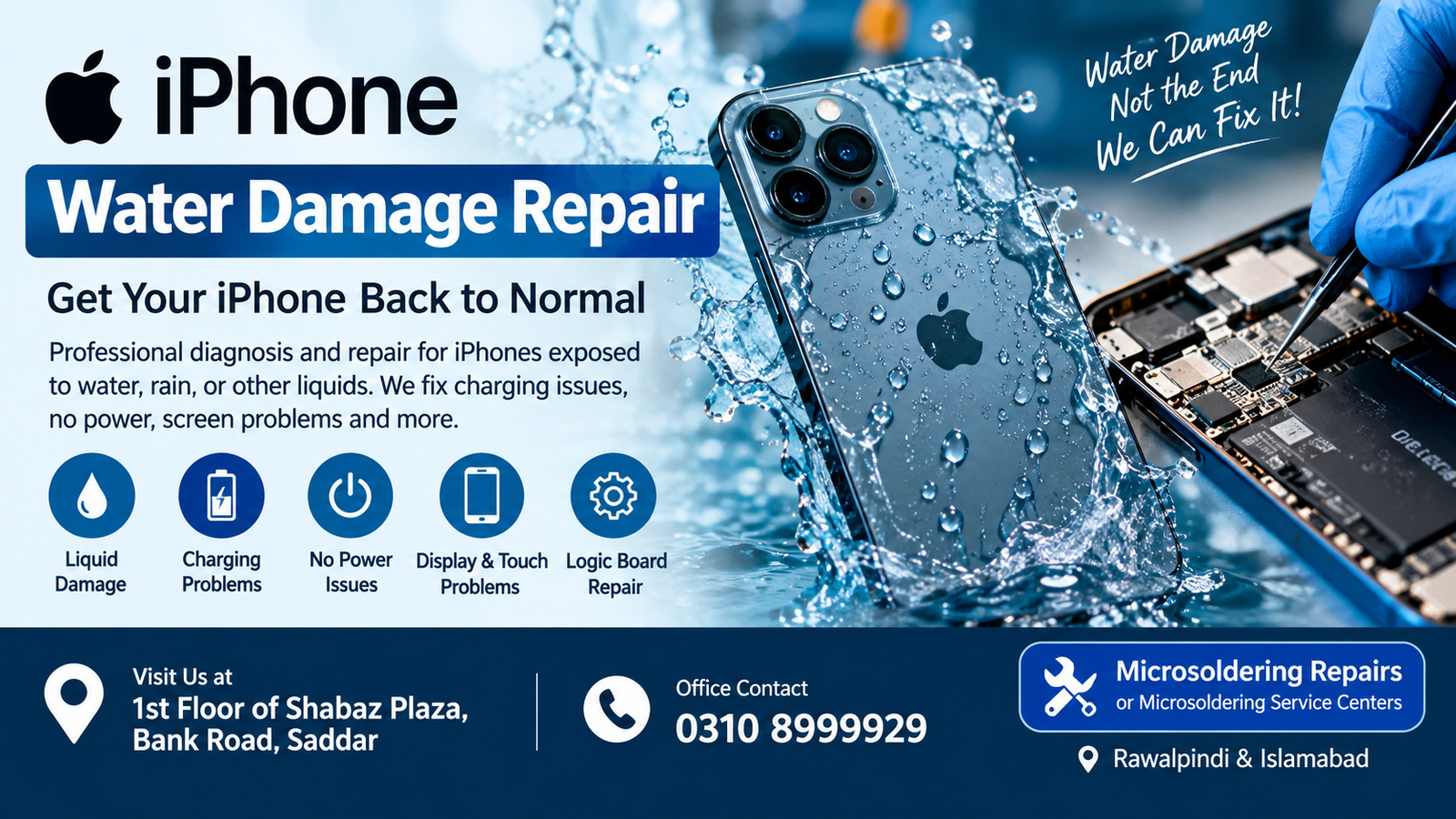
If your iPhone has been exposed to water, rain, moisture, or another liquid, quick action can make a significant difference. iPhone Water Damage Repair involves carefully diagnosing the device, checking the charging system, display, battery, connectors, and logic board, and identifying corrosion or short circuits caused by liquid exposure.
For customers in Rawalpindi and Islamabad, professional inspection is important because water damage can continue to affect internal components even when the iPhone initially appears to work normally.
Microsoldering Repairs or Microsoldering Service Centers provide iPhone repair assistance at:
1st Floor of Shabaz Plaza, Bank Road, Saddar
Office Contact: 0310 8999929
What Is iPhone Water Damage Repair?
iPhone Water Damage Repair is the process of inspecting and restoring an iPhone that has been exposed to water or another liquid. Liquid can enter through openings such as the charging port, speaker openings, microphone areas, SIM tray, or damaged seals.
Water exposure can cause:
- Charging problems
- No power
- Random restarting
- Touchscreen problems
- Display issues
- Speaker failure
- Microphone problems
- Face ID-related issues
- Wi-Fi or Bluetooth problems
- Network or signal problems
- Battery problems
- Logic board corrosion
- Short circuits
Because different components can be affected, iPhone Water Damage Repair should begin with proper diagnosis rather than immediately replacing parts.
Why Quick iPhone Water Damage Repair Matters
Liquid damage can become more serious over time. Moisture can create corrosion on electronic components and electrical contacts. Even if an iPhone turns on after getting wet, hidden moisture may continue causing problems.
Getting iPhone Water Damage Repair quickly can help identify affected components before the damage spreads further.
If your iPhone has recently been exposed to liquid, avoid repeatedly turning it on or connecting it to a charger. Professional inspection can determine whether the device has an internal problem.
Common Causes of iPhone Water Damage
An iPhone can experience liquid damage in many everyday situations. Common examples include:
Rain Exposure
Using an iPhone in heavy rain can allow moisture to reach internal areas.
Accidental Drops in Water
Dropping an iPhone into a sink, bathtub, swimming pool, or other liquid is a common cause of water damage.
Liquid Spills
Coffee, tea, juice, soft drinks, and other liquids can damage internal components.
Moisture and Humidity
Long-term exposure to moisture can contribute to corrosion and electrical problems.
Damaged Seals or Housing
Physical damage can compromise the device’s resistance to moisture.
Signs You May Need iPhone Water Damage Repair
Some water-damaged iPhones stop working immediately, while others develop symptoms gradually. Watch for these signs:
- iPhone does not turn on
- Charging stops working
- iPhone becomes unusually hot
- Screen starts flickering
- Touch becomes unresponsive
- Camera stops working
- Speakers sound distorted
- Microphone stops recording properly
- Face ID stops functioning
- Battery drains unusually fast
- iPhone repeatedly restarts
- Wi-Fi or Bluetooth stops working
- Cellular signal disappears
- Random shutdowns occur
These symptoms do not always prove that water is the cause, but they can indicate that professional diagnosis is necessary.
What Should You Do Immediately After Water Exposure?
If your iPhone gets wet, take sensible steps immediately.
1. Disconnect the Charger
If the iPhone is connected to power, disconnect it as safely as possible. Avoid charging a device that may contain moisture.
2. Turn Off the iPhone
If the device is still working and can be safely powered off, switch it off.
3. Remove Accessories
Disconnect cables, cases, and other accessories.
4. Keep the Device Dry
Gently wipe the outside of the phone with a clean, dry cloth.
5. Avoid Repeated Testing
Repeatedly turning the iPhone on to check whether it works can potentially worsen an electrical fault.
6. Seek Professional Diagnosis
A technician can inspect the device and determine the appropriate iPhone Water Damage Repair procedure.
Why You Should Not Charge a Wet iPhone
Charging a wet iPhone can create additional electrical problems. Moisture around the charging port or internal circuitry may interfere with electrical connections.
If you suspect liquid has entered the device, professional iPhone Water Damage Repair should be considered before connecting the phone to power again.
Does Rice Fix Water Damage?
Putting an iPhone in rice is a commonly suggested home remedy, but it is not a reliable replacement for professional inspection.
Rice cannot remove corrosion from internal electronic components or repair damaged circuits. Small particles can also potentially enter openings.
For serious liquid exposure, proper iPhone Water Damage Repair requires inspection of the internal components.
How Professional iPhone Water Damage Repair Works
A proper repair process generally starts with diagnosis.
Step 1: Initial Inspection
The technician checks the phone for visible signs of liquid exposure and physical damage.
Step 2: Power and Charging Assessment
The device’s power behavior and charging system are examined to identify possible faults.
Step 3: Internal Inspection
Depending on the situation, the iPhone may need to be opened so internal components can be inspected.
Step 4: Corrosion Inspection
Liquid exposure can leave corrosion on connectors, components, and board areas. Identifying these areas is an important part of iPhone Water Damage Repair.
Step 5: Board-Level Diagnosis
If the problem involves the logic board, more detailed diagnostic work may be required.
Step 6: Component-Level Repair
Where appropriate, damaged components or circuits may be repaired or replaced.
Step 7: Functional Testing
After repair work, important functions such as charging, display, touch, cameras, speakers, microphone, Wi-Fi, Bluetooth, and cellular connectivity can be tested.
iPhone Logic Board Water Damage
The logic board is one of the most important parts of an iPhone. It contains many electronic components responsible for communication between different systems.
Water exposure can cause corrosion or short circuits on the board. In these situations, replacing the screen or battery alone may not solve the problem.
Professional iPhone Water Damage Repair can involve board-level diagnosis when the liquid has affected the logic board.
iPhone Charging Problems After Water Exposure
A common symptom after liquid exposure is charging failure.
Possible causes include:
- Moisture in the charging port
- Corroded contacts
- Charging circuit damage
- Connector problems
- Board-level faults
- Damaged charging components
The correct repair depends on the actual cause. iPhone Water Damage Repair should therefore focus on diagnosis rather than assuming that the charging port is the only problem.
iPhone Not Turning On After Water Damage
If an iPhone does not turn on after liquid exposure, avoid repeatedly attempting to power it on.
The problem could involve the battery, power circuitry, charging system, logic board, or another internal component.
A professional iPhone Water Damage Repair inspection can help determine where the fault is located.
iPhone Water Damage and Battery Problems
Liquid exposure can affect battery-related components and connections. An iPhone may begin showing unusual battery behavior after exposure to water.
Possible symptoms include:
- Rapid battery drain
- Unexpected shutdowns
- Charging problems
- Device heating
- Failure to power on
Battery replacement is not always the solution. Proper diagnosis is important before replacing components.
Can Water-Damaged iPhone Data Be Recovered?
Data recovery depends on the condition of the device and its storage and logic-board systems.
If an iPhone does not turn on after liquid exposure, the priority should generally be stabilizing and diagnosing the device rather than repeatedly attempting to power it on.
In some situations, successful iPhone Water Damage Repair may restore the device sufficiently for the owner to access or back up important information.
However, no repair service should guarantee data recovery before examining the device.
iPhone Water Damage Repair in Rawalpindi
For customers searching for iPhone Water Damage Repair in Rawalpindi, professional diagnosis is available at:
1st Floor of Shabaz Plaza, Bank Road, Saddar
The location is suitable for customers in areas around Rawalpindi who need an assessment after accidental liquid exposure.
Office Contact: 0310 8999929
If your iPhone has stopped charging, powering on, displaying an image, or working normally after water exposure, contact the office for information about an inspection.
iPhone Water Damage Repair in Islamabad
Customers searching for iPhone Water Damage Repair in Islamabad can also seek professional diagnostic assistance at the Bank Road, Saddar location.
The repair process depends on the model, type of liquid, amount of exposure, and components affected.
For appointment or office information:
0310 8999929
Address: 1st Floor of Shabaz Plaza, Bank Road, Saddar
Why Liquid Type Matters
Not every liquid affects an iPhone in exactly the same way.
Water may cause electrical problems and corrosion, while sugary drinks, coffee, juice, or salty liquids can leave residues that may create additional problems.
For this reason, tell the technician what type of liquid contacted the iPhone if you know.
This information can help with the diagnostic process for iPhone Water Damage Repair.
Can a Water-Resistant iPhone Still Get Water Damage?
Yes. Water resistance does not mean an iPhone is completely waterproof.
The level of resistance can also be affected by factors such as:
- Age of the device
- Previous repairs
- Physical damage
- Cracked housing
- Damaged seals
- Exposure conditions
Therefore, an iPhone can still experience liquid-related problems even if it originally had water-resistance features.
What Not to Do After iPhone Water Damage
Avoid these common mistakes:
- Do not keep charging the phone.
- Do not repeatedly turn it on.
- Do not shake the device aggressively.
- Do not insert objects into ports.
- Do not rely on rice as a repair method.
- Do not apply unnecessary heat.
- Do not open the phone without suitable tools and knowledge.
- Do not assume that a working phone has no internal damage.
Getting an early iPhone Water Damage Repair diagnosis can help identify potential problems before they become more complicated.
iPhone Water Damage Repair for Different Models
Liquid damage can occur on virtually any iPhone model. The exact repair procedure depends on the model and the affected components.
Older and newer iPhones can have different internal designs, connectors, boards, and repair considerations. Therefore, technicians should identify the exact model before beginning detailed repair work.
Whether you have an older iPhone or a newer model, iPhone Water Damage Repair should be based on actual diagnosis.
FAQs
How much does iPhone Water Damage Repair cost?
The cost depends on the iPhone model and the components affected by liquid exposure. A diagnostic inspection is necessary before an accurate repair estimate can be provided.
Can a water-damaged iPhone be repaired?
Many water-damaged iPhones can be diagnosed and repaired, but the result depends on the severity and location of the damage.
Should I charge my iPhone after it gets wet?
It is generally better not to charge an iPhone when you suspect moisture is present. Professional inspection can help determine whether the device is safe to power or charge.
Does rice repair an iPhone damaged by water?
Rice is not a reliable repair method. It cannot remove internal corrosion or repair damaged electronic components.
Why is my iPhone not turning on after getting wet?
Liquid may have affected the battery, power system, charging circuit, or logic board. Professional diagnosis is needed to identify the specific problem.
Can water damage cause iPhone charging problems?
Yes. Moisture or corrosion can affect the charging port, connectors, charging circuitry, or logic board.
Can water damage affect Face ID?
Yes. Liquid exposure can potentially affect components involved in Face ID. The exact cause requires diagnosis.
Can water damage cause no signal on an iPhone?
It can. If liquid affects relevant components or board circuitry, cellular connectivity may be affected.
How long does iPhone Water Damage Repair take?
Repair time depends on the severity of the damage, the iPhone model, the affected components, and whether board-level work is required.
Where can I get iPhone Water Damage Repair in Rawalpindi and Islamabad?
For customers in Rawalpindi and Islamabad, professional repair assistance is available at 1st Floor of Shabaz Plaza, Bank Road, Saddar. The office contact number is 0310 8999929.
Final Thoughts
Water exposure can cause problems ranging from charging issues and speaker failure to serious logic-board faults. The most important step is to avoid unnecessary power or charging attempts and arrange a proper inspection.
If you are looking for iPhone Water Damage Repair in Rawalpindi or Islamabad, you can contact Microsoldering Repairs or Microsoldering Service Centers at 0310 8999929.
Address: 1st Floor of Shabaz Plaza, Bank Road, Saddar
A professional diagnosis can help identify the affected components and determine whether cleaning, component replacement, or board-level repair is appropriate.

