
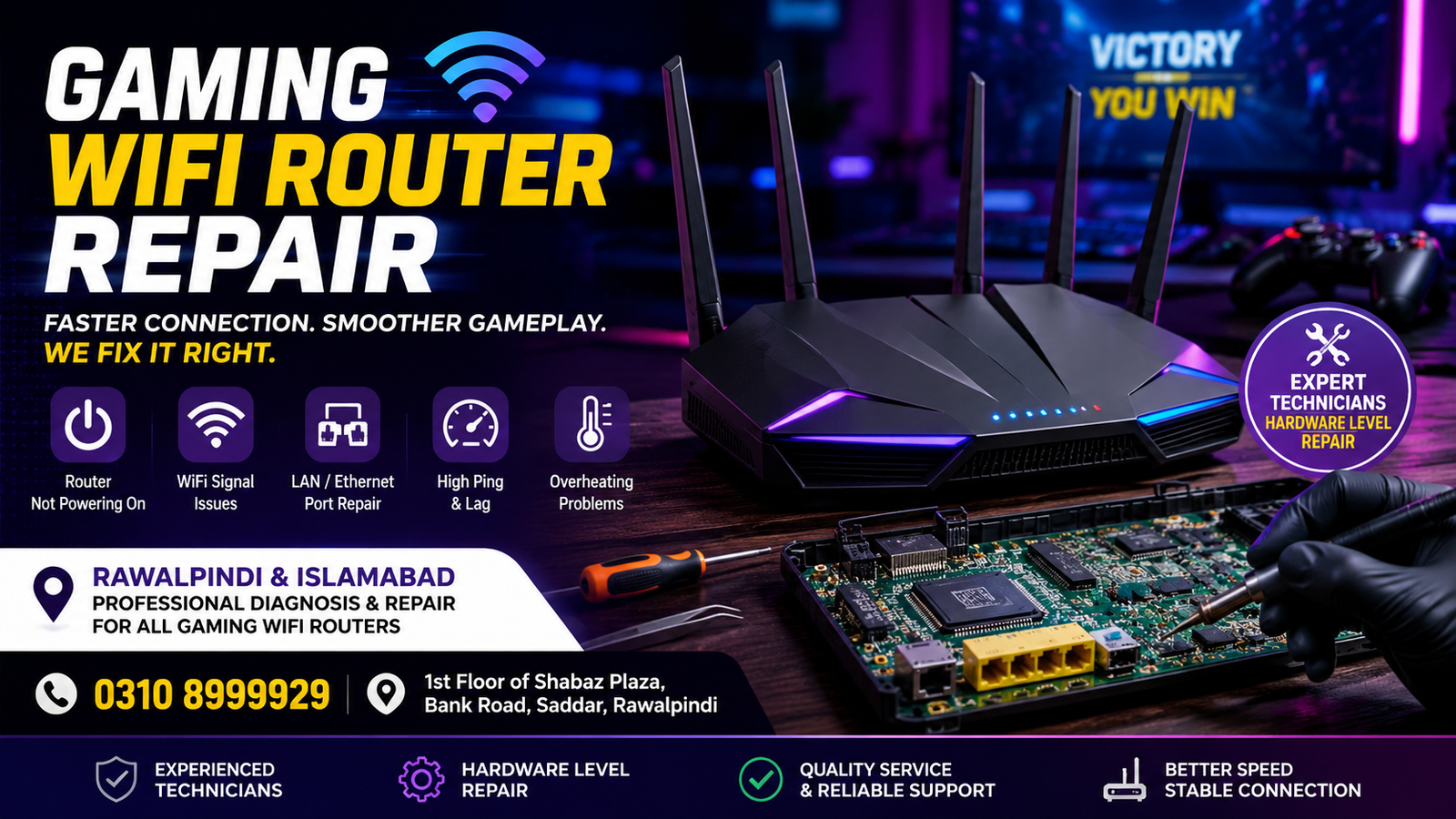
Looking for reliable Gaming WiFi Router Repair in Rawalpindi or Islamabad? A faulty Gaming WiFi Router can cause high ping, frequent disconnections, WiFi signal drops, overheating, slow speeds, and unstable online gameplay. Professional diagnosis and repair can help restore a stable and responsive internet connection for gaming, streaming, and everyday use.
At Microsoldering Repairs / Microsoldering Service Centers, we provide professional router diagnostics and repair services for customers from Rawalpindi and Islamabad. Our technicians inspect hardware-level and common electronic faults to identify the cause of the problem and recommend the appropriate repair solution.
Office Address: 1st Floor of Shabaz Plaza, Bank Road, Saddar, Rawalpindi
Contact: 0310 8999929
What Is Gaming WiFi Router Repair?
Gaming WiFi router repair is the process of diagnosing and fixing hardware or performance-related problems affecting a router’s internet connectivity, wireless signal, power system, ports, or internal components.
A gaming router is often used to support demanding activities such as:
- Online multiplayer gaming
- Low-latency gameplay
- Game downloads and updates
- 4K streaming
- Multiple connected devices
- Gaming consoles and PCs
- High-speed home networks
When the router develops a fault, users may experience lag spikes, packet loss, connection drops, or complete loss of internet connectivity.
Common Gaming Router Problems We Diagnose
Gaming routers can develop different faults over time. Some problems are related to settings or firmware, while others may involve damaged ports, power circuits, overheating, or internal electronic components.
Router Not Powering On
If your gaming WiFi router does not turn on, the issue may be related to the power adapter, charging or power input circuit, damaged internal components, or a motherboard-level fault.
A professional diagnosis can help determine whether the router itself requires repair.
Frequent WiFi Disconnections
Does your internet connection repeatedly disconnect while gaming? The problem may involve:
- WiFi hardware faults
- Overheating
- Damaged internal components
- Firmware problems
- Antenna-related issues
- Network configuration problems
Our technicians can inspect the device and identify whether the issue is hardware-related.
High Ping and Lag During Gaming
High ping does not always mean that the internet provider is responsible. A faulty router, overheating hardware, unstable WiFi connection, damaged Ethernet ports, or configuration problems can also affect network performance.
We can inspect the router to determine whether a repair or technical solution may improve its stability.
Damaged LAN or Ethernet Ports
Gaming PCs and consoles often use Ethernet connections for lower latency and more stable gameplay. A damaged LAN port can result in:
- No internet connection
- Loose cable connections
- Slow network speeds
- Random disconnections
- Failure to detect connected devices
Damaged ports may require professional inspection and component-level repair.
Router Overheating
Gaming routers can become warm during extended use, but excessive overheating can lead to performance issues, automatic shutdowns, or hardware damage.
Possible causes include:
- Faulty cooling components
- Dust accumulation
- Internal hardware faults
- Power-related issues
- Component failure
We inspect the router to identify the underlying cause.
Weak or No WiFi Signal
If your gaming router powers on but provides a weak signal or no wireless connection, the issue could involve internal WiFi components, antennas, firmware, or other hardware-related faults.
Professional diagnostics can help determine whether the router can be repaired.
Gaming Router Brands and Devices We Inspect
We provide diagnostic and repair services for many WiFi and gaming-focused networking devices, including compatible models from popular manufacturers such as ASUS, TP-Link, Netgear, Linksys, D-Link, and other supported router brands.
Our service may include inspection of:
- Gaming WiFi routers
- Dual-band routers
- Tri-band routers
- High-performance home routers
- Mesh WiFi units
- Ethernet and LAN connectivity issues
- Power-related router faults
The available repair solution depends on the model and the condition of the device.
Hardware-Level Gaming Router Repair
Some router problems cannot be fixed by simply resetting the device or changing its settings. Hardware faults may require advanced diagnostics and component-level repair.
Depending on the fault, the repair process may involve inspection of:
- Power management circuits
- Internal motherboard components
- Damaged connectors
- LAN and Ethernet ports
- USB ports
- Power input sections
- WiFi-related components
- Damaged or failed electronic components
A proper diagnosis is important before attempting a repair, especially when the router has stopped powering on or has suffered physical or electrical damage.
Gaming WiFi Router Repair for Rawalpindi customer
Customers in Rawalpindi can bring their faulty gaming WiFi router to our Saddar office for inspection. We assess the reported problem and check the device to identify the possible cause.
Our convenient Saddar location makes the service accessible to customers in Saddar, Satellite Town, Chaklala, Bahria Town, DHA, and surrounding parts of Rawalpindi.
Before visiting, you can contact us at 0310 8999929 to discuss the issue with your gaming router.
Gaming WiFi Router Repair for Islamabad Customers
We also provide gaming router repair services for customers coming from Islamabad. If you are experiencing router power issues, WiFi signal issues, damaged LAN ports, overheating, or connectivity problems, you can bring your device in for professional inspection.
Customers from Islamabad and nearby areas can contact us to discuss the router model and the issue before visiting.
Our goal is to provide a practical diagnostic and repair solution based on the device’s actual condition.
Why Is Professional Router Diagnosis Important?
Replacing a gaming router can be expensive, especially when the device is a high-performance or premium model. In some cases, the fault may be caused by a specific damaged component rather than complete device failure.
Professional diagnostics can help:
- Identify the actual cause of the problem
- Avoid unnecessary replacement
- Detect hardware-level faults
- Check damaged ports and connectors
- Investigate power-related issues
- Determine whether repair is possible
However, the repair outcome depends on the severity of the fault, availability of suitable components, and the overall condition of the router.
Signs Your Gaming Router May Need Repair
You should consider professional inspection if your router shows any of the following symptoms:
- The router does not turn on
- No WiFi signal is available
- Internet disconnects frequently
- LAN ports stop working
- The router overheats excessively
- The device restarts automatically
- Wi-Fi speed suddenly becomes unstable
- The router does not detect connected devices
- Physical or liquid damage has occurred
- The power port is loose or damaged
- Resetting the router does not solve the problem
Early diagnosis may help prevent further damage.
FAQs
Can a gaming WiFi Router Repair?
Yes, many gaming router problems may be repairable depending on the cause of the fault. A professional diagnosis is required to determine whether the issue involves hardware, ports, power circuits, Wi-Fi components, or another problem.
Do you provide gaming router repair in Rawalpindi?
Yes. Customers in Rawalpindi can bring compatible gaming Wi-Fi routers to our Saddar office for inspection and possible repair.
Can customers from Islamabad get gaming router repair services?
Yes. Customers from Islamabad can contact us and bring their gaming WiFi Router Repair for professional diagnostics and repair assessment.
Why is my gaming router causing lag?
Lag can be caused by many factors, including internet provider issues, network congestion,WiFi interference, overheating, faulty hardware, damaged Ethernet ports, or incorrect configuration. A diagnosis can help identify whether the router is contributing to the problem.
Can a damaged Ethernet port be repaired?
In some cases, damaged LAN or Ethernet ports can be repaired or replaced depending on the router model and the extent of the damage.
How much does gaming router repair cost?
The repair cost depends on the router model and the type of fault. Contact us at 0310 8999929 for information and bring the device for proper inspection.
How long does router repair take?
Repair time depends on the complexity of the problem, the device model, the type of damage, and component availability.
Contact Us for Gaming WiFi Router Repair
If your gaming WiFi Router Repair is experiencing power failure, WiFi signal problems, overheating, LAN port damage, repeated disconnections, or other technical faults, professional diagnostics can help identify the issue.
Service Areas: Rawalpindi & Islamabad
Office Address: 1st Floor of Shabaz Plaza, Bank Road, Saddar, Rawalpindi
Contact Number: 0310 8999929
Contact Microsoldering Repairs / Microsoldering Service Centers to discuss your gaming router problem and arrange a professional inspection.

