
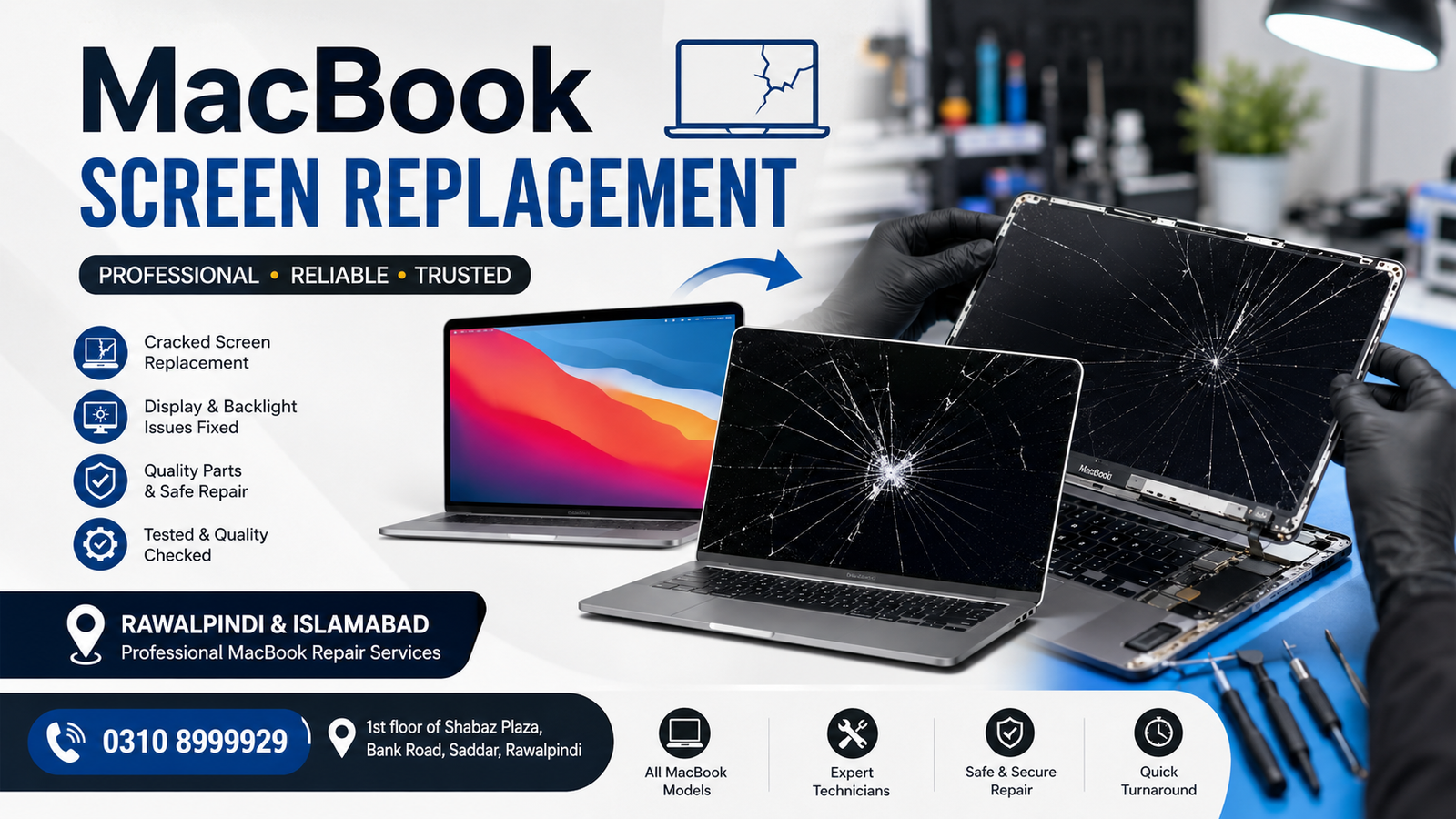
A damaged MacBook screen can make everyday work difficult, whether you are dealing with cracked glass, display lines, flickering, dark areas, backlight problems, or a completely black screen. Professional MacBook Screen Replacement in Rawalpindi & Islamabad can restore your MacBook’s display and make it usable again.
At Microsoldering Repairs / Microsoldering Service Centers, MacBook display issues are carefully inspected to determine whether the problem requires a complete screen replacement, a display assembly repair, a cable-related repair, or a board-level diagnosis.
Office: 1st floor of Shabaz Plaza, Bank Road, Saddar, Rawalpindi
Contact: 0310 8999929
MacBook Screen Replacement in Rawalpindi
If your MacBook screen has cracked after an accidental drop, developed lines, stopped displaying correctly, or has severe backlight issues, professional screen replacement may be required.
Customers looking for MacBook Screen Replacement in Rawalpindi can have their device examined before replacement. A proper diagnosis helps identify the actual cause of the display problem and prevents unnecessary part replacement.
Our service is suitable for MacBook users in areas including Saddar, Bank Road, Raja Bazaar, Satellite Town, Commercial Market, Chaklala, and surrounding parts of Rawalpindi.
MacBook Screen Replacement in Islamabad
MacBook users from Islamabad can also visit our service location in Saddar, Rawalpindi, for display inspection and repair.
If you are searching for MacBook Screen Replacement in Islamabad, we can help diagnose common display problems and determine the most appropriate repair solution for your specific MacBook model.
Customers from Islamabad areas such as Blue Area, F-6, F-7, F-8, G-9, G-10, I-8, I-9, and nearby locations can contact the office before visiting.
Common MacBook Screen Problems
A MacBook may require screen repair or replacement when you notice:
- Cracked or shattered display
- Black screen
- Flickering display
- Vertical or horizontal lines
- Dead pixels or dark spots
- Distorted colors
- Dim or uneven backlight
- Display showing only part of the image
- Screen that turns off randomly
- Visible damage after a drop or impact
- Display damage caused by pressure
- Screen problems after liquid exposure
Not every display problem automatically means the screen itself is defective. Professional diagnosis is important because display cables, connectors, backlight circuits, or the logic board can sometimes cause similar symptoms.
Do You Need a Complete MacBook Screen Replacement?
A complete screen replacement may be recommended when the display panel or assembly has physical damage or a serious internal fault that cannot be economically repaired.
For example, replacement may be appropriate if your MacBook has a severely cracked display, extensive black spots, persistent lines, major image distortion, or a damaged display assembly.
However, if the screen is physically intact but suddenly stops working, the issue could be related to another component. A proper inspection can help determine whether you need a replacement or another type of repair.
MacBook Display Diagnosis Before Replacement
Before replacing a MacBook screen, the device should be inspected carefully.
The diagnostic process can include checking:
- Display condition
- Screen image output
- Backlight operation
- Display connector
- Display cable
- Logic board connections
- Signs of physical damage
- Signs of liquid exposure
- External monitor output where appropriate
This approach helps avoid replacing an expensive display when the actual fault is elsewhere.
MacBook Models and Screen Issues
Different MacBook generations use different display technologies and assemblies. The exact replacement procedure and compatible part depend on the model, year, screen size, and hardware configuration.
Common MacBook families include:
- MacBook Air
- MacBook Pro
- MacBook Air with Apple silicon
- MacBook Pro with Apple silicon
- Earlier Intel-based MacBook models
Because display assemblies vary between models, it is important to identify the exact MacBook model before ordering or installing a replacement.
Why Professional MacBook Screen Replacement Matters
A MacBook display is a delicate component. Incorrect handling during disassembly or installation can potentially damage connectors, cables, the display assembly, or other internal components.
Professional repair provides several advantages:
Accurate Diagnosis
The device is checked before work begins so the repair focuses on the actual fault.
Proper Handling
MacBook internal components require careful handling because they can be delicate.
Model-Specific Repair
The replacement process depends on the exact MacBook model, so identifying the correct screen assembly is essential.
Inspection After Repair
After screen replacement, the display should be tested for image quality, brightness, color, touch or camera-related functionality where applicable, and other relevant features.
What to Do If Your MacBook Screen Is Cracked
If your MacBook screen is cracked, avoid applying pressure to the damaged area. Continued use can sometimes worsen physical damage.
You should:
- Back up important data if the MacBook is still working normally.
- Avoid pressing or bending the damaged display.
- Keep the MacBook protected during transportation.
- Contact a repair professional for diagnosis.
- Provide the exact MacBook model when requesting a replacement.
If the MacBook has been exposed to liquid, avoid repeatedly powering it on and seek professional inspection.
MacBook Screen Replacement Near Rawalpindi
For customers searching for MacBook screen replacement near Rawalpindi, our office is located at:
1st floor of Shabaz Plaza, Bank Road, Saddar, Rawalpindi
The location provides access for customers from Rawalpindi and nearby areas who need professional MacBook display diagnosis and replacement services.
Contact: 0310 8999929
MacBook Screen Replacement for Islamabad Customers
Customers searching online for MacBook screen replacement in Islamabad may also consider visiting our Rawalpindi service location for professional diagnosis.
Because Islamabad and Rawalpindi are closely connected, customers from different parts of Islamabad can contact the office first to discuss their MacBook model and display problem.
How Much Does MacBook Screen Replacement Cost?
The cost of MacBook screen replacement depends on several factors, including:
- MacBook model
- Screen size
- Model year
- Display type
- Replacement assembly required
- Extent of damage
- Availability of the compatible part
- Additional internal damage
For this reason, there is no single price that applies to every MacBook.
For an accurate estimate, provide your MacBook model and explain the display problem when contacting the office at 0310 8999929.
How Long Does MacBook Screen Replacement Take?
Repair time can vary depending on the MacBook model, the availability of replacement parts, and whether additional damage is discovered during inspection.
A straightforward display replacement may take less time than a repair involving a damaged connector, cable, or logic board circuitry.
The expected repair time can be confirmed after the device has been inspected.
MacBook Screen Replacement Process
A professional MacBook screen replacement generally involves these stages:
1. Device Inspection
The MacBook is examined to identify the display fault and any visible physical damage.
2. Model Identification
The exact MacBook model is identified to determine the compatible replacement assembly.
3. Diagnostic Testing
The display, connectors, cables, and related components are checked where necessary.
4. Screen Replacement
The damaged display assembly is carefully removed, and the appropriate replacement is installed.
5. Functional Testing
The MacBook is tested after repair to confirm proper display operation.
6. Final Inspection
The repaired device is checked before being returned to the customer.
FAQs
What is MacBook screen replacement?
MacBook screen replacement involves removing a damaged or defective display assembly and installing a compatible replacement for the specific MacBook model.
Can a cracked MacBook screen be repaired?
Depending on the type and extent of damage, a replacement display assembly may be the appropriate solution. A technician should inspect the MacBook before deciding on the repair.
How do I know if my MacBook needs a new screen?
A cracked panel, persistent lines, severe dark spots, major image distortion, or a non-working display may indicate that a screen replacement is necessary. However, other components can produce similar symptoms, so diagnosis is recommended.
Can you repair a MacBook with a black screen?
A black screen does not always mean the display needs replacement. The display, cable, connector, backlight, and logic board may need to be checked to identify the cause.
Do you provide MacBook screen replacement in Rawalpindi?
Yes. Customers can visit the service location on the 1st floor of Shabaz Plaza, Bank Road, Saddar, Rawalpindi for MacBook display diagnosis and replacement.
Do you provide MacBook screen replacements for customers in Islamabad?
Yes. Customers from Islamabad can contact the office and visit the Rawalpindi location for MacBook screen inspection and replacement services.
How can I contact you about MacBook screen replacement?
Call 0310 8999929 and provide your MacBook model and a brief description of the screen problem.
Get Your MacBook Screen Checked
A damaged MacBook display can affect productivity, entertainment, communication, and important work. Instead of continuing to use a cracked, flickering, or malfunctioning screen, have the device professionally diagnosed.
For MacBook Screen Replacement in Rawalpindi & Islamabad, visit:
Microsoldering Repairs / Microsoldering Service Centers
1st floor of Shabaz Plaza, Bank Road, Saddar, Rawalpindi
Phone: 0310 8999929
Contact the office to discuss your MacBook model, screen problem, and replacement requirements.

