
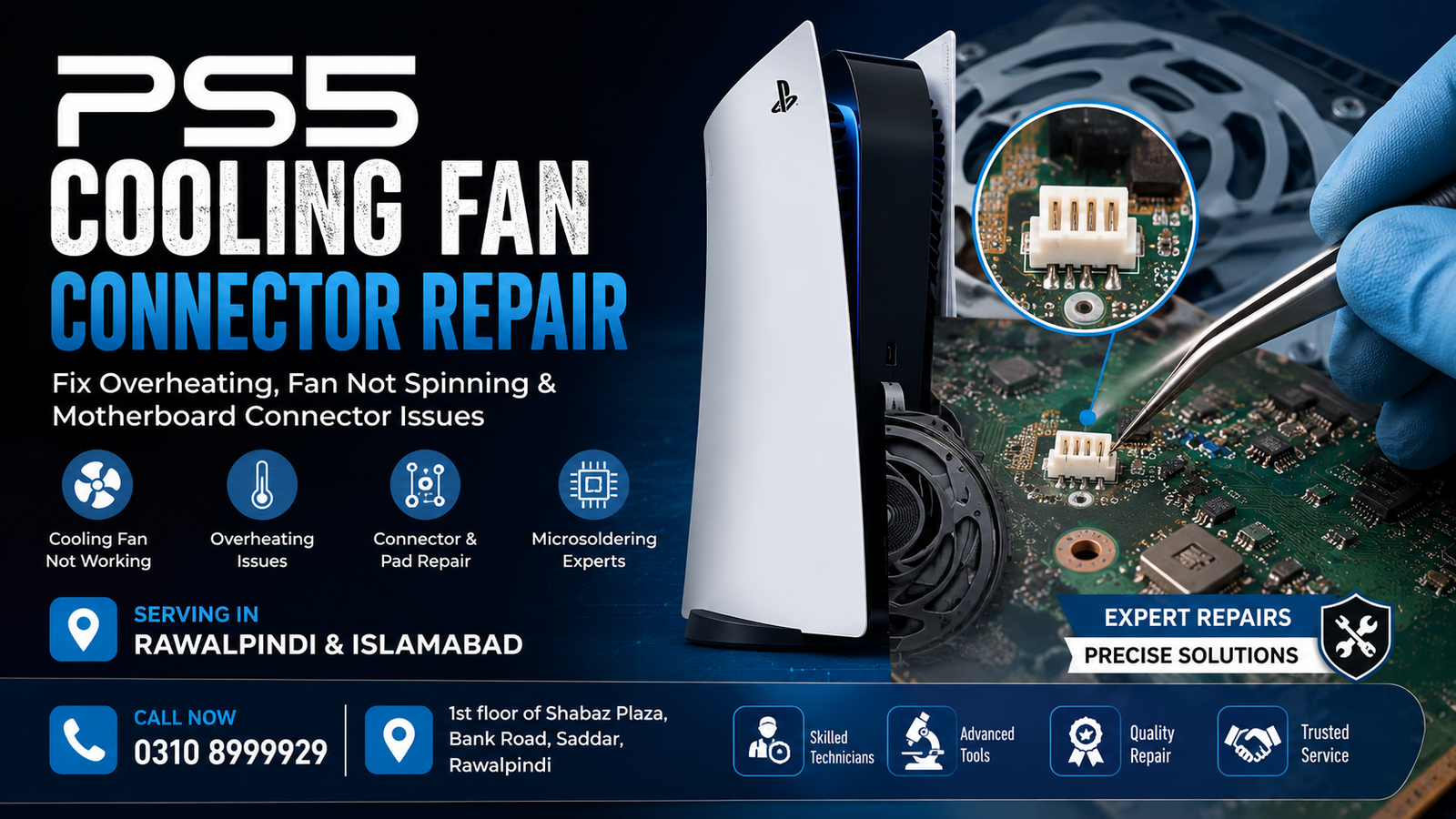
If your PlayStation 5 is overheating, shutting down unexpectedly, or the cooling fan is not running properly, the problem may be related to the PS5 cooling fan connector rather than the fan itself. A damaged, loose, broken, or lifted connector on the PS5 motherboard can prevent the cooling fan from receiving power or communicating correctly with the console.
Microsoldering Repairs / Microsoldering Service Centers provides professional PS5 Cooling Fan Connector Repair in Rawalpindi and Islamabad, including motherboard-level inspection, connector repair, damaged pad restoration, and microsoldering work.
Office: 1st floor of Shabaz Plaza, Bank Road, Saddar
Contact: 0310 8999929
What Is a PS5 Cooling Fan Connector?
The PS5 cooling fan connector is a small motherboard-mounted connection point that links the internal cooling fan to the console’s mainboard. It allows the fan to receive the required electrical connection and operate as part of the PS5 cooling system.
Because the connector and its solder joints are relatively small, physical damage can occur if the connector is pulled, damaged during disassembly, or subjected to excessive force.
When the connector is damaged, replacing the fan alone may not solve the problem.
Common Signs of a Damaged PS5 Fan Connector
A damaged PS5 cooling fan connector can cause several symptoms, including:
- PS5 fan not spinning
- PS5 overheating
- Console shutting down during gaming
- Fan operating intermittently
- PS5 becoming unusually hot
- Fan connector appearing loose or damaged
- Fan replacement not fixing the problem
- Visible damage around the connector on the motherboard
- Broken or lifted solder pads
- Console showing cooling-related symptoms after repair or disassembly
If your PS5 fan works inconsistently or stops working after installing a known-good fan, the motherboard connector should be inspected.
Why PS5 Cooling Fan Connector Damage Happens
The fan connector can become damaged for several reasons. Common causes include:
Improper Disassembly
Opening a PS5 without the appropriate experience can put stress on small motherboard connectors and solder joints.
Physical Damage
A connector can be cracked, broken, or displaced by accidental force during cleaning, maintenance, or component replacement.
Broken Solder Joints
Repeated stress can weaken the solder connections underneath or around the connector.
Lifted Motherboard Pads
In more serious cases, the copper pads holding the connector to the motherboard can lift away. This requires microsoldering and board-level repair rather than a simple connector replacement.
Previous Repair Attempts
An unsuccessful fan replacement or motherboard repair can sometimes damage connector pins, pads, or surrounding components.
PS5 Fan Connector Repair vs. Fan Replacement
A PS5 with a non-working fan does not necessarily need a new fan.
The fault could be:
- The cooling fan itself
- The fan connector
- Damaged solder joints
- Broken motherboard pads
- A damaged trace
- A power-related motherboard fault
- Another component affecting the fan circuit
For this reason, proper diagnosis should be performed before replacing parts.
If the fan is tested and found to be functional but the PS5 still cannot operate it correctly, the cooling fan connector and its motherboard connections should be examined.
Professional PS5 Cooling Fan Connector Repair
PS5 cooling fan connector repair is a motherboard-level service. Depending on the extent of the damage, the repair may involve removing the damaged connector, cleaning the affected area, restoring solder joints, repairing damaged pads or traces, and installing a replacement connector where appropriate.
Microsoldering equipment allows technicians to work on small motherboard connections with greater precision than conventional repair methods.
The exact repair procedure depends on the condition of the motherboard.
What Happens During a PS5 Fan Connector Diagnosis?
A typical diagnostic process may include:
- Initial inspection – The console is checked for visible physical or connector damage.
- Fan testing – The cooling fan is tested to determine whether the fan itself is functional.
- Connector inspection – The motherboard connector and solder joints are examined.
- Board-level testing – Relevant electrical connections and traces are checked.
- Damage assessment – Any broken pads, pins, or traces are identified.
- Microsoldering repair – Appropriate motherboard-level repairs are performed.
- Testing – The cooling system and console operation are tested after the repair.
This approach helps avoid unnecessary replacement of working components.
PS5 Cooling Fan Connector Repair in Rawalpindi
For customers looking for PS5 Cooling Fan Connector Repair in Rawalpindi, professional motherboard-level diagnosis is important when basic cleaning or a fan replacement does not resolve the issue.
Our service is available in Saddar, Rawalpindi, at:
1st floor of Shabaz Plaza, Bank Road, Saddar
For repair inquiries, call 0310 8999929.
PS5 Cooling Fan Connector Repair in Islamabad
Customers from Islamabad can also seek PS5 motherboard and microsoldering repair services in the Rawalpindi Saddar area. If your PS5 is overheating, shutting down, or experiencing a cooling fan issue, a thorough motherboard inspection can help determine whether the connector or another component is responsible.
Before replacing the fan, it is worth checking the connector and its motherboard connections when the symptoms suggest a board-level fault.
Why Microsoldering Is Important for PS5 Connector Repair
PS5 motherboards contain compact components, fine traces, and small solder connections. Connector damage can therefore require specialized tools and controlled soldering techniques.
Microsoldering can be used for repairs involving:
- Broken connector joints
- Damaged motherboard pads
- Small trace damage
- Connector replacement
- Fine solder connections
- Localized motherboard damage
The objective is to restore the electrical connection while minimizing unnecessary work on the surrounding motherboard.
Can a Broken PS5 Fan Connector Be Repaired?
Yes, in many cases a damaged PS5 cooling fan connector can be repaired. The repairability depends on the extent of the damage.
If only the connector or solder joints are damaged, the repair can be relatively straightforward. If motherboard pads or traces have been damaged, additional microsoldering and board repair may be required.
A technician should inspect the motherboard before confirming the exact repair method.
Can You Fix a PS5 Fan Problem by Replacing the Fan?
Not always. If the motherboard connector is damaged, installing another fan may not resolve the problem.
If a replacement fan produces the same symptoms, the connector, solder joints, traces, and related circuitry should be checked.
This is why diagnosis is important before purchasing additional replacement parts.
How to Prevent PS5 Cooling Connector Damage
You can reduce the risk of motherboard and connector damage by:
- Avoiding unnecessary console disassembly
- Using appropriate tools during PS5 maintenance
- Never pulling directly on small connectors
- Handling motherboard connectors carefully
- Avoiding excessive force during fan replacement
- Getting professional assistance for motherboard-level faults
- Keeping the PS5 cooling system clean and properly ventilated
Regular maintenance can also help prevent excessive heat buildup.
PS5 Cooling Fan Connector Repair Cost
The cost of repairing a PS5 cooling fan connector depends on the type and extent of the motherboard damage.
A simple connector or solder-joint repair may require less work than a repair involving:
- Lifted pads
- Damaged traces
- Multiple broken connections
- Additional motherboard components
- Previous repair damage
For an accurate estimate, the PS5 should be inspected first.
FAQs
How do I know if my PS5 fan connector is damaged?
If the fan still does not operate correctly after testing or replacing it, the motherboard connector may be damaged. Physical connector damage, loose connections, or damaged solder pads can also indicate a connector problem.
Can you repair a PS5 fan connector without replacing the motherboard?
In many cases, yes. If the motherboard itself is repairable, connector, pad, or trace damage can potentially be addressed through microsoldering instead of replacing the entire motherboard.
Does a new PS5 fan fix a damaged connector?
No. A new fan cannot correct a damaged motherboard connector. The connector and motherboard connections need to be repaired if they are responsible for the fault.
Why does my PS5 overheat after a fan repair?
Possible causes include a faulty or incorrectly connected fan, a damaged connector, a motherboard connection issue, an airflow obstruction, or another cooling system fault. A proper diagnosis is recommended.
Is repairing a PS5 fan connector a microsoldering job?
Yes, connector damage involving motherboard solder joints, pads, or traces can require microsoldering equipment and board-level repair techniques.
Do you provide PS5 repair services in Rawalpindi and Islamabad?
Yes. PS5 motherboard and cooling fan connector repair services are available for customers in Rawalpindi and Islamabad.
Where can I get PS5 Cooling Fan Connector Repair in Rawalpindi?
The repair office is located on the 1st floor of Shabaz Plaza, Bank Road, Saddar, Rawalpindi. For inquiries, call 0310 8999929.
Contact for PS5 Cooling Fan Connector Repair
If your PS5 fan is not spinning, the console is overheating, or a previous fan replacement has not solved the problem, professional diagnosis can help determine whether the cooling fan connector or motherboard requires repair.
Service: PS5 Cooling Fan Connector Repair
Areas: Rawalpindi & Islamabad
Address: 1st floor of Shabaz Plaza, Bank Road, Saddar
Phone: 0310 8999929
For PS5 motherboard-level problems, contact the office to discuss your console’s symptoms and arrange an inspection.

